
App Store screenshot 3D mockups
Updated October 2026 · by Daniel Petrevski, maker of Perspecto
Flat, head-on screenshots are easy to scroll past in a store listing. Perspecto puts your app screens in a 3D iPhone, or tilts them gently, and exports them at the App Store's iPhone size.
In short: Drop your app screenshot into perspecto.io, pick iPhone (choose 3D for a solid phone) or the Floating template, and export with the App Store Screenshot preset, 1284×2778. With Pro, batch export applies the same look to up to 8 screens at once.
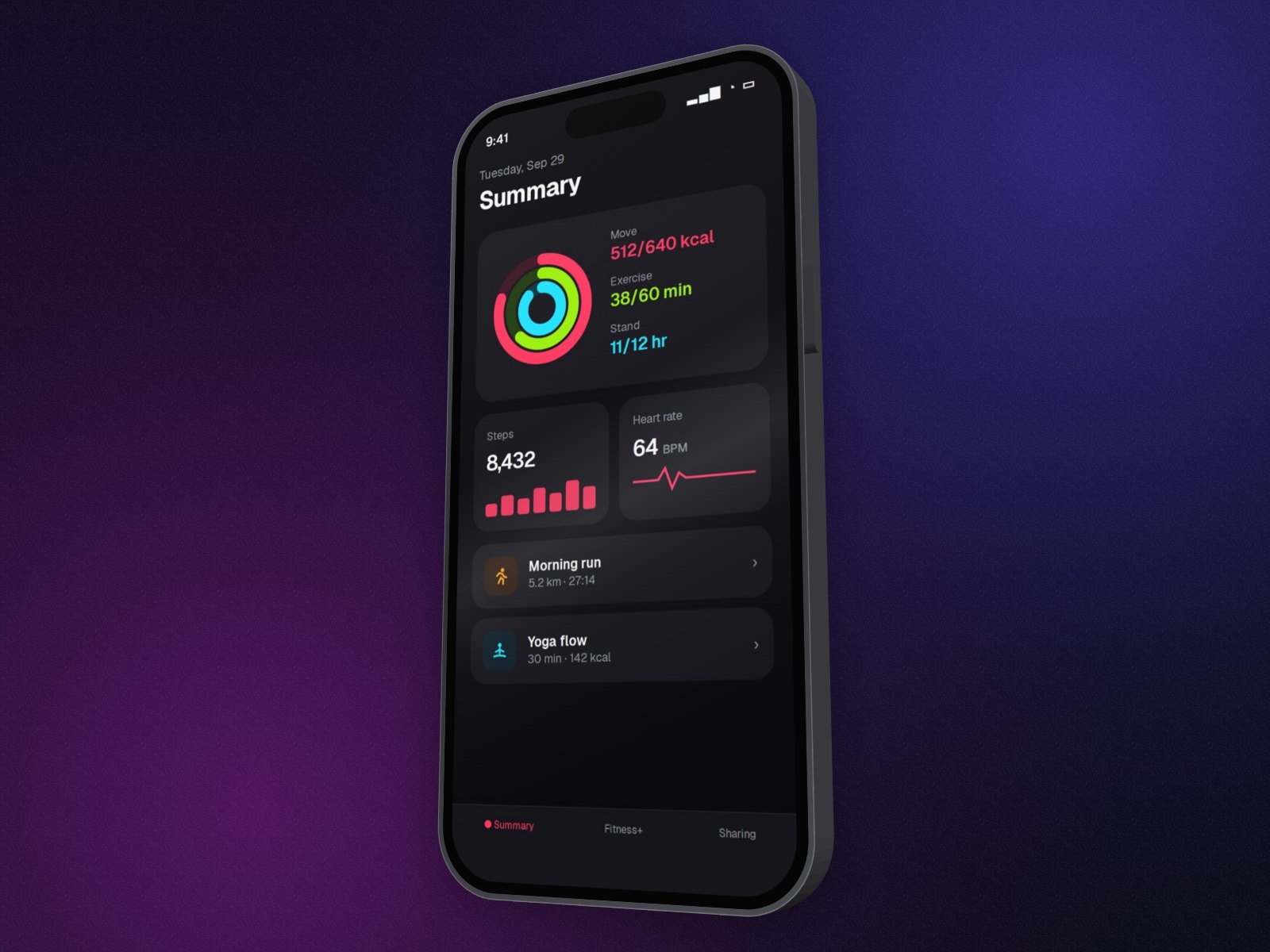
How to make 3D App Store screenshots
- Take raw screenshots. Capture your app at the device's native resolution.
- Open Perspecto. Go to perspecto.io and drop in your screenshot, choose a file, or paste it with Cmd/Ctrl+V. PNG, JPG, WebP and SVG all work. Nothing is uploaded.
- Pick iPhone or a gentle angle. Choose iPhone on the Style tab (choose 3D for a solid phone), or use the Floating template on the bare screenshot.
- Export at store size. Choose the App Store Screenshot preset (1284×2778) in the export menu.
- Do the whole set. With Pro, add up to 8 screens and batch export them with the same settings as a ZIP.
Will Apple and Google accept a 3D angle?
Both stores allow styled screenshots as long as your app's real interface is shown accurately and stays readable. A gentle angle or a device frame is common; avoid extreme angles that make small text hard to read in search results. Check the current App Store Connect and Google Play specs for the exact sizes your listing needs.
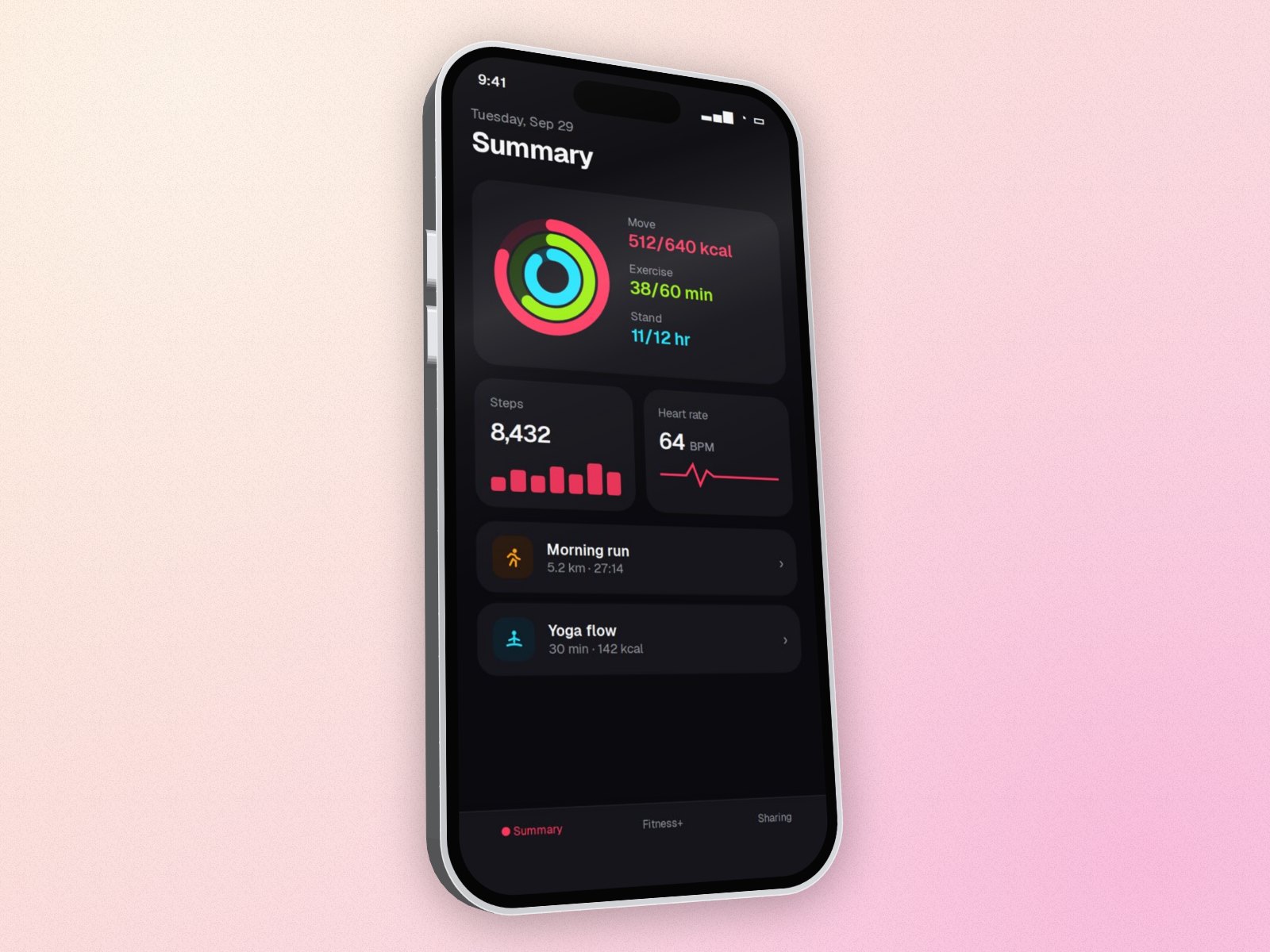
Tips for a store set
- Use the same device, finish and background on every screen so the set looks consistent.
- Save the look as a preset, or share the settings link, and reuse it for the next release.
- Add captions in your design tool afterwards: Perspecto makes the device images, not the caption layouts.
Questions
What size are App Store screenshots?
Perspecto's App Store Screenshot preset is 1284×2778, Apple's 6.7" iPhone size. Apple asks for several sizes per device, so check App Store Connect for the others.
Can I make Google Play screenshots?
Yes. Use a bare screenshot with a gentle tilt, or the iPhone frame if your listing allows it, and export at the size Google Play asks for.
Can I process a whole set at once?
Yes, with Pro: batch export applies the same angle and effects to up to 8 images and downloads them as a ZIP.