Isometric mockup generator for screenshots
Updated October 2026 · by Daniel Petrevski, maker of Perspecto
The isometric look - a screen laid back and turned at an angle, like a product on a desk - is a favourite for SaaS hero sections and dashboards. Perspecto makes it in one click from any screenshot, right in your browser.
FREENO SIGN-UPPNG · SVG · CSS
Open Perspecto - it's free →
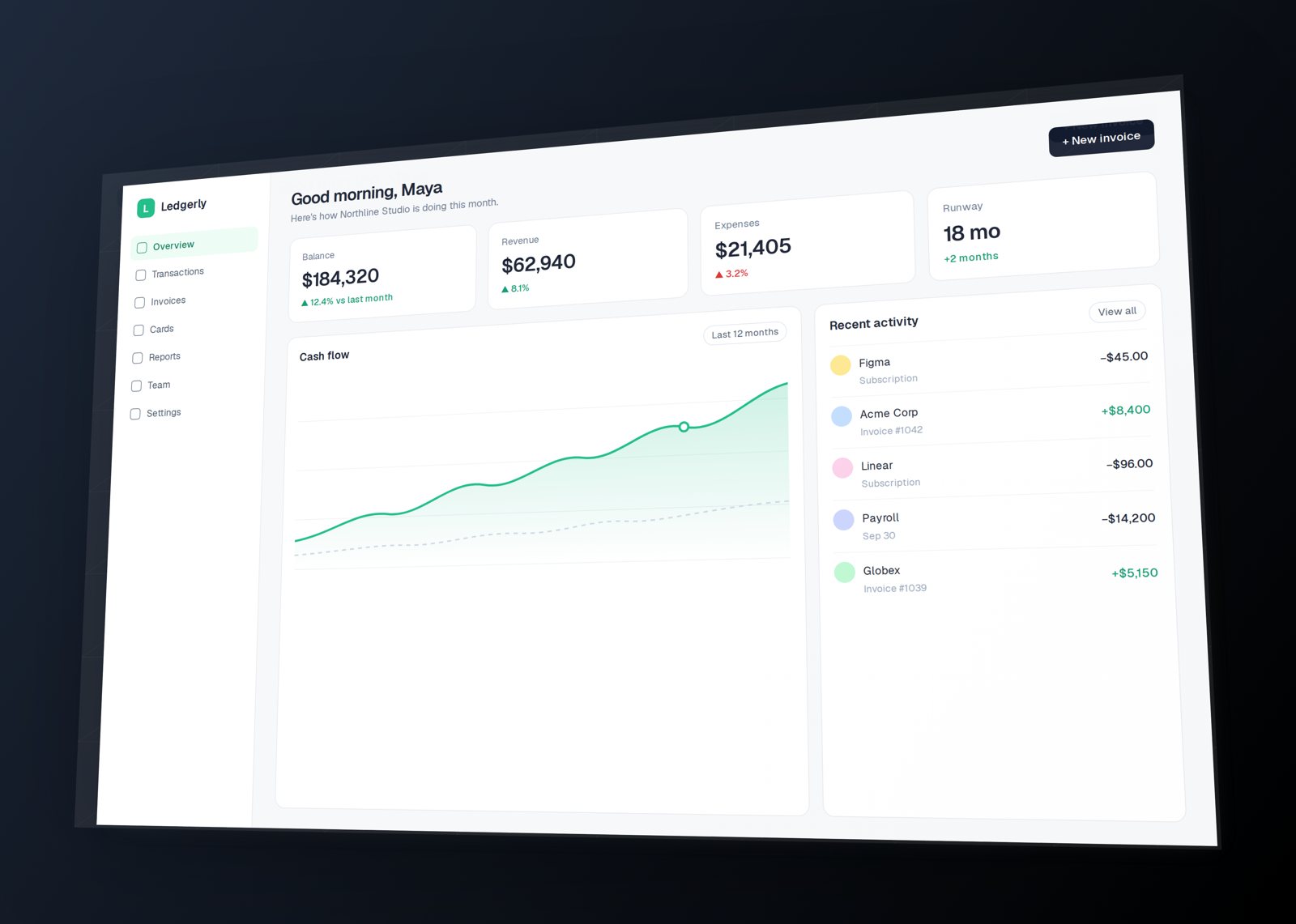
How to make an isometric mockup
- Open Perspecto and drop in your screenshot, or paste it with Cmd/Ctrl+V.
- In Style → Templates, click Bird's-Eye. It lays the image back and turns it, the classic isometric-style angle.
- For a flatter, more technical look, open Angle and raise Perspective - a larger distance means less vanishing, closer to true isometric.
- Add Layer Depth in Effects for the stacked "floating cards" look, and a soft shadow.
- Export a transparent PNG for your site, a vector SVG for Figma, or copy the CSS transform.
Isometric vs perspective - which should you use?
True isometric has no vanishing point: parallel lines stay parallel, which feels calm and diagrammatic. Perspective adds depth, which feels more photographic and dramatic. Perspecto is a perspective tool, so with a high Perspective value you get an isometric-style result; with a low value you get a dramatic close-up. Try both on your image - the change is instant.
Good uses for the isometric look
- Dashboards and analytics screens, where a laid-back angle shows the whole layout.
- Feature sections that stack several screens with Layer Depth.
- Pitch decks and docs, where a calm angle reads as "product" rather than "ad".
Questions
Is Perspecto a true isometric tool?
It's a 3D perspective tool. With a high Perspective value the vanishing effect becomes very small, giving an isometric-style look that suits most marketing use.
Can I export an isometric mockup with a transparent background?
Yes. PNG export keeps the background transparent unless you add a solid or gradient one (Pro).
Can I get the CSS for an isometric screenshot?
Yes. Copy CSS gives you the exact 3D transform so you can apply it to a live element on your site.
 Perspecto