Curve anything along an arc right in your browser - a logo for a badge, a headline for a poster, a screenshot for a playful hero image. Drag one slider to arch it like a rainbow or curve it into a smile, then tilt it in 3D if you like.
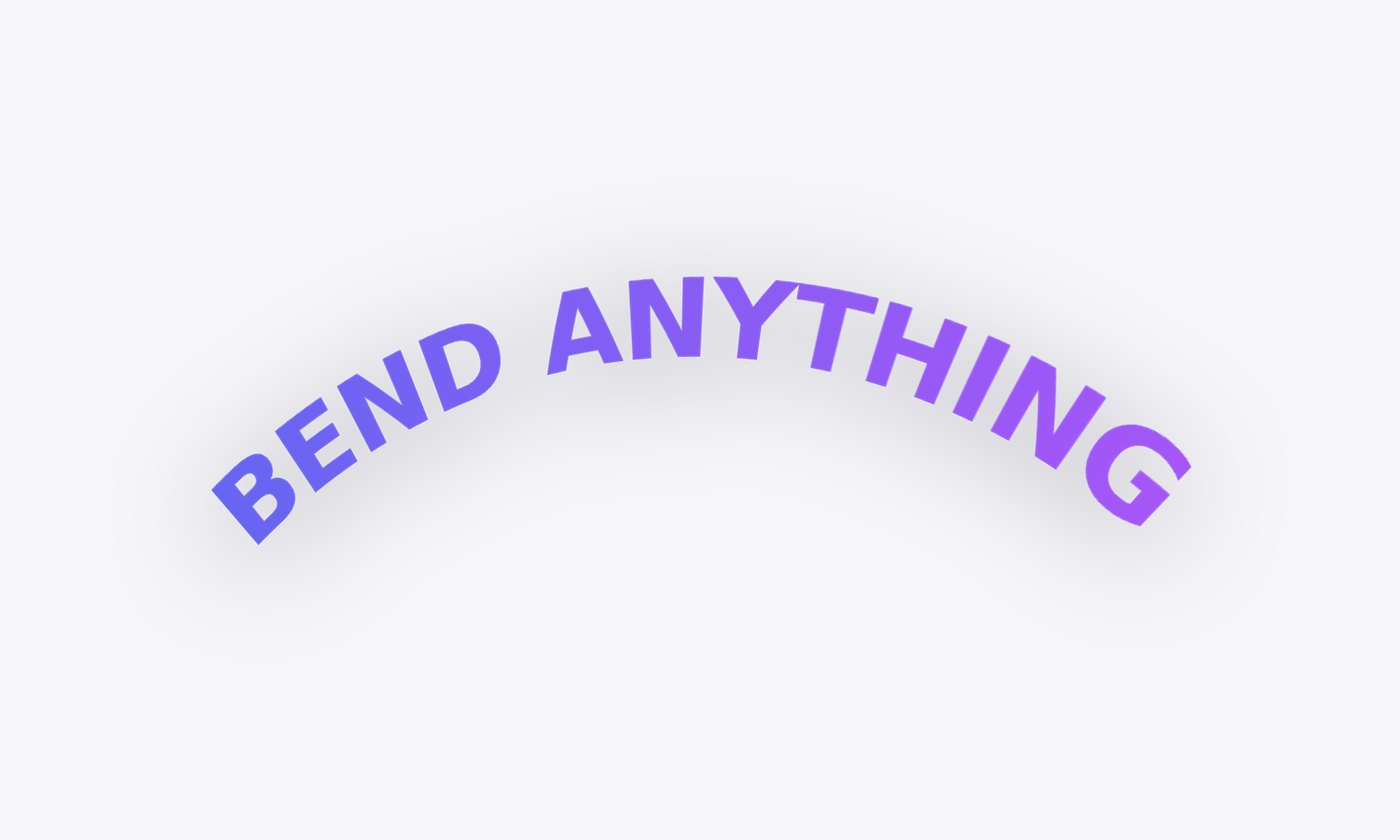
For text and logos, start from vectors. In Figma, select your text and export it as SVG (Figma outlines text by default), or use Outline stroke first. Upload that SVG, bend it, and choose Export SVG. Perspecto bends the real vector paths - not a picture of them - so the result is sharp at any size and lands back in Figma as ordinary editable shapes.
SVG export is part of Pro. On the free plan you can bend anything and export it as PNG or GIF.
Arc Bend wraps the image around a true circular arc, the way a strip of paper bends: every part keeps its thickness, and the middle keeps its length. Letters stay properly shaped instead of getting squashed at the ends, which is what usually gives cheap "curved text" effects away.
 Perspecto