
3D mockups without Figma or a plugin
Updated October 2026 · by Daniel Petrevski, maker of Perspecto
Finding a plugin, setting up a frame and fiddling with a mockup component takes time you don't always have. Perspecto does the 3D part in a browser tab: drop in an export, pick an angle or a device, and take the result back to Figma.
In short: Export a frame from Figma, drop it into Perspecto, tilt it or put it in a 3D device, and paste the PNG back, or export a bent vector SVG that opens in Figma as editable shapes. No plugin, no account, and the canvas moves like Figma's.
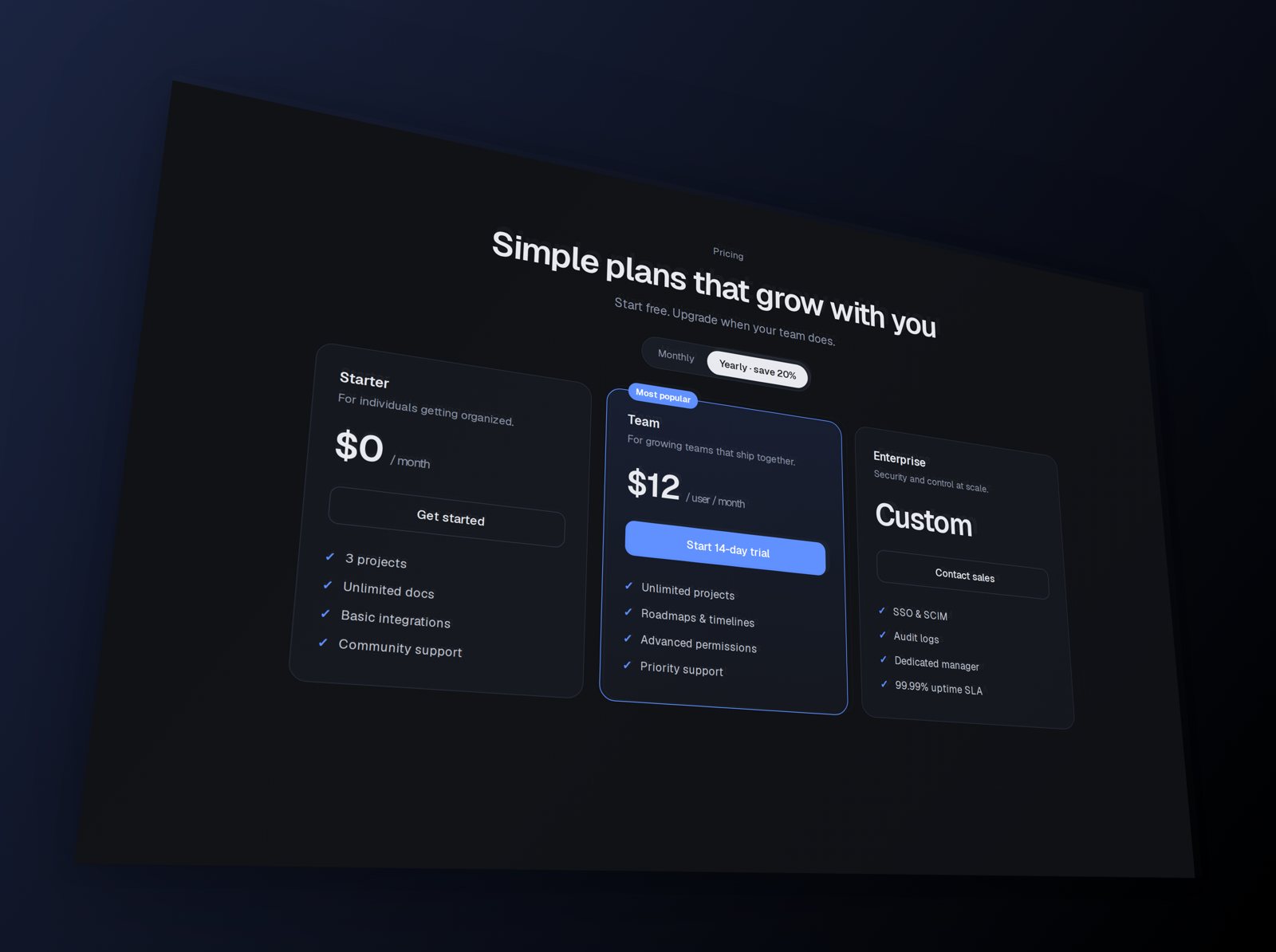
How to make a 3D mockup from a Figma frame
- Export from Figma. Select the frame and export it as PNG at 2×, or as SVG if you want vector output.
- Open Perspecto. Go to perspecto.io and drop in your screenshot, choose a file, or paste it with Cmd/Ctrl+V. PNG, JPG, WebP and SVG all work. Nothing is uploaded.
- Tilt it or pick a device. Click a template, or pick a device on the Style tab and choose 3D.
- Back to Figma. Export a PNG and drop it into Figma, or export SVG (Pro) for editable vector shapes.
When Perspecto is faster than a plugin
If you already live in Figma, plugins are fine for mockups you build once and reuse. For a one-off (a hero image, a post, a Slack message), exporting the frame and dragging it into Perspecto is usually quicker than finding the plugin and setting it up. It also works on a Chromebook, an iPad or any computer without Figma installed.
It feels familiar: two-finger scroll or Space + drag moves the view, pinch or Cmd + scroll zooms, and Shift+1 fits it, like Figma. A plain drag turns the mockup.
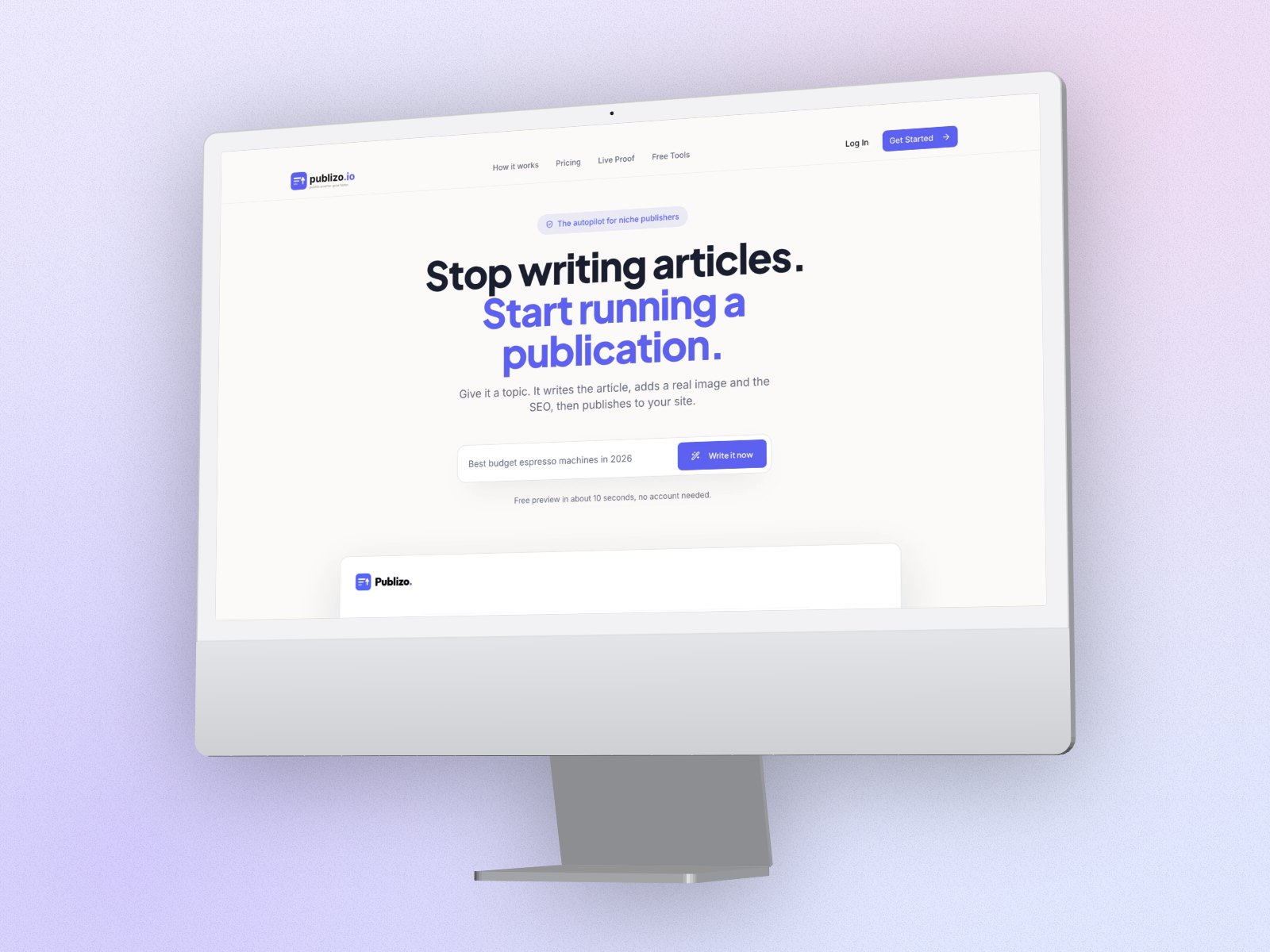
What you get that plugins often don't
- Six 3D devices with real depth: iPhone, iPad, MacBook, iMac, Studio Display and a curved ultrawide monitor, in space black or silver.
- A free layered depth effect, curved screen, Sphere Wrap and Arc Bend on the image itself.
- Laptop and phone in one shot, at real relative size.
- PNG up to 4×, GIF, video and HTML export, plus the CSS transform.
Round trip with Figma as vector SVG
Export a frame or outlined text from Figma as SVG, bend or tilt it in Perspecto, and export it back as SVG (Pro). Perspecto bends the actual vector paths rather than saving a picture, so the result stays sharp at any size and lands in Figma as editable shapes. SVG export works with one image and no device frame.
No lock-in, no account
There's no account and no file storage. Your image stays in your browser, and you can share the exact angle with a link if a teammate needs the same look.
Questions
Do I need Figma or a plugin to use Perspecto?
No. Perspecto is a free browser tool. Drop in any PNG, JPG, WebP or SVG, from Figma or anywhere else.
Can I bring the result back into Figma?
Yes. Paste the PNG, or export SVG (Pro) from an SVG upload or typed text: the bent vector paths open in Figma as editable shapes.
Is there a Perspecto Figma plugin?
Not yet. For now, export your frame from Figma and drop it into perspecto.io.