Updated October 2026 · by Daniel Petrevski, maker of Perspecto
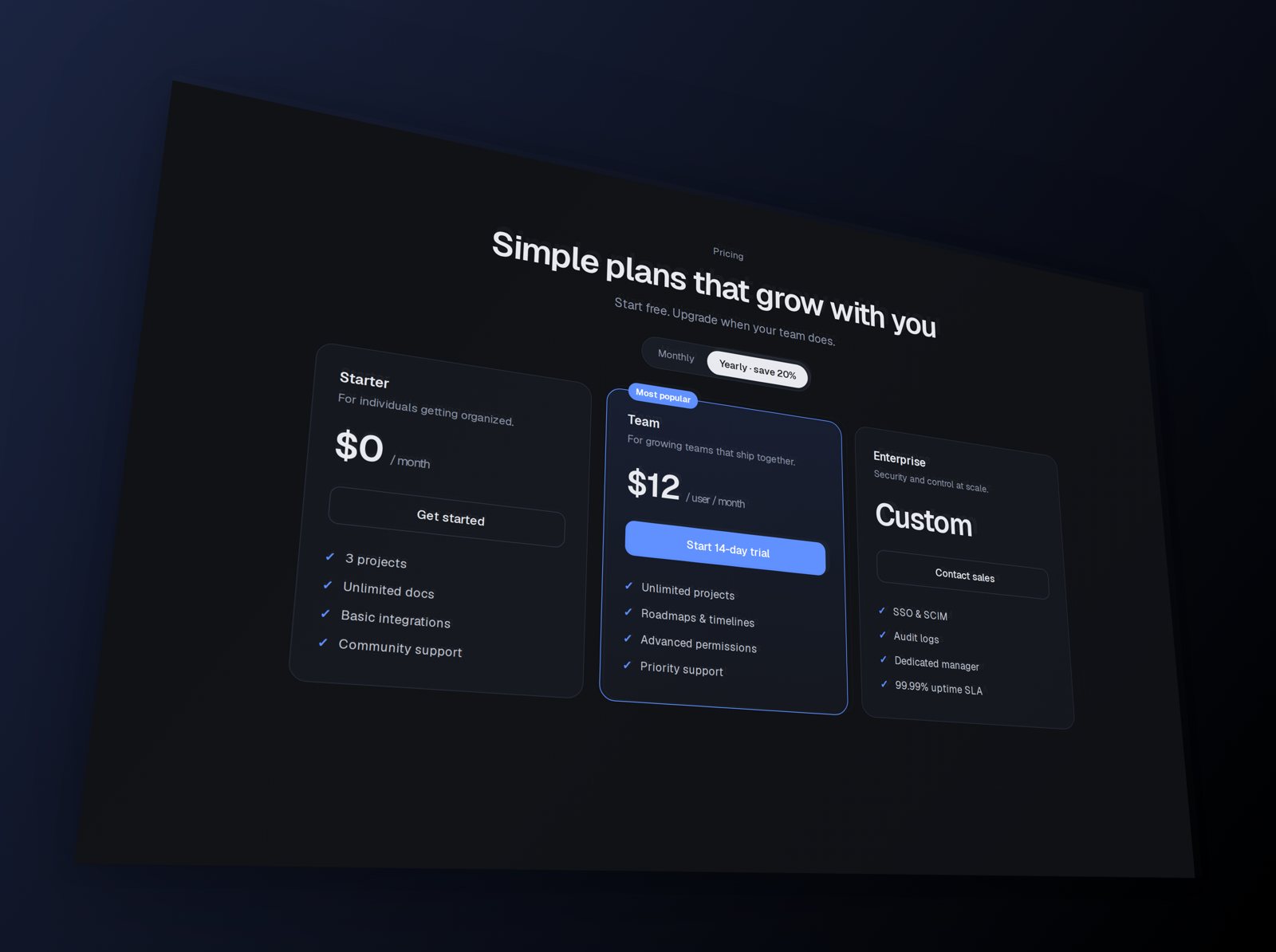
Shots.so is excellent at putting screenshots into device frames with stylish backgrounds. Perspecto does something different: it tilts the screenshot itself in true 3D, with depth, curves and bends - and exports PNG, GIF, video, vector SVG or CSS.
| Perspecto | Shots.so | |
|---|---|---|
| Core idea | Tilt any image freely in 3D | Place screenshots in device frames with styled backgrounds |
| 3D control | Free X/Y/Z rotation, perspective, pivot point, depth stack | 3D-style layouts, tilt and zoom effects |
| Warps | Curved screen, Arc Bend, Sphere Wrap | - |
| Device frames | Browser frame only | Phones, tablets, desktops |
| Exports | PNG up to 4x, GIF, video, vector SVG, HTML/CSS | PNG, video |
| Price | Free (3 PNG exports a day, watermarked) · Pro $19 one-time | Free plan plus paid plans - see their site |
| Your images | Never leave your browser | See their privacy policy |
Shots.so features from shots.so, October 2026.
If you want your app inside a realistic iPhone or MacBook frame with a ready-made background, Shots.so is quicker for that. Plenty of people use both: Shots for device shots, Perspecto for 3D hero images.
Shots.so places screenshots inside device frames with styled backgrounds. Perspecto tilts the image itself in 3D with full rotation control, depth, curve, arc and sphere effects, and can export vector SVG and CSS.
Yes. Every effect is free with 3 watermarked PNG exports a day and no account. Pro is $19 one-time.
No - it has a browser frame. It's built for tilting the screenshot itself in 3D.
 Perspecto