 Perspecto
Laptop and phone mockup, at real size
Updated October 2026 · by Daniel Petrevski, maker of Perspecto
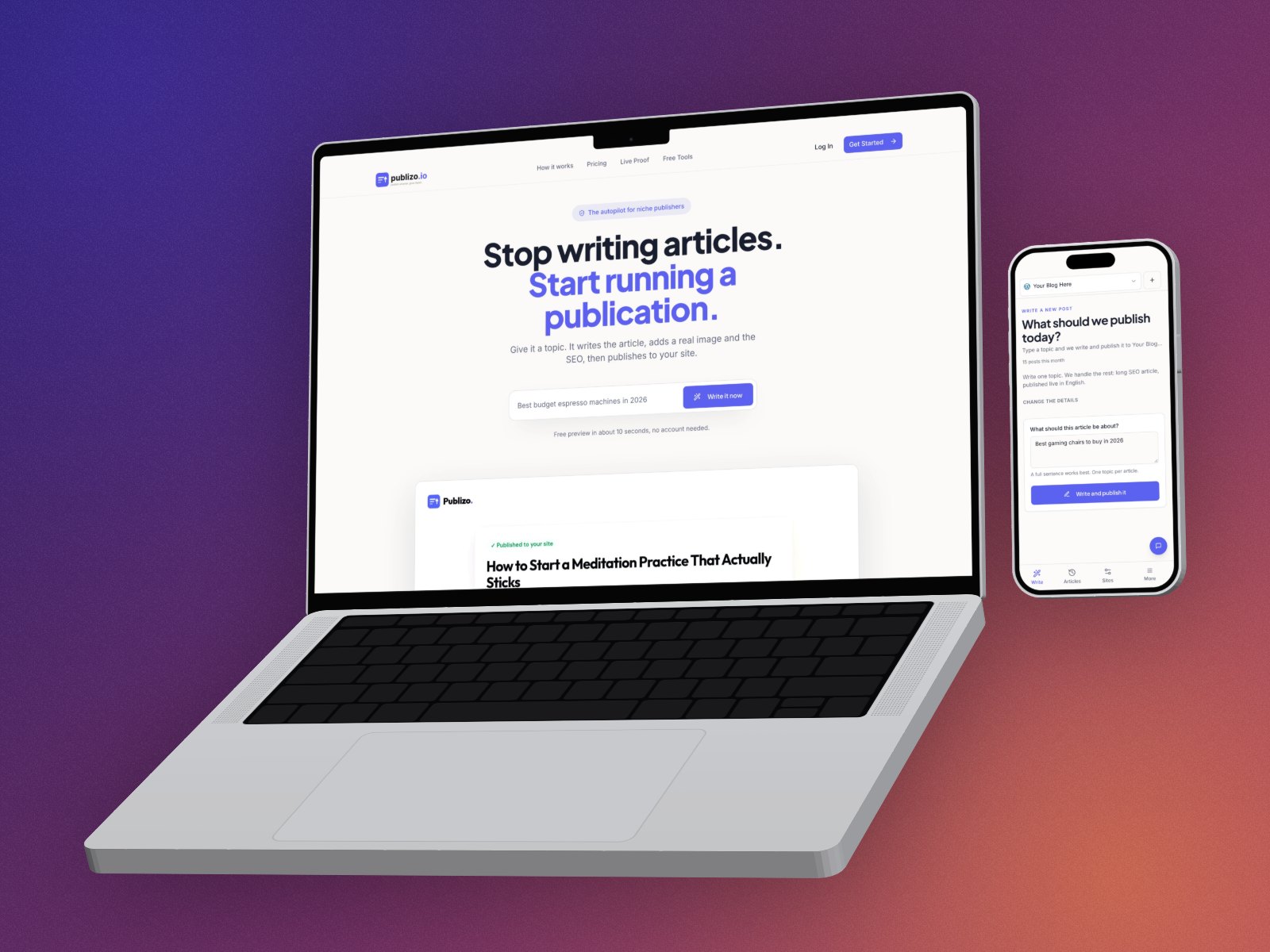
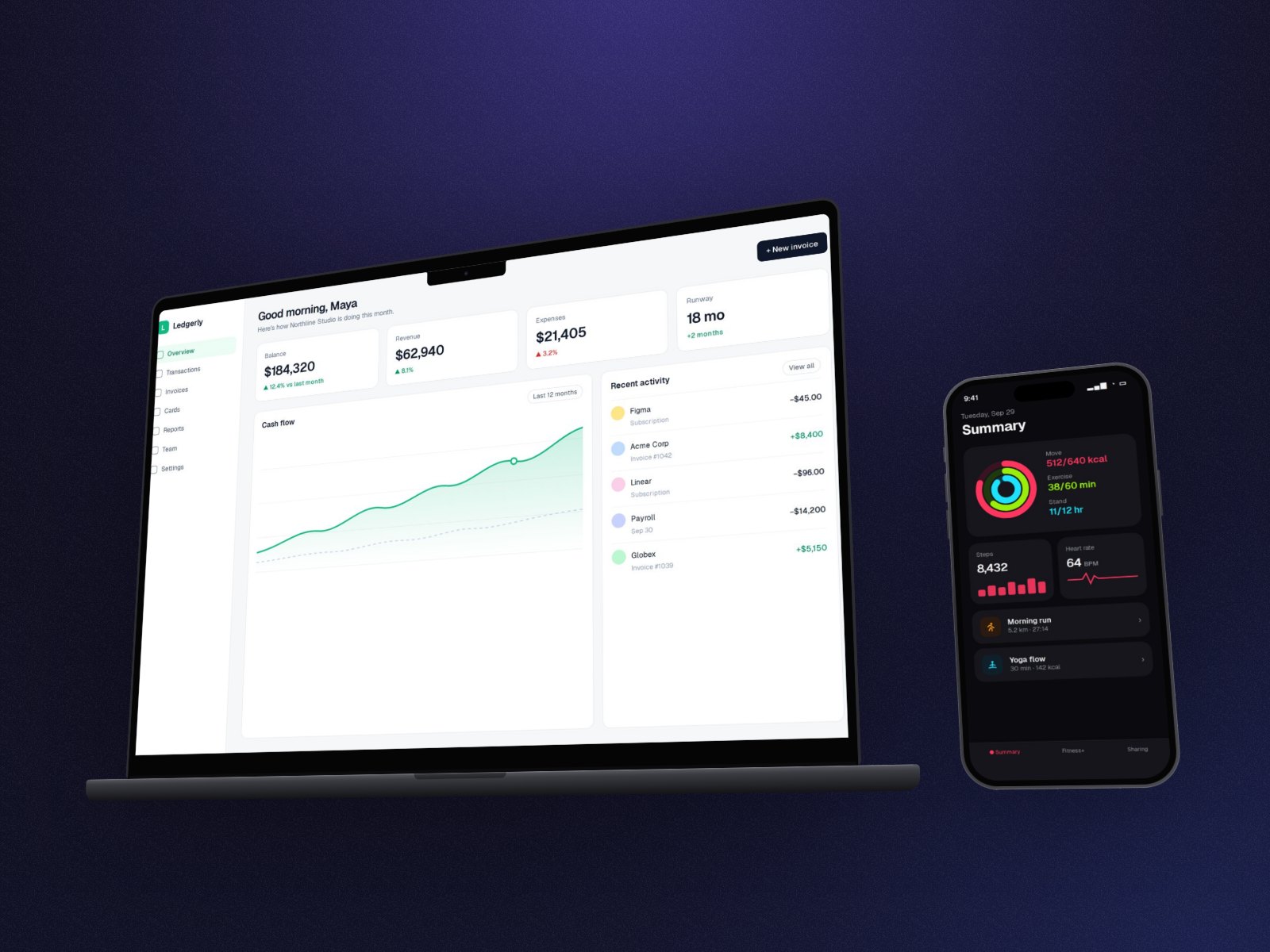
The classic product shot: your web app in a MacBook and your mobile app in an iPhone next to it. Perspecto puts them side by side at their real relative size, so the phone isn't a giant next to the laptop, and turns them together.
In short: Drop in the desktop screenshot, then add the phone screenshot as a second image and pick MacBook as the device. The phone goes into an iPhone automatically, both at real size, tilted together. Flat frames are free; 3D devices are Pro to export.
How to make a laptop and phone mockup
- Open Perspecto. Go to perspecto.io and drop in your screenshot, choose a file, or paste it with Cmd/Ctrl+V. PNG, JPG, WebP and SVG all work. Nothing is uploaded.
- Add the phone screenshot. Click Add a second image and choose your mobile screenshot. Both appear side by side.
- Pick MacBook. On the Style tab, choose MacBook. The phone screenshot goes into an iPhone on its own, at real size. Choose 3D for solid devices.
- Set the angle. Click a template or drag the canvas. Both devices turn together as one scene.
- Export. Click Export for a PNG. Open the menu next to it for GIF, video, HTML or a size preset (App Store, Product Hunt, X, LinkedIn, Dribbble, Instagram).
Why real size matters
Put two screenshots side by side at the same height and the phone looks as big as the laptop. Perspecto measures each device in millimetres (a MacBook is about four times as wide as an iPhone) and scales them to match, the way they'd look on a desk.
Other pairs
- Two phone screens: pick iPhone and both go into iPhones, at the same height.
- iPad and iPhone: pick iPad, then set the second image's device to iPhone on the Style tab.
- Choose each device: set the second image's device yourself on the Style tab.
- No devices: two screenshots tilted together, with depth and shadow.
Questions
Is the laptop and phone mockup free?
With flat MacBook and iPhone frames, yes: 3 watermarked PNG exports a day, no account. 3D devices are free to try and part of Pro ($19 once) to export.
How does Perspecto know which image is the phone?
The first image takes the device you pick. The second one chooses by its shape: a tall screenshot next to a MacBook, iMac or Studio Display goes into an iPhone. So add the desktop screenshot first. You can also set the second device yourself on the Style tab.
Can I add more than two devices?
Not yet. A scene has one or two images.