
SaaS landing page screenshot mockups
Updated October 2026 · by Daniel Petrevski, maker of Perspecto
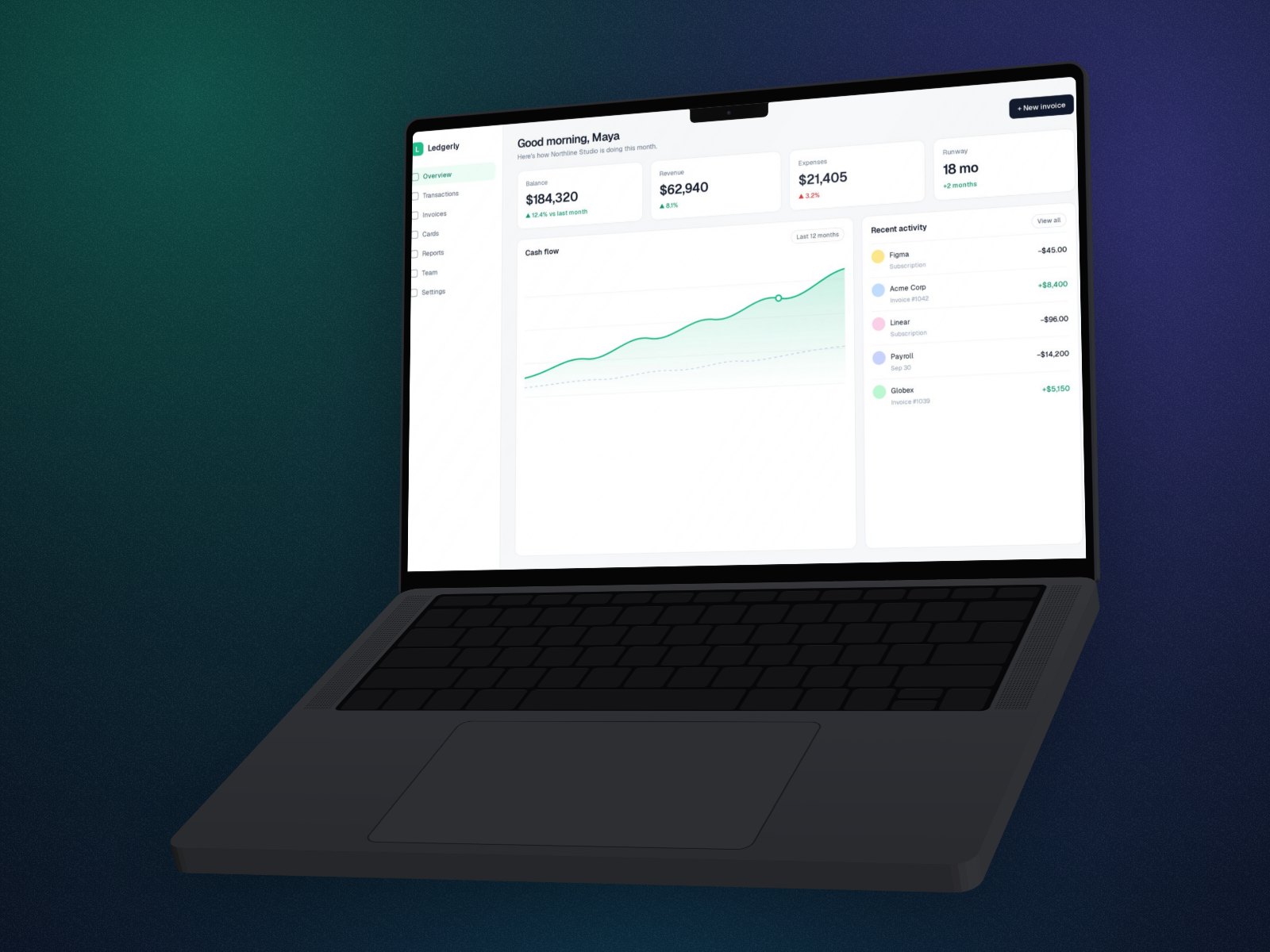
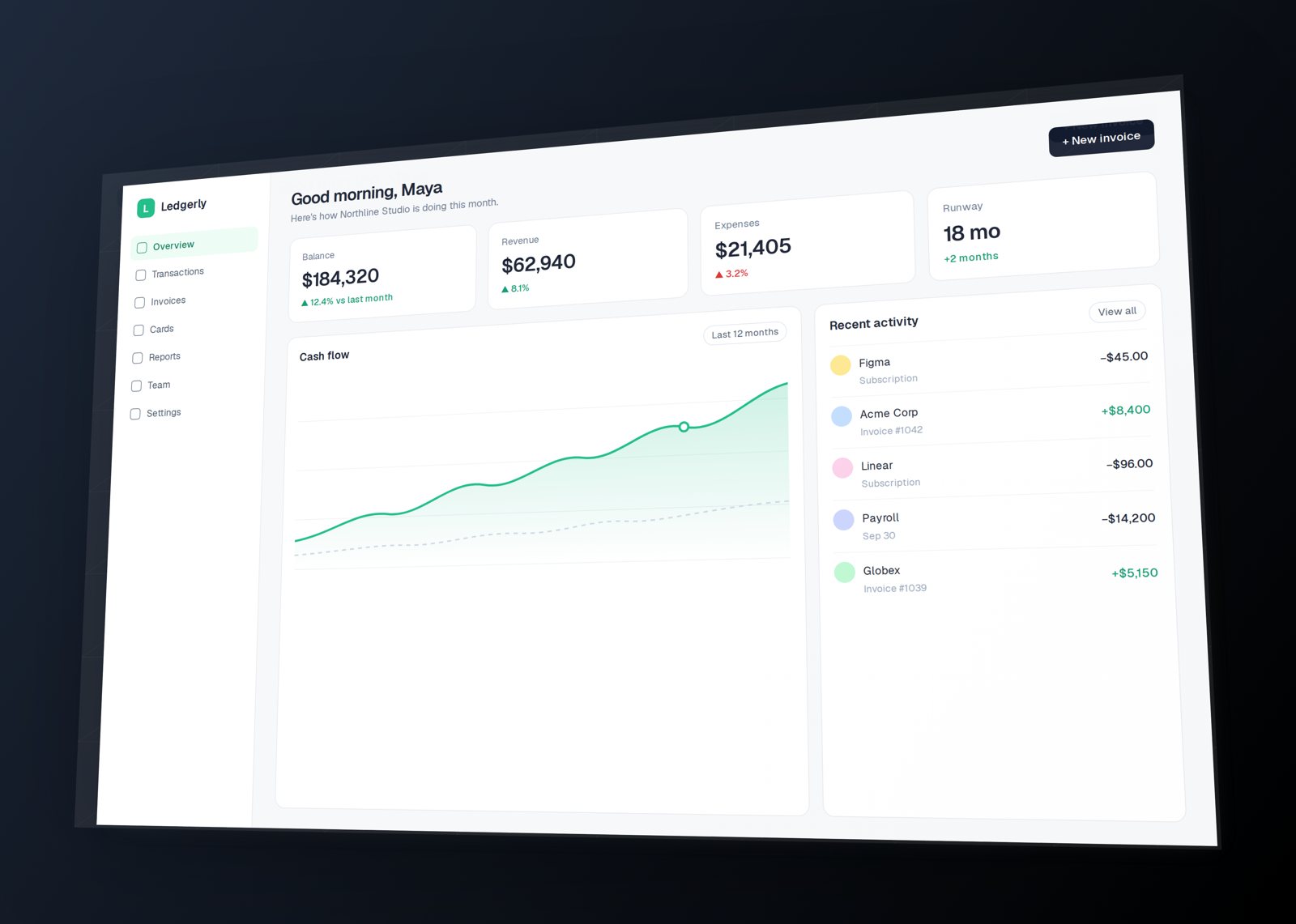
Your hero image is the first thing visitors look at. A flat, full-width screenshot reads like documentation; a tilted one, or one in a MacBook, reads like a product. Perspecto makes either from the screenshot you already have.
In short: Drop your dashboard screenshot into perspecto.io, click the Hero template for a gentle tilt (or pick a 3D MacBook or iMac), and export a transparent PNG at 2× for retina screens. Free to make; 2× and 4× exports are Pro.
How to make a landing page hero image
- Open Perspecto. Go to perspecto.io and drop in your screenshot, choose a file, or paste it with Cmd/Ctrl+V. PNG, JPG, WebP and SVG all work. Nothing is uploaded.
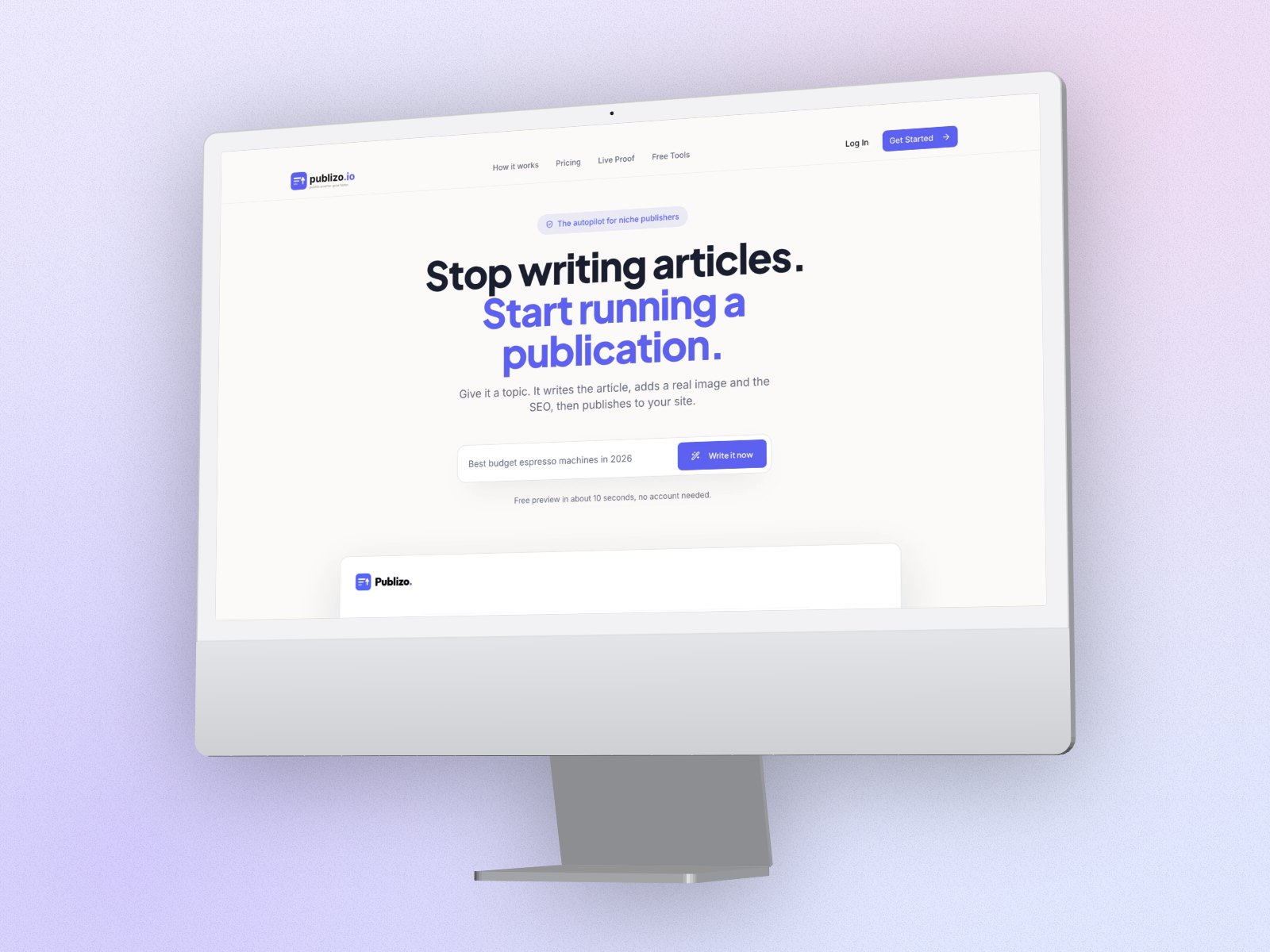
- Choose the look. The Hero template tilts the screenshot just enough to read as 3D. For a device, pick MacBook or iMac and choose 3D.
- Add depth. Layer depth stacks soft copies behind the image for a floating look. Keep it subtle on busy dashboards.
- Export for the web. A transparent PNG at 2× (Pro) stays sharp on retina screens. Compress it before uploading.
Device or no device?
A tilted screenshot keeps the interface large and readable, which suits dense dashboards. A 3D MacBook or iMac tells visitors at a glance that it's a web app, and suits simpler screens. Try both on your screenshot; switching takes one click.
Hero image tips
- Show the screen people will use most, with realistic data.
- Pick the browser frame for a website, so visitors recognize it as one.
- Keep the angle gentle: the headline and button should still win.
- Have a mobile app too? Add its screenshot for a laptop and phone shot.
- Developers can skip the image: copy the CSS transform and tilt the live element. See CSS for developers.
Questions
What angle works best for a SaaS hero image?
A gentle one: the Hero template (8° tilt, 15° turn) keeps the interface readable at a glance. Stronger angles suit feature sections and galleries.
Can I export a transparent PNG?
Yes. PNG exports are transparent unless you choose a background, so the mockup sits on any page color.
How do I keep the image small?
Export at 2×, then compress the PNG (or convert it to WebP) before uploading. A 2× hero is sharp on retina screens without slowing the page.