 Perspecto
3D MacBook, iMac and Studio Display mockups
Updated October 2026 · by Daniel Petrevski, maker of Perspecto
Drop in a website or app screenshot and put it in a 3D MacBook that opens on its keyboard base, an iMac or Studio Display on its stand, or a curved ultrawide monitor that bends the image with it. Turn it to any angle, in space black or silver.
In short: Open perspecto.io, drop in a desktop screenshot, pick MacBook, iMac, Display or Curved on the Style tab and choose 3D. Pick an angle and export a PNG. The flat MacBook frame is free; 3D devices are free to try and part of Pro ($19 once) to export.
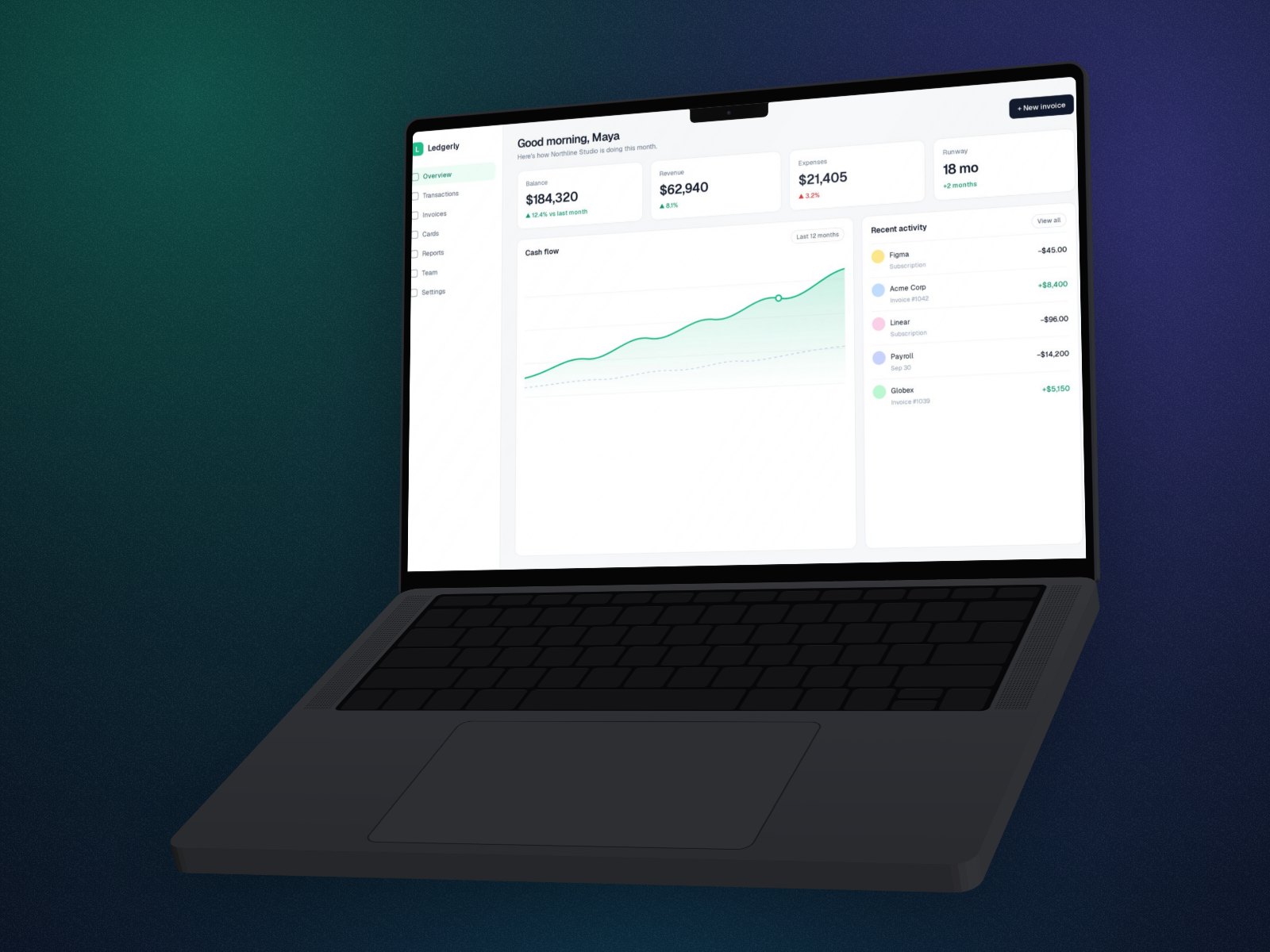
How to make a 3D MacBook mockup
- Open Perspecto. Go to perspecto.io and drop in your screenshot, choose a file, or paste it with Cmd/Ctrl+V. PNG, JPG, WebP and SVG all work. Nothing is uploaded.
- Pick a device. On the Style tab, choose MacBook, iMac, Display or Curved, and choose 3D. iMac, Display and Curved are 3D only.
- Choose a finish. Space black or silver, and an optional glare on the screen that moves as the device turns.
- Place the screenshot. Fill the screen and drag to choose which part shows, zoom in, or fit the whole image.
- Set the angle. Click a template, or drag the canvas to turn the device.
- Export. Click Export for a PNG. Open the menu next to it for GIF, video, HTML or a size preset (App Store, Product Hunt, X, LinkedIn, Dribbble, Instagram).
Four desktop devices
- MacBook: opens on a keyboard base with a trackpad, with the notch and camera cut into the top of the screen.
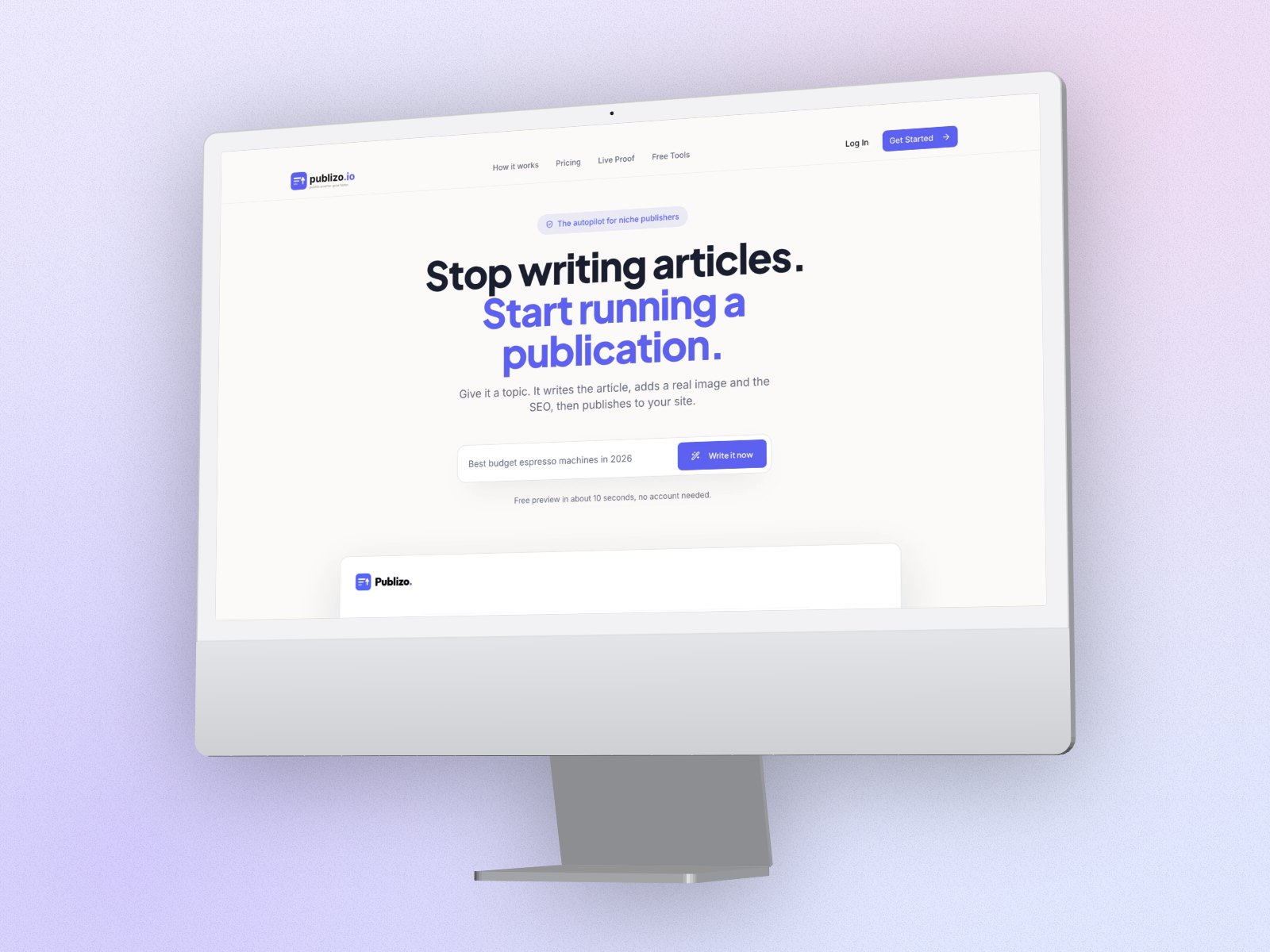
- iMac: on its stand, with the chin below the screen.
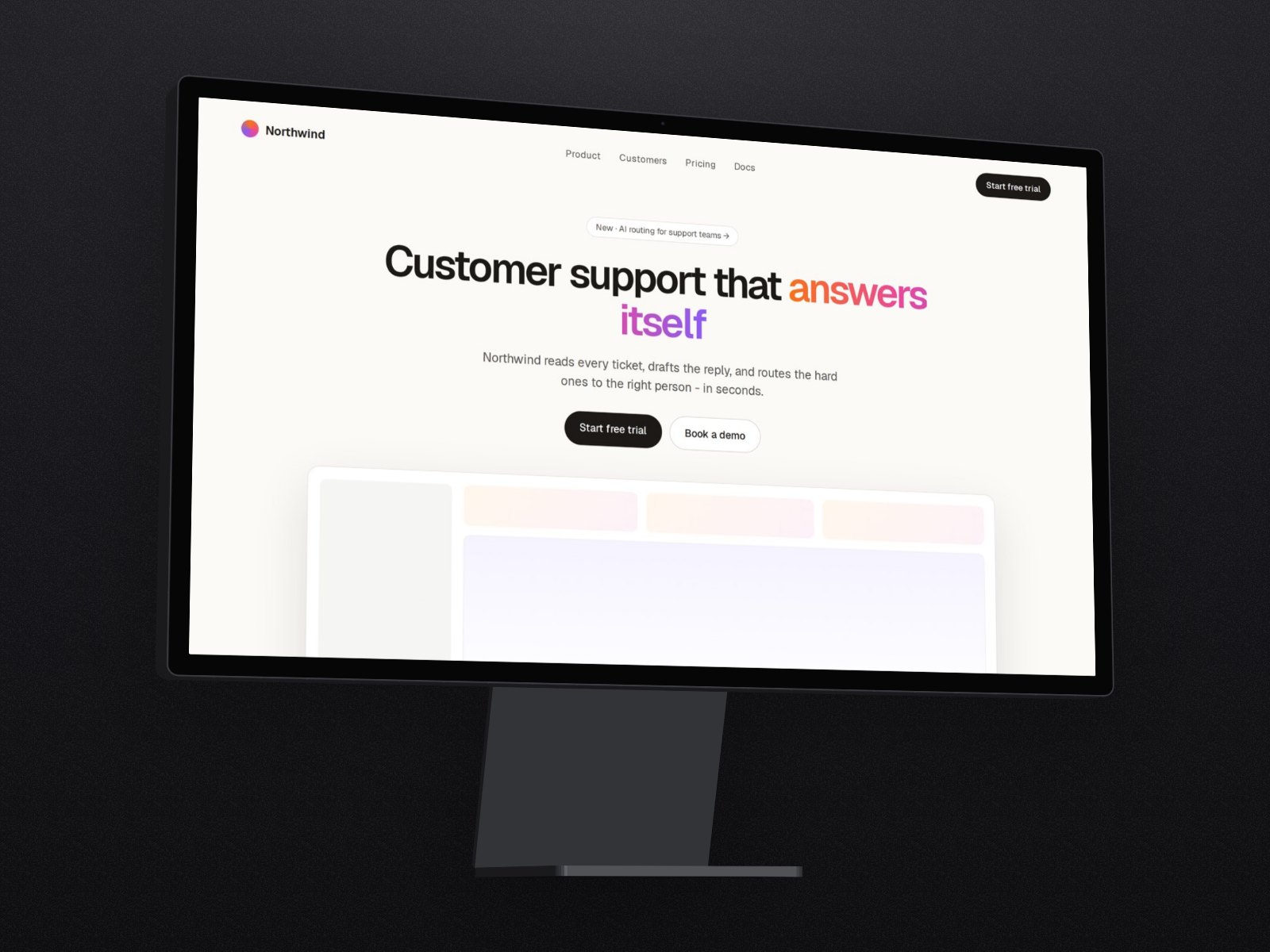
- Studio Display: on its stand, for a cleaner monitor look.
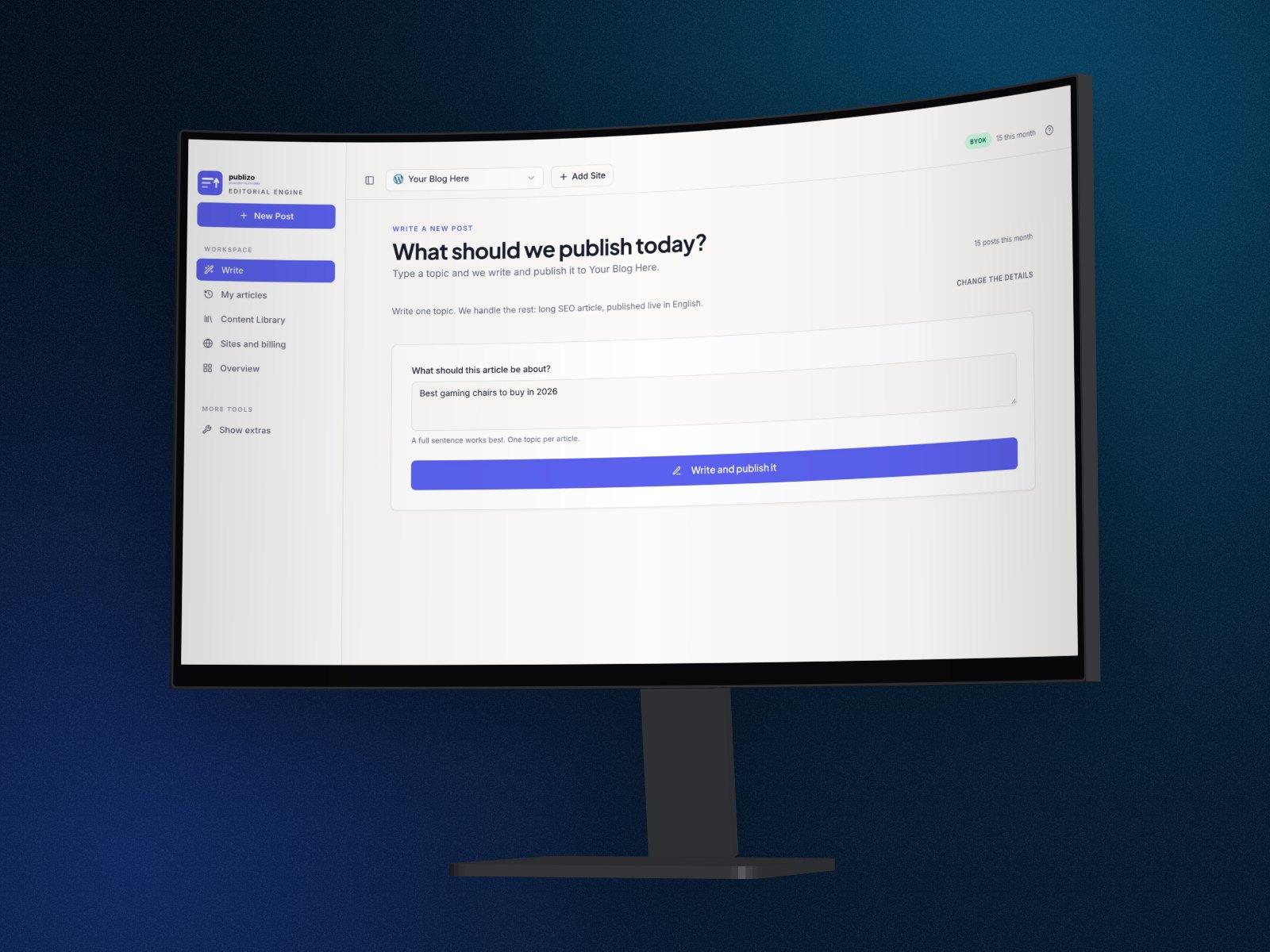
- Curved ultrawide: bends your screenshot with it, and its width adapts to the image, from 16:9 to 32:9.
Add the phone
Add a phone screenshot as a second image and it goes into an iPhone next to the MacBook, both at real size. See laptop and phone mockups.
Good to know
- The devices are clean shapes with real depth, not photorealistic models.
- Shape effects (Arc Bend, Sphere Wrap, Curved Screen) are off on 3D devices, except the curved monitor, which has its own curve.
- 3D devices export as PNG, GIF, video and HTML. Vector SVG works without a device.
Questions
Is there a free MacBook mockup generator?
Yes. Perspecto's flat MacBook frame, every angle and every effect are free, with 3 watermarked PNG exports a day and no account. The 3D MacBook, iMac, Studio Display and curved monitor are free to try in the editor and part of Pro ($19 once) to export.
Can I show a website in the mockup?
Yes. Take a full-width screenshot of the page and drop it in. Fill shows the top of the page by default; drag on the screen to choose another part.
Can I make a MacBook mockup with a transparent background?
Yes. PNG exports are transparent unless you choose a background.
Space black or silver?
Both, for every device. Silver reads well on light pages; space black on dark ones.