Updated October 2026 · by Daniel Petrevski, maker of Perspecto
There are two kinds of 3D mockup tools for software: ones that put your screenshot inside a realistic device, and ones that tilt the screenshot itself in 3D space. Here's how the main options compare, what each costs, and which to pick for your job. I make Perspecto, so I've kept this to facts you can check on each tool's own site.
| Perspecto | Rotato | Screenhance | Shots.so | |
|---|---|---|---|---|
| Best for | Tilting any image in 3D, curved and bent effects, vector output | Realistic 3D device renders and animated device videos | Launch visuals and screen-recording demos with frames | Device frames and styled backgrounds for social posts |
| Runs on | Any browser, phone and tablet included | Mac app (plus a free web beta) | Browser | Browser |
| Price | Free (3 PNG exports a day, watermarked) · Pro $19 one-time | $79-$199 one-time (Mac app) | Free (3 exports a month) · Pro $12/month or $99/year | Free plan plus paid plans - see their site |
| Free tier watermark | Yes, small | See their site | Yes | See their site |
| 3D control | Free rotation on X/Y/Z, perspective, pivot point | Full 3D camera around device models | Perspective layouts | 3D-style layouts and tilt |
| Real device frames (iPhone, MacBook) | No - browser frame only | Yes, 30+ devices | Yes | Yes |
| Exports | PNG up to 4x, GIF, video, vector SVG, HTML/CSS | Video up to 8K, PNG | PNG, WebP, JPEG, GIF, WebM, MP4 | PNG, video |
| Account needed | No | No (Mac app) | See their site | See their site |
| Images uploaded to a server | No - everything stays in your browser | No - local app | See their privacy policy | See their privacy policy |
Prices from each company's own pricing page, October 2026. "See their site" means it isn't published clearly enough for me to quote.
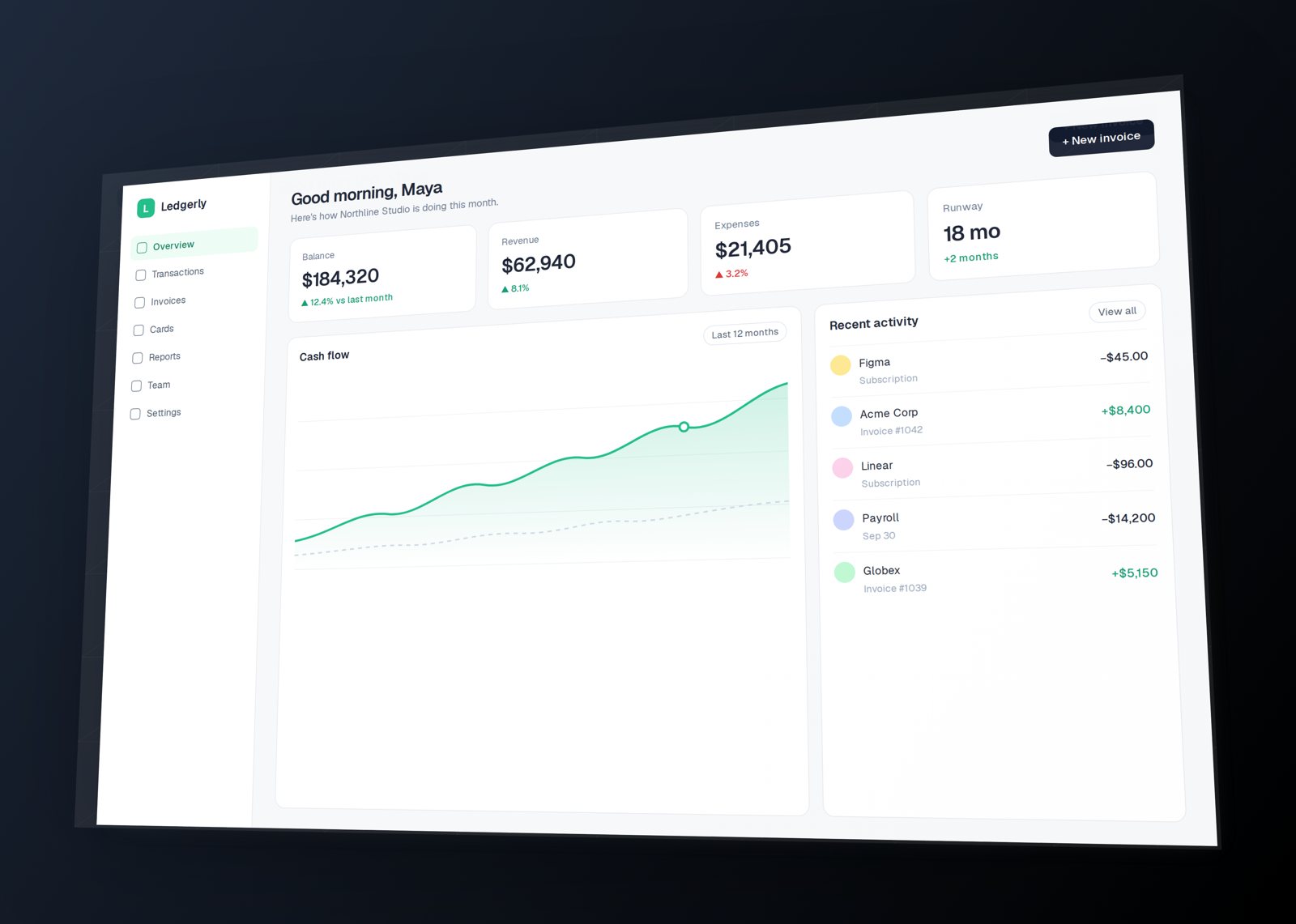
Perspecto takes any flat image - a screenshot, a Figma export, a logo, outlined text - and lets you rotate it freely in 3D with live sliders, add a layered depth effect, curve it like a monitor, bend it into an arc or wrap it onto a sphere. It doesn't put your screenshot inside a phone or laptop model, so pick it when you want the screenshot itself to be the hero.
It's the only tool here that exports a bent vector SVG you can drop back into Figma, and the only one that hands developers the CSS 3D transform. It runs on phones and tablets as well as desktops, needs no account, and your images never leave your browser. Free gives you every effect with 3 watermarked PNG exports a day; Pro is a single $19 payment.
Rotato is a Mac app built around detailed 3D device models (30+ phones, laptops and desktops) and an animation timeline, with video export up to 8K on its top plan. It's the strongest choice when you need a polished, rotating iPhone or MacBook video for an App Store preview or a launch film. The Mac app is a one-time purchase of $79, $89 or $199, and there's a free web beta. See Perspecto vs Rotato.
Screenhance is a browser tool for launch-ready images and demo videos: device frames, layouts, motion presets and screen recording. The free plan allows 3 watermarked 1x PNG exports a month; Pro is $12 a month or $99 a year, and a $6 Launch Pass gives 7 days. Choose it if you also need recorded product demos. See Perspecto vs Screenhance.
Shots.so puts screenshots into phone, tablet and desktop frames with styled backgrounds, glass effects and animation presets, and is popular for quick social images. Pick it when a device frame is what you want. See Perspecto vs Shots.so.
Many people use two: a device tool for the App Store set and Perspecto for the hero shot on their landing page.
For tilting a screenshot in 3D, Perspecto is free with no account: every angle and effect is included, with 3 watermarked PNG exports a day. If you need a realistic device model instead, Rotato has a free web beta and Shots.so has a free plan.
Perspecto Pro is a single $19 payment and Rotato's Mac app is a one-time $79-$199. Screenhance Pro is a subscription ($12 a month or $99 a year).
Perspecto exports bent vector SVG (Pro) when you upload an SVG, plus self-contained HTML and the CSS 3D transform, so developers can rebuild the effect on a live site.
Only for Rotato's full app. Perspecto, Screenhance and Shots.so run in the browser, and Perspecto also works on iPhone, iPad and Android.
 Perspecto