
Brochure mockup generator: fold your design in 3D
Updated November 2026 · by Daniel Petrevski, maker of Perspecto
Upload the flat outside (or inside) of your brochure and fold it into panels: one fold for a bi-fold, two for a tri-fold, more for a z-fold. Then tilt it in 3D, add a shadow and a background, and export.
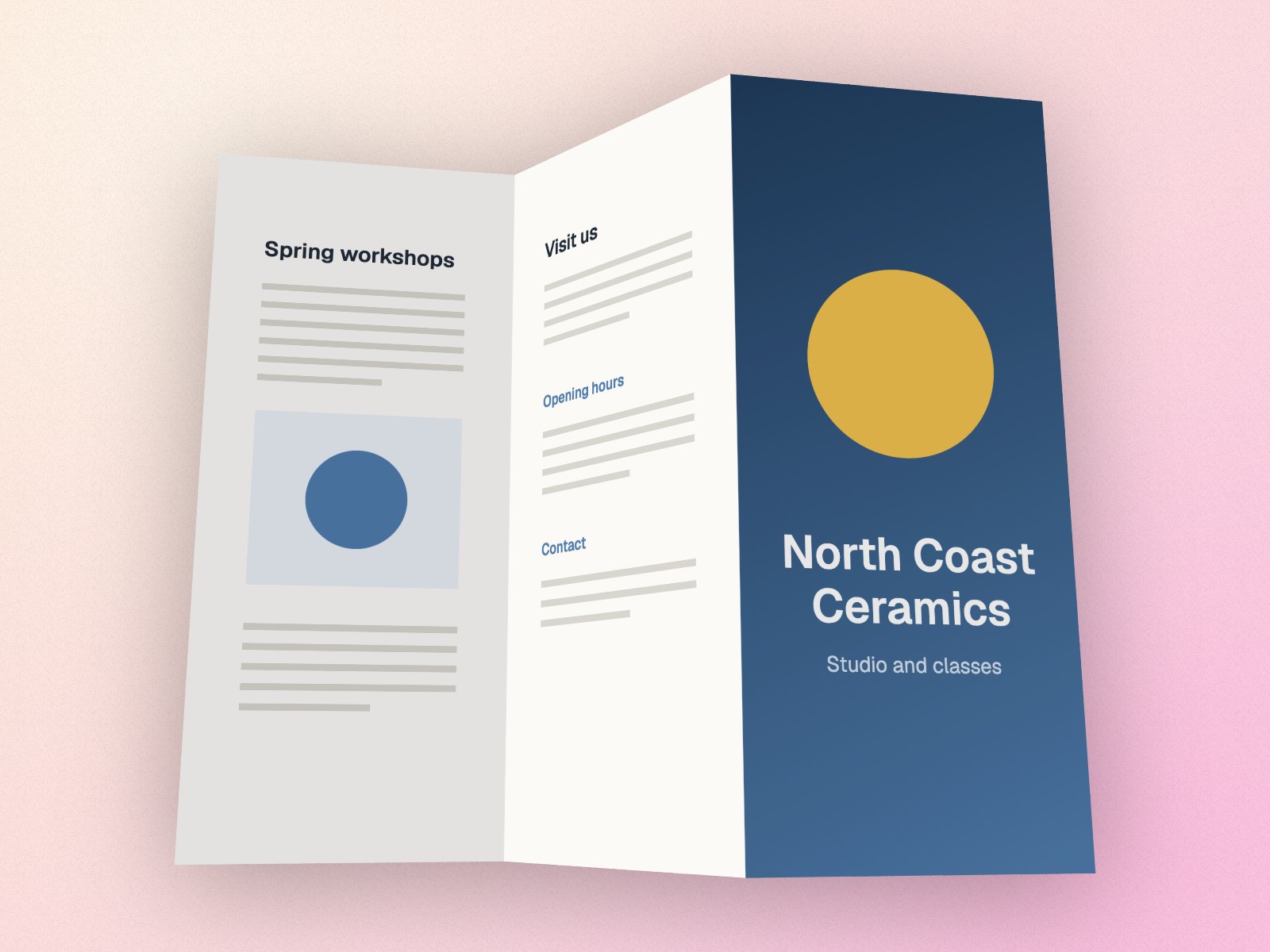
In short: Open perspecto.io, upload your flat brochure design, turn on Fold in Effects, set Folds (2 for a tri-fold) and Angle, then tilt it. Export a PNG free.
How to make a folded brochure mockup
- Open Perspecto. Go to perspecto.io and upload your brochure as one flat image: all panels side by side, as it's printed (PNG, JPG, WebP or SVG).
- Turn on Fold. It's in the Effects tab.
- Set Folds and Angle. Folds 1 is a bi-fold, 2 a tri-fold, 3 to 5 an accordion (z-fold). Angle sets how far each panel turns: above 0 the first fold goes back like an open book, below 0 it points at you.
- Tilt and export. Tilt and Turn on the Angle tab show it from any side. Export a PNG, or an MP4 or GIF that turns (Pro).
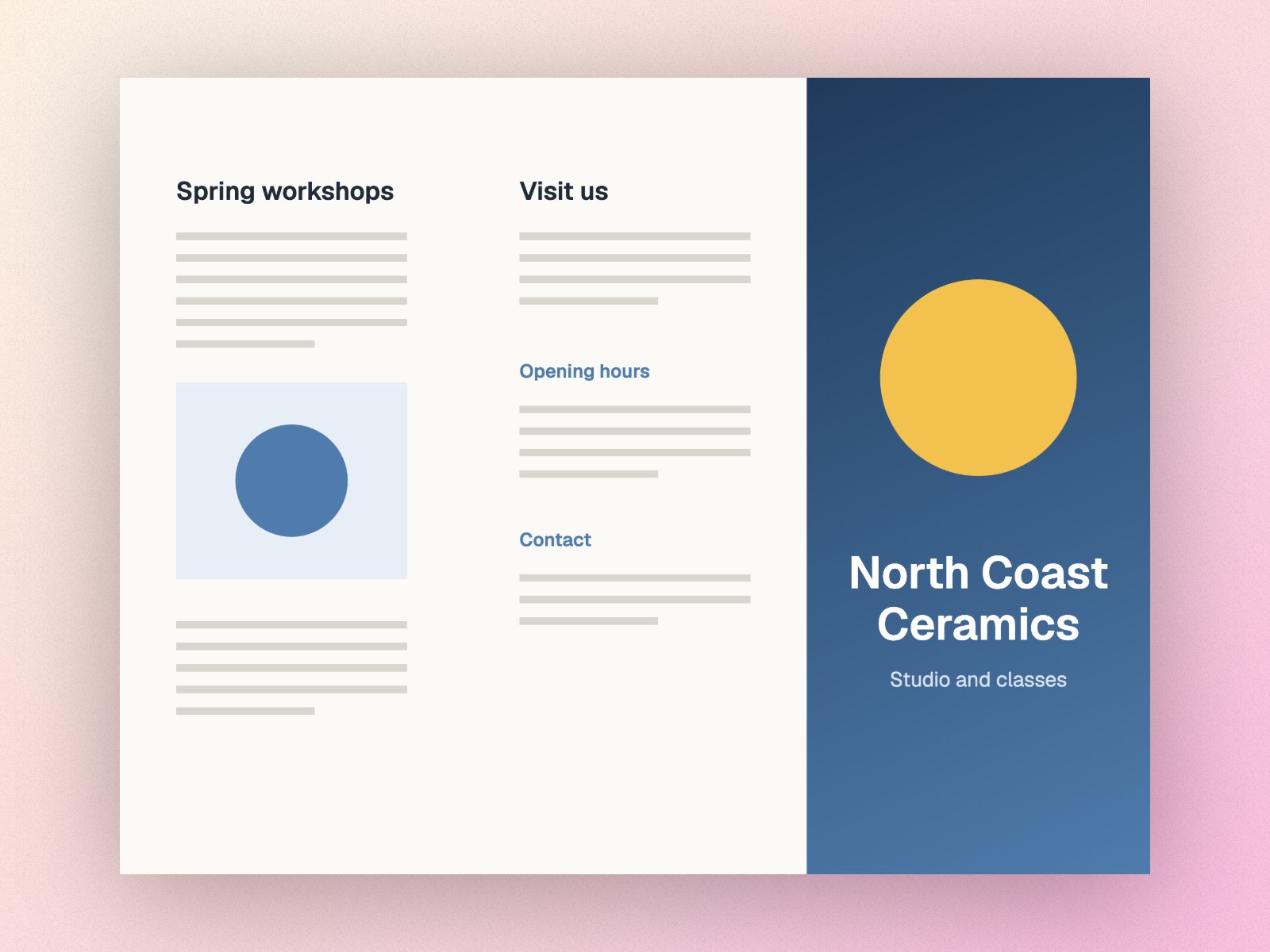
Folded, not faked
Fold creases your image into equal flat panels that turn in real 3D, alternately one way and the other, so the folds zigzag the way paper does. The paper doesn't stretch: your design keeps its size along the folds. Panels turned away from the light fall a little darker, and a panel turned past edge-on shows a solid back instead of a mirror image.
The editor shows exactly what you'll export: the preview turns the same panels the export draws.
Good to know
- Panels are equal widths, which suits most tri-fold and z-fold layouts. Upload the side you want to show, with the panels in print order.
- Fold works on flat images, not on the 3D devices.
- It also works on screenshots and posters: fold a landing page in two like a book for a playful hero image.
Questions
How do I make a tri-fold brochure mockup?
Upload the flat design with its three panels side by side, turn on Fold in Effects and set Folds to 2. Drag Angle to open or close it, then tilt it on the Angle tab.
Can I make a bi-fold or z-fold mockup?
Yes. Folds 1 is a bi-fold, and 3 to 5 folds make an accordion (z-fold).
Is it free?
Yes. Folding and 3 PNG exports a day are free, with no watermark and no account. Pro ($19 once) adds 2× and 4× PNG, MP4 and GIF.