
Wavy text generator: make text or an image wave
Updated November 2026 · by Daniel Petrevski, maker of Perspecto
Ripple a headline, a logo or a whole screenshot like a flag in the wind. Two sliders set how high the waves rise and how many cross it, and the 3D tilt, shadow and depth still work on top.

In short: Open perspecto.io, upload your image (or choose Type text), turn on Wave in Effects, and drag Amount (how high) and Waves (how many). Export a PNG free, or a vector SVG with Pro.
How to make wavy text or a wavy image
- Open Perspecto. Go to perspecto.io and upload your image (PNG, JPG, WebP or SVG), or choose Type text.
- Turn on Wave. It's in the Effects tab, under Arc Bend.
- Set Amount and Waves. Amount sets how high the waves rise (below 0 they start the other way). Waves sets how many cross it, from half a wave to four.
- Export. PNG for any image. SVG (Pro) for typed text or an SVG upload.
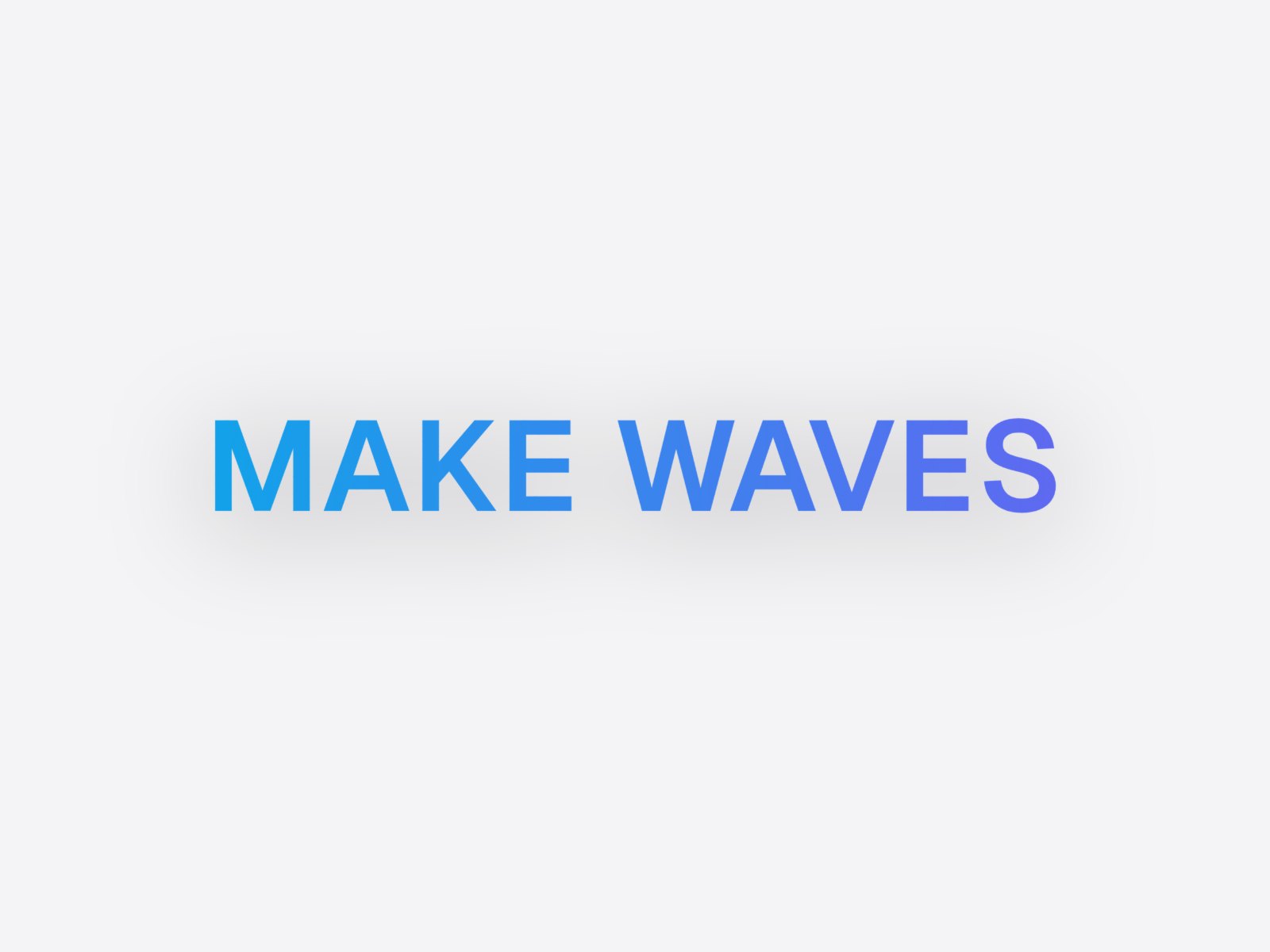
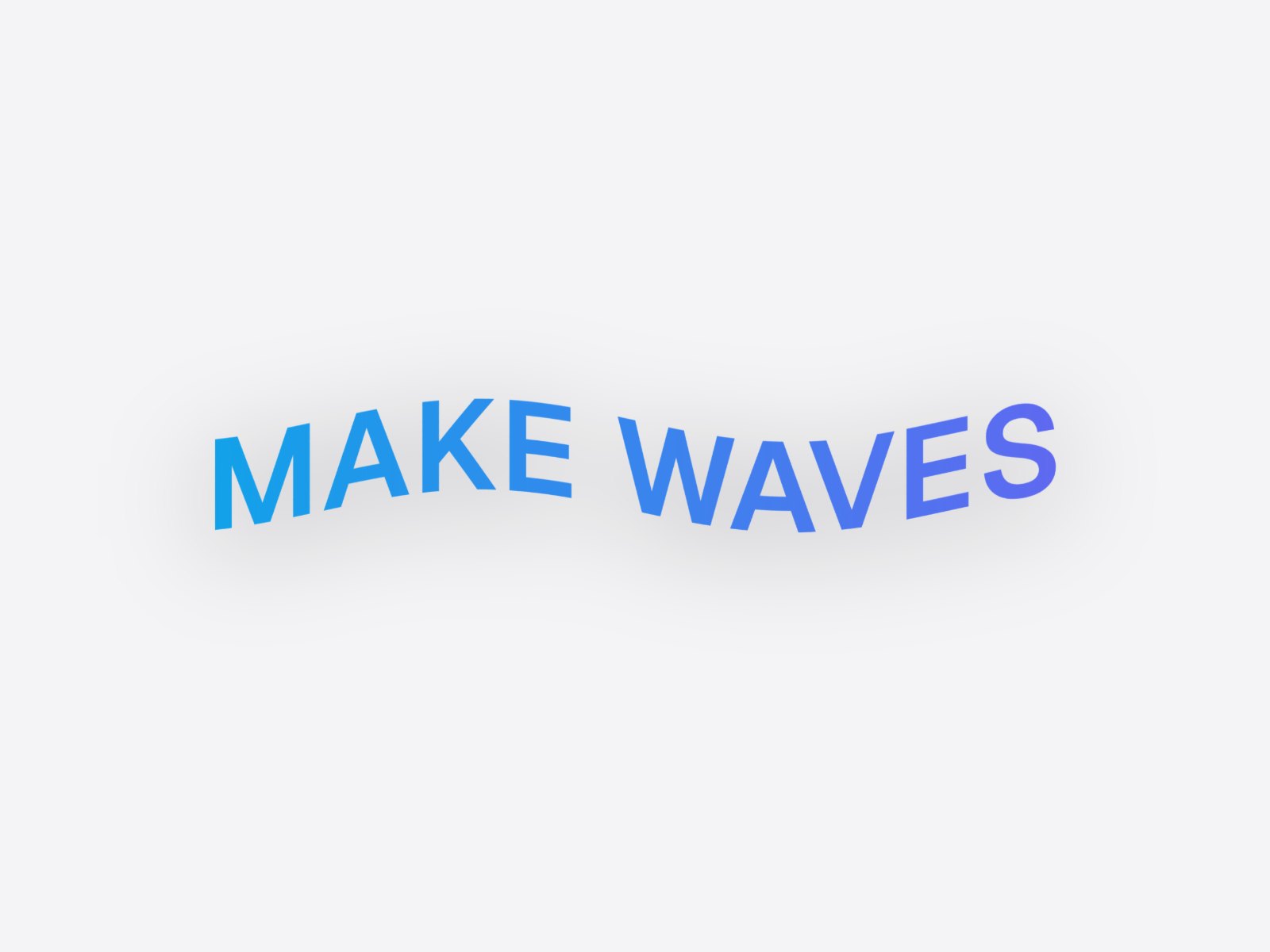
Wavy text that stays sharp
Choose Type text and your words become vector shapes in one of 40 open-source fonts, or your own. Wave moves every column of the text up or down along the wave, so each letter keeps its width and the line keeps its length. PNG exports are sharp at any size, and SVG export (Pro) bends the real paths, so the result opens in Figma or Illustrator as editable shapes.
Not just text
Wave works on any image: a screenshot rippling like a banner for a hero image, a logo for a playful header, a photo for a poster. It combines with the 3D angle, so you can wave it and tilt it in one shot. MP4 and GIF loops (Animate) keep the wave while the shot turns.
Other shapes
- Arc Bend bends it along one arc, like a rainbow or a smile.
- Fold creases it into flat panels, like a brochure.
- Cylinder wrap wraps it round a can, like a label.
Questions
How do I make wavy text?
Choose Type text in Perspecto, type your words and pick a font, then turn on Wave in Effects and drag Amount and Waves. Making it and exporting a PNG is free.
Can I make a logo or a screenshot wave?
Yes. Wave works on any image you upload, and you can tilt it in 3D at the same time.
Can I export wavy text as SVG?
Yes, with Pro: typed text and SVG uploads export as bent vector paths that stay sharp at any size.