
CSS 3D mockup generator for developers
Updated October 2026 · by Daniel Petrevski, maker of Perspecto
Perspecto's live preview is built on CSS 3D transforms, and it shows you the numbers. Set the angle visually, then copy the exact transform for your stylesheet, or export an HTML file with the whole effect already wired up.
In short: Set the angle in perspecto.io, open the menu next to Export and choose Copy CSS for the perspective and rotate values (free). With Pro, Export HTML gives a self-contained file with the image, the 3D layers and a hover animation.
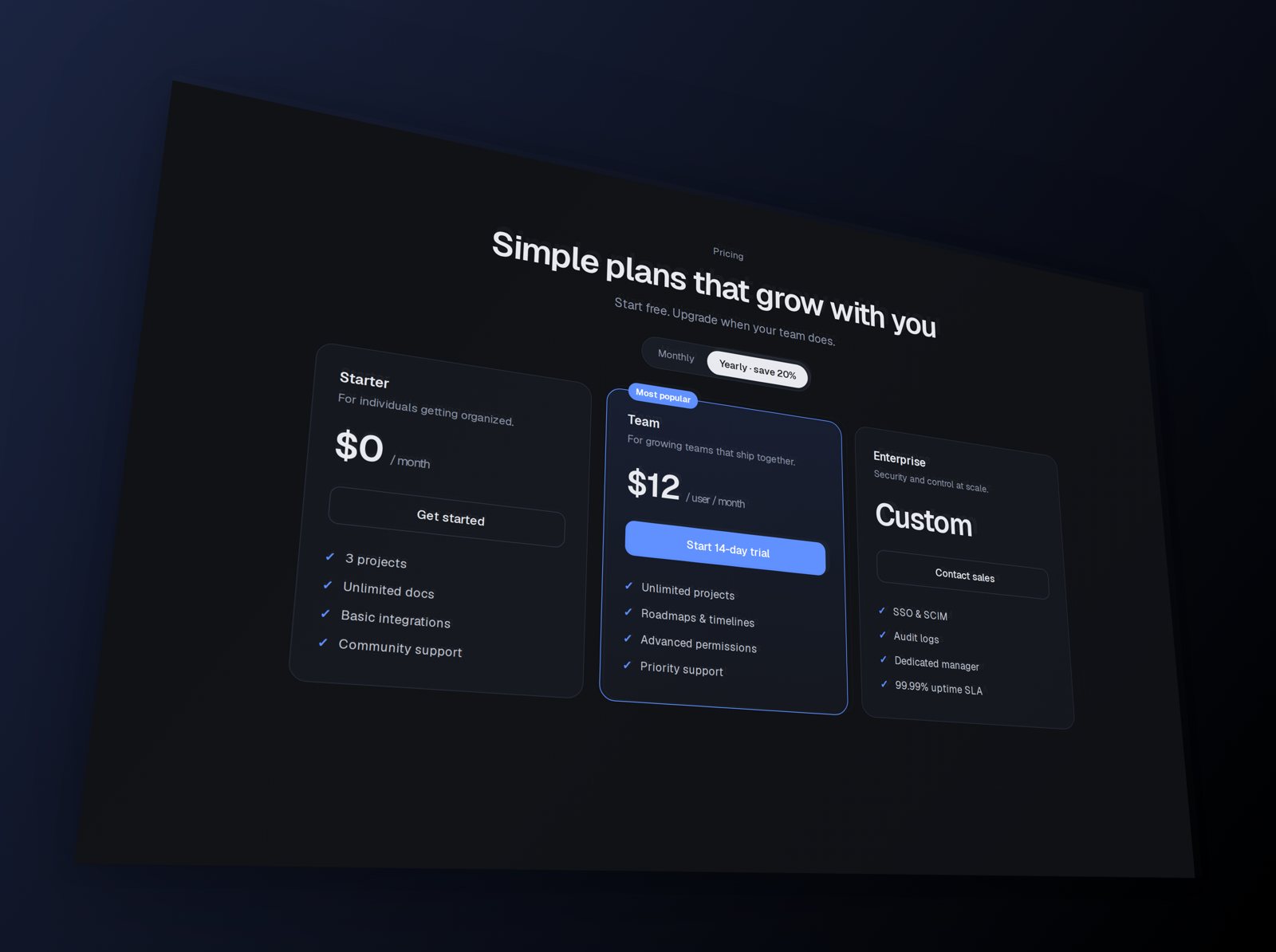
How the effect works
The tilt is standard CSS: perspective on a parent, and rotateX, rotateY and rotateZ on the element. The same values you see in Perspecto reproduce the angle in your own CSS, so you can tilt a live element instead of shipping a picture of it.
Copy CSS
Open the menu next to Export and choose Copy CSS for the transform of your current angle, ready to paste into a stylesheet. It's free, and handy for a 3D hover effect on a real element.
Export HTML
With Pro, Export HTML gives a self-contained file: the image embedded, the 3D layers and a gentle hover motion in plain CSS. 3D devices come along too, drawn as CSS 3D faces. Copy the markup into your project and swap in your own image.

Share the exact look
Every setting is in the page address, so a link reopens the same angle and effects. Handy for handing a look from design to code.
Questions
Is Copy CSS free?
Yes. Copy CSS is on the free plan. Export HTML is part of Pro.
Does the HTML export need JavaScript?
No. The 3D effect and hover motion are plain CSS.
Can I export the 3D devices as HTML?
Yes. The HTML export includes 3D devices, built from CSS 3D faces.