
Product Hunt mockup generator
Updated October 2026 · by Daniel Petrevski, maker of Perspecto
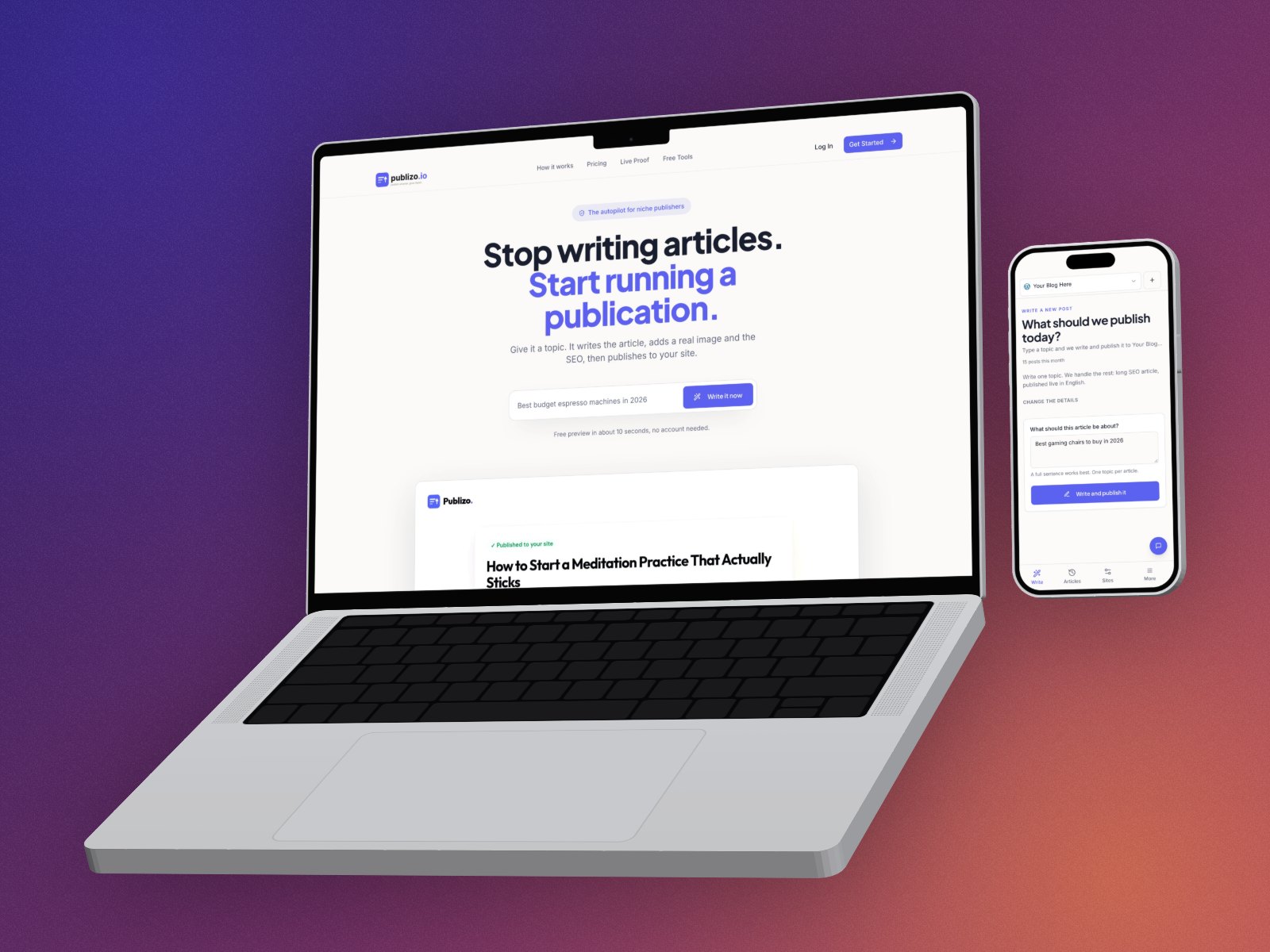
Launching on Product Hunt? Your gallery is the first thing people see. Perspecto turns your screenshots into 3D images sized for the gallery: tilted at the Product Hunt angle, or in a 3D MacBook and iPhone.
In short: Open perspecto.io, drop in your screenshot, click the Product Hunt template (or pick a 3D device), and export with the Product Hunt Gallery preset, 1270×760. Free with a small watermark; Pro ($19 once) removes it and exports at up to 4×.
How to make Product Hunt gallery images
- Open Perspecto. Go to perspecto.io and drop in your screenshot, choose a file, or paste it with Cmd/Ctrl+V. PNG, JPG, WebP and SVG all work. Nothing is uploaded.
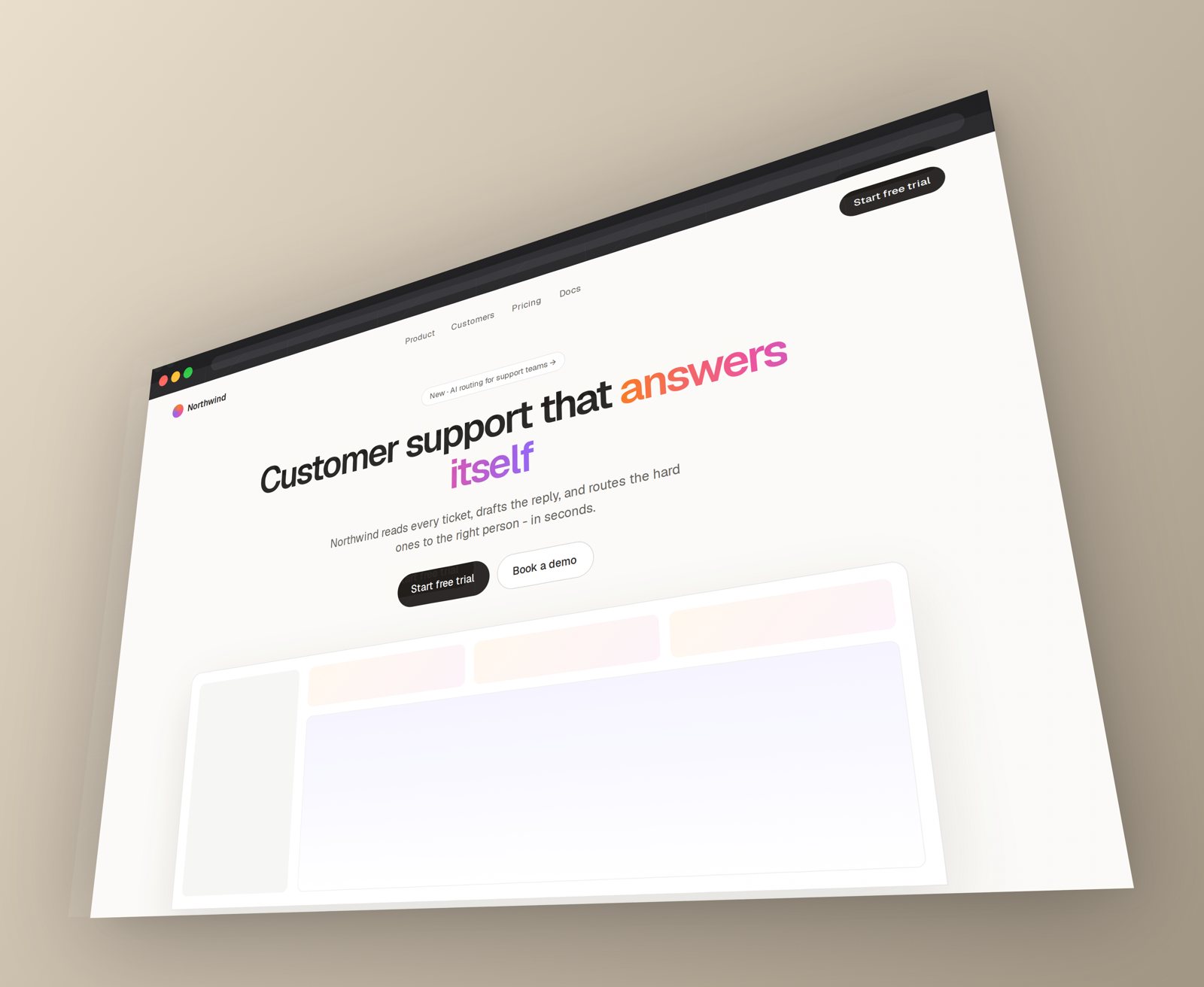
- Pick the angle. Click the Product Hunt template: 20° tilt, 30° turn. Or pick MacBook and choose 3D for a device shot.
- Add the phone. Got a mobile app too? Add its screenshot as a second image for laptop and phone in one shot.
- Pick a background. One of 12 free gradients, or transparent.
- Export at gallery size. In the export menu, choose the Product Hunt Gallery preset (1270×760), then Export.
What to put in the gallery
- First image: one clear 3D shot of the main screen. It's also the image people share.
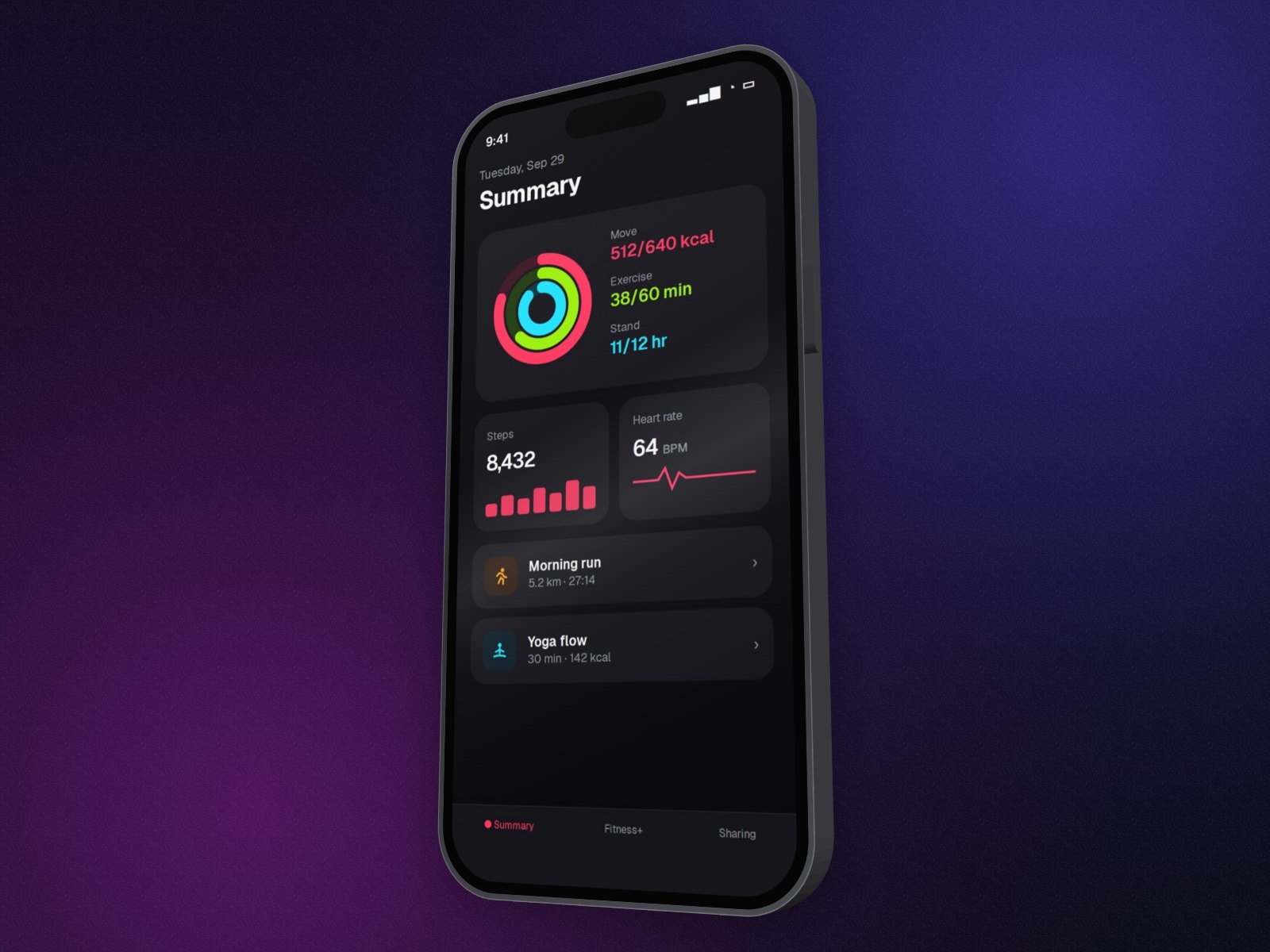
- Next images: one feature per image, each with a different angle or device, so the gallery doesn't repeat itself.
- Keep text readable: moderate angles (Hero or Floating) keep small UI legible at gallery size.
- Use the same background on every image so the gallery reads as one set.
Sharp on retina screens
Product Hunt shows gallery images on high-density screens. Free exports are 1×; Pro exports at 2× or 4×, without the watermark. You can try 3 Pro exports free with just your email.
Questions
What size should Product Hunt gallery images be?
1270×760 pixels. Perspecto has a Product Hunt Gallery export preset at exactly that size.
Can I use the same image for X and LinkedIn?
Change the export preset to X (1600×900) or LinkedIn (1200×627) and export again. The mockup scales to fit each frame without stretching.
Does Perspecto use fixed templates, or can I set the angle myself?
Both. Templates are a starting point; drag the canvas or use the sliders for any angle on every axis.