
X (Twitter) screenshot 3D mockups
Updated October 2026 · by Daniel Petrevski, maker of Perspecto
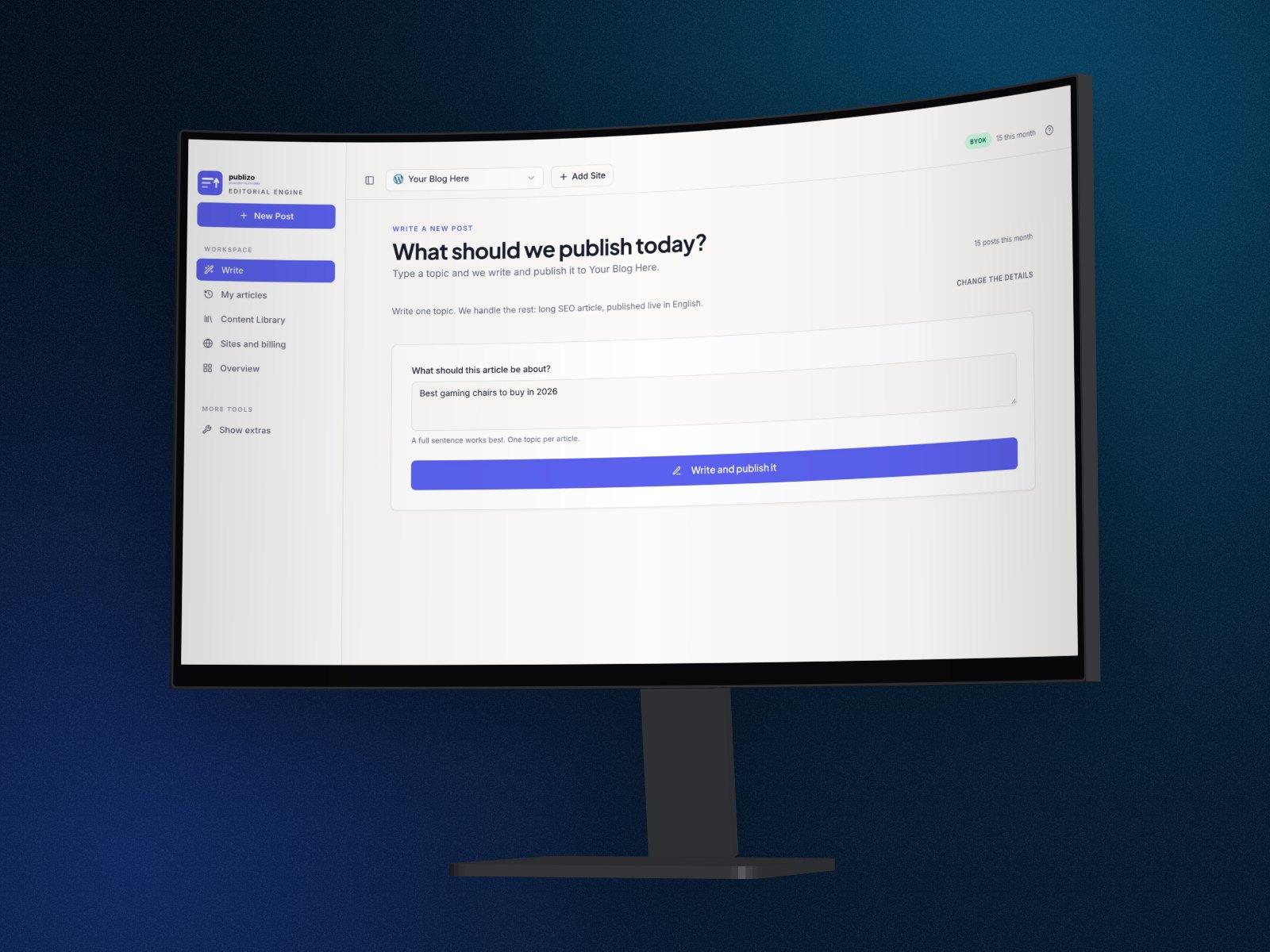
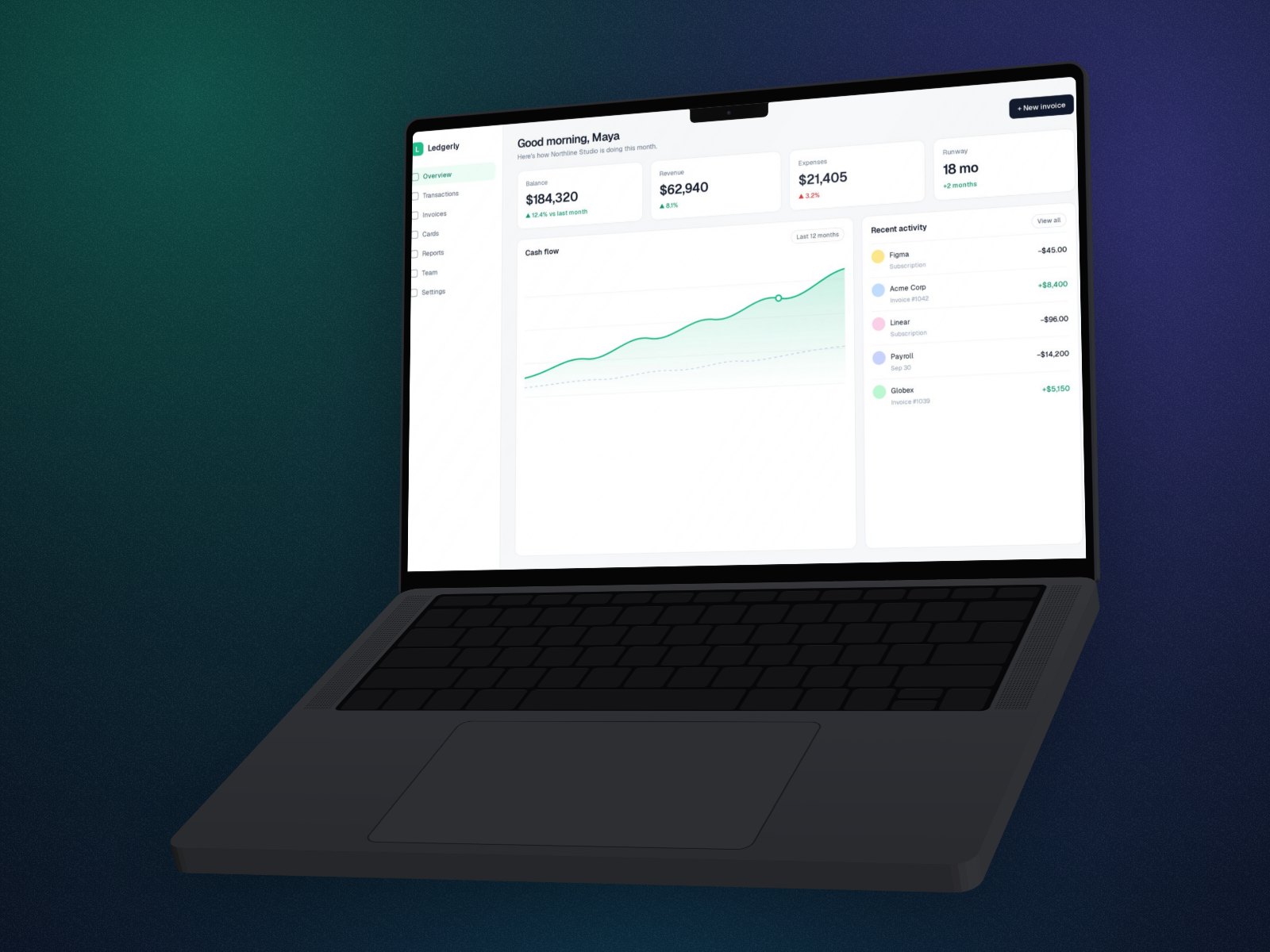
Building in public on X runs on screenshots. A 3D one, or one in a MacBook, curved monitor or iPhone, shows the product clearly at feed size and gives a launch thread a consistent look.
In short: Drop your screenshot into perspecto.io, pick a template or a 3D device, and export with the X preset, 1600×900. Use the same look for every post in a thread. GIF and video loops are Pro.
How to make an X post image
- Open Perspecto. Go to perspecto.io and drop in your screenshot, choose a file, or paste it with Cmd/Ctrl+V. PNG, JPG, WebP and SVG all work. Nothing is uploaded.
- Pick a look. The Floating or Product Hunt template, or a device like MacBook or the curved monitor.
- Keep text readable. Avoid extreme angles: X shows images small in the timeline.
- Export at X size. Choose the X preset (1600×900) in the export menu.
Threads that look like one set
Use the same angle, device and background on every image in a launch thread. Save the look as a preset (Pro) or copy the settings link, then drop in the next screenshot. A consistent set reads as one launch rather than a pile of screenshots.
Moving images
A short GIF or video loop of the mockup turning (Pro) plays in the timeline and stands apart from still images.
Questions
What size should an X post image be?
1600×900 (16:9) shows uncropped in the timeline. Perspecto's X preset exports exactly that.
Can I post a GIF of my mockup?
Yes, with Pro: export a GIF or video loop of the mockup.
Is it free?
Yes. Every angle and effect is free, with 3 watermarked PNG exports a day.