
LinkedIn post mockup generator
Updated October 2026 · by Daniel Petrevski, maker of Perspecto
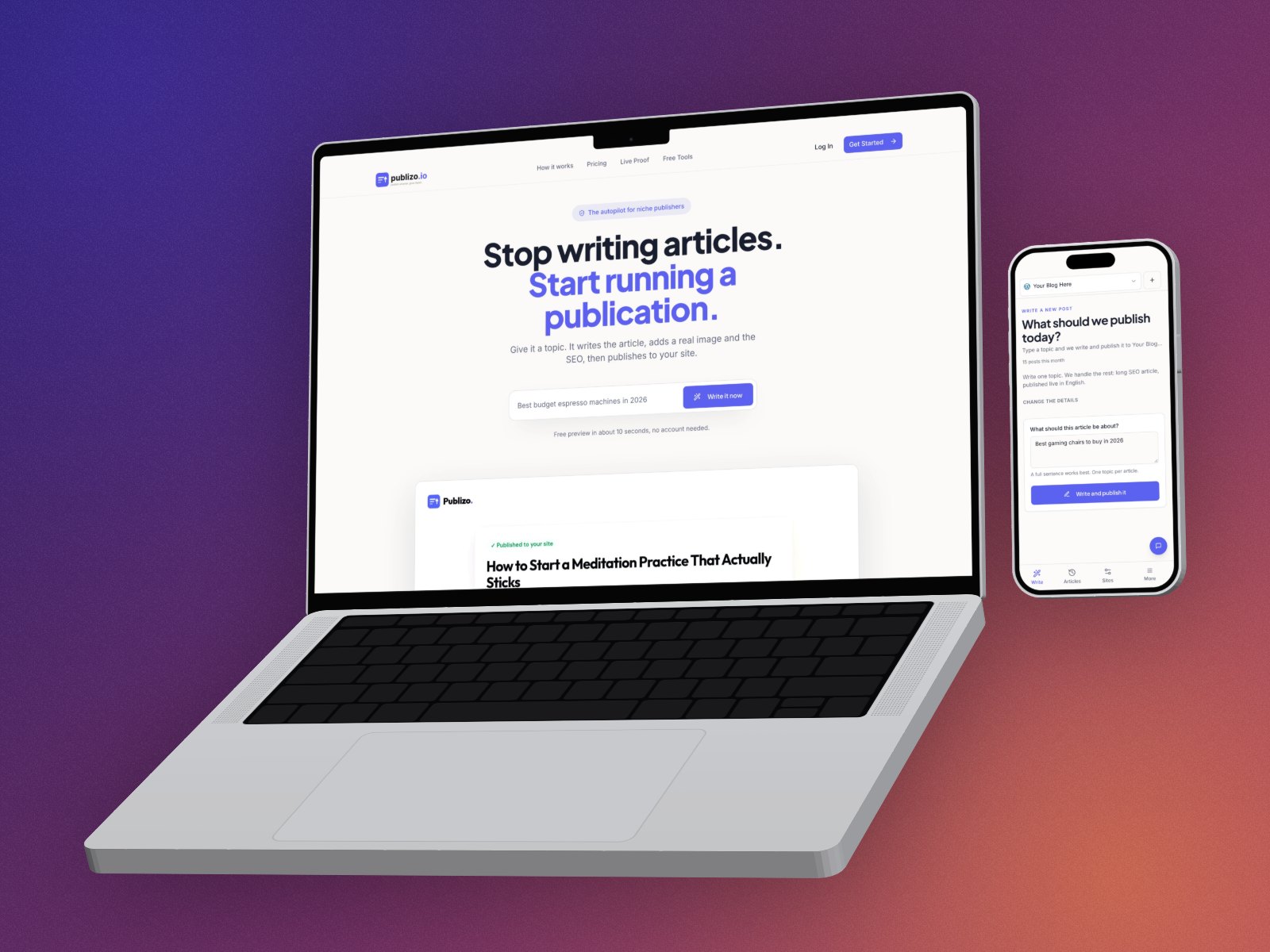
Launch posts, feature updates and milestones on LinkedIn do better with a picture of the product. Perspecto turns a screenshot into a 3D image at LinkedIn's size, so the post shows something real.
In short: Drop your screenshot into perspecto.io, pick the Hero or Floating template or a 3D device, and export with the LinkedIn preset, 1200×627. Free with a small watermark; Pro removes it.
1200×627 PRESETFREENO SIGN-UP
Open Perspecto, it's free →
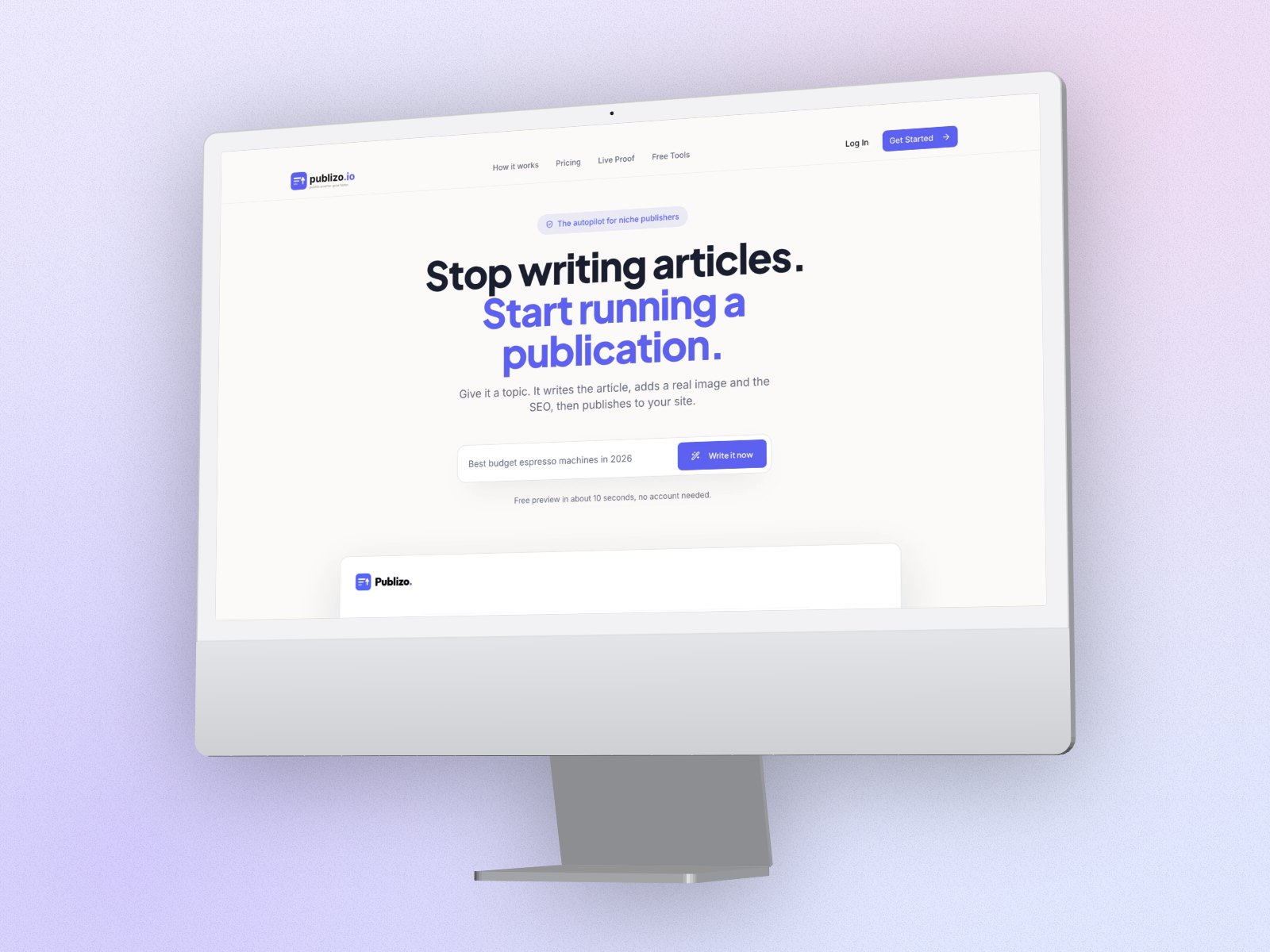
How to make a LinkedIn post image
- Open Perspecto. Go to perspecto.io and drop in your screenshot, choose a file, or paste it with Cmd/Ctrl+V. PNG, JPG, WebP and SVG all work. Nothing is uploaded.
- Pick a look. Hero or Floating for a tilted screenshot, or a device like iMac or MacBook.
- Leave room. Keep space around the mockup: LinkedIn crops differently in the feed and in shares.
- Export at LinkedIn size. Choose the LinkedIn preset (1200×627) in the export menu.
What works on LinkedIn
- One clear image of the product, not a collage.
- A calm angle and a simple background, so it reads on a phone.
- Post copy that explains the one thing that changed; the image shows it.
- For a carousel, export each screen with the same look (batch export with Pro).
Questions
What size is a LinkedIn post image?
1200×627 for a landscape image. Perspecto's LinkedIn preset exports exactly that, with the mockup scaled to fit.
Can I make a square image for LinkedIn?
Yes. Use the Instagram preset (1080×1080), which LinkedIn also shows well.
Can I post an animated mockup?
Yes. Export a GIF or a video loop with Pro.