 Perspecto
3D iPhone mockup generator
Updated October 2026 · by Daniel Petrevski, maker of Perspecto
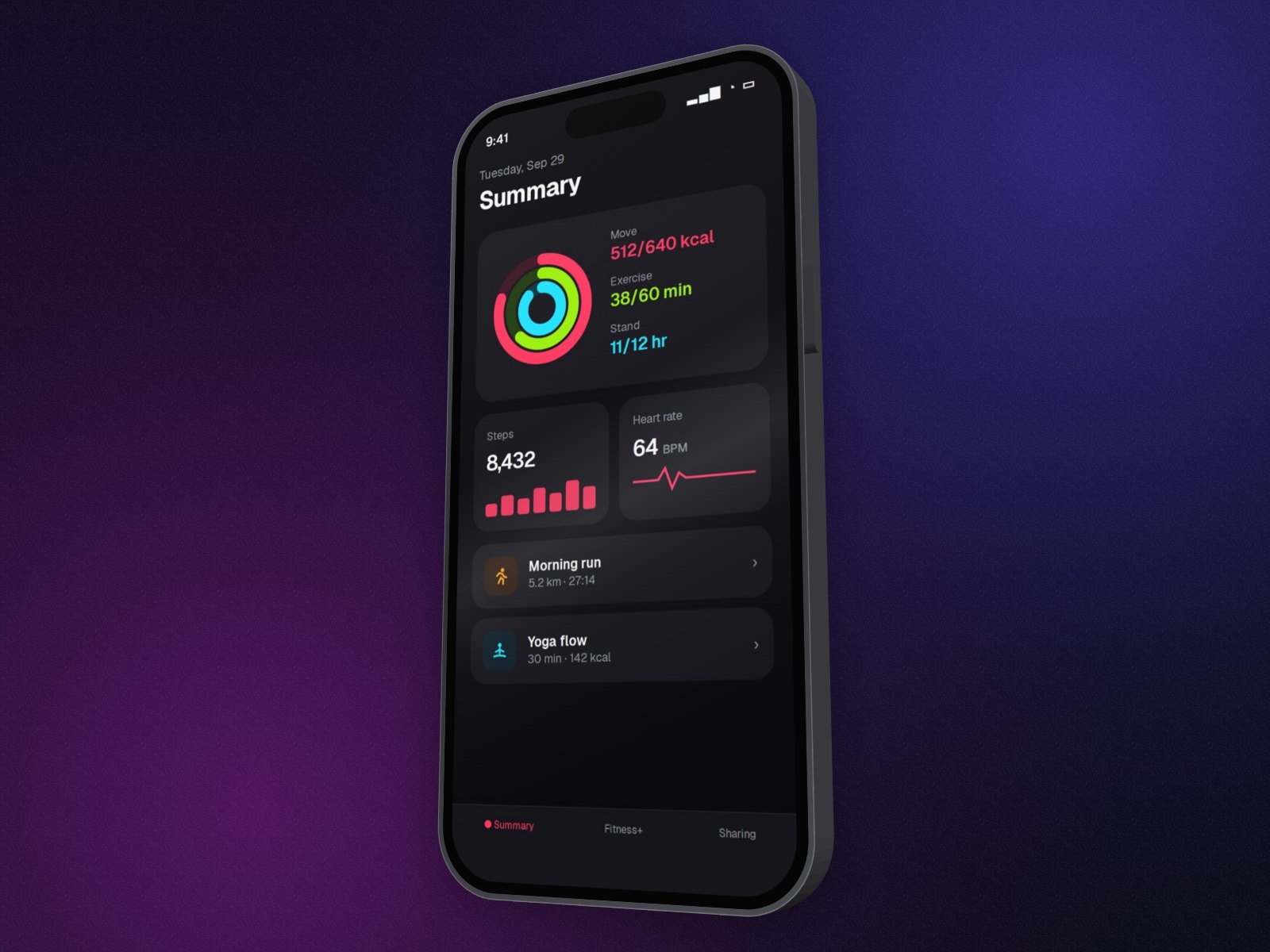
Drop in an app screenshot and it goes into an iPhone: a free flat frame that tilts with the image, or a 3D iPhone with real thickness and side buttons that you can turn to any angle. It runs in your browser and the screenshot never leaves it.
In short: Open perspecto.io, drop in your screenshot, pick iPhone on the Style tab and choose 3D. Turn it with a template or by dragging, choose black or silver and screen glare, and export a PNG. The flat iPhone is free; the 3D iPhone is free to try and Pro to export.
How to make a 3D iPhone mockup
- Open Perspecto. Go to perspecto.io and drop in your screenshot, choose a file, or paste it with Cmd/Ctrl+V. PNG, JPG, WebP and SVG all work. Nothing is uploaded.
- Pick iPhone. On the Style tab, choose iPhone as the frame. It turns landscape on its own for wide screenshots.
- Choose 3D. The iPhone gets real depth, side buttons and light that follows the angle. Choose space black or silver, and add glare on the glass if you like.
- Place the screenshot. Fill the screen and drag to choose which part shows, zoom in, or fit the whole image.
- Set the angle. Click a template like Floating or Hero, or drag the canvas to turn the phone.
- Export. Click Export for a PNG. Open the menu next to it for GIF, video, HTML or a size preset (App Store, Product Hunt, X, LinkedIn, Dribbble, Instagram).
Flat frame or 3D iPhone?
The flat iPhone frame is free. It's drawn around your screenshot, so the whole phone tilts in 3D with the image, and it works with every effect: depth, curve, Arc Bend. The 3D iPhone is a solid device: turn it and you see its edge and buttons, lit as it turns. It's free to try in the editor and part of Pro to export.
Phone and laptop together
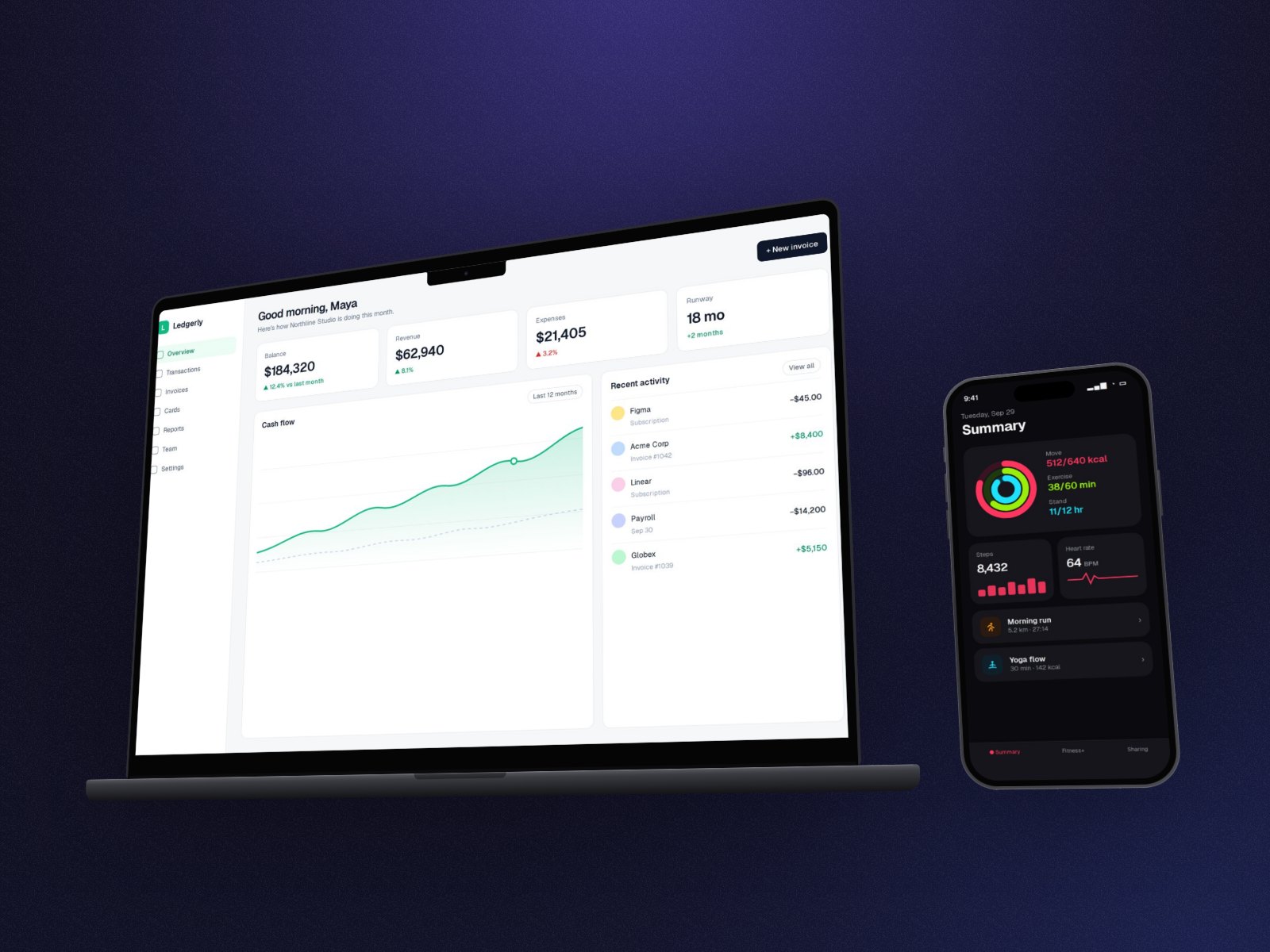
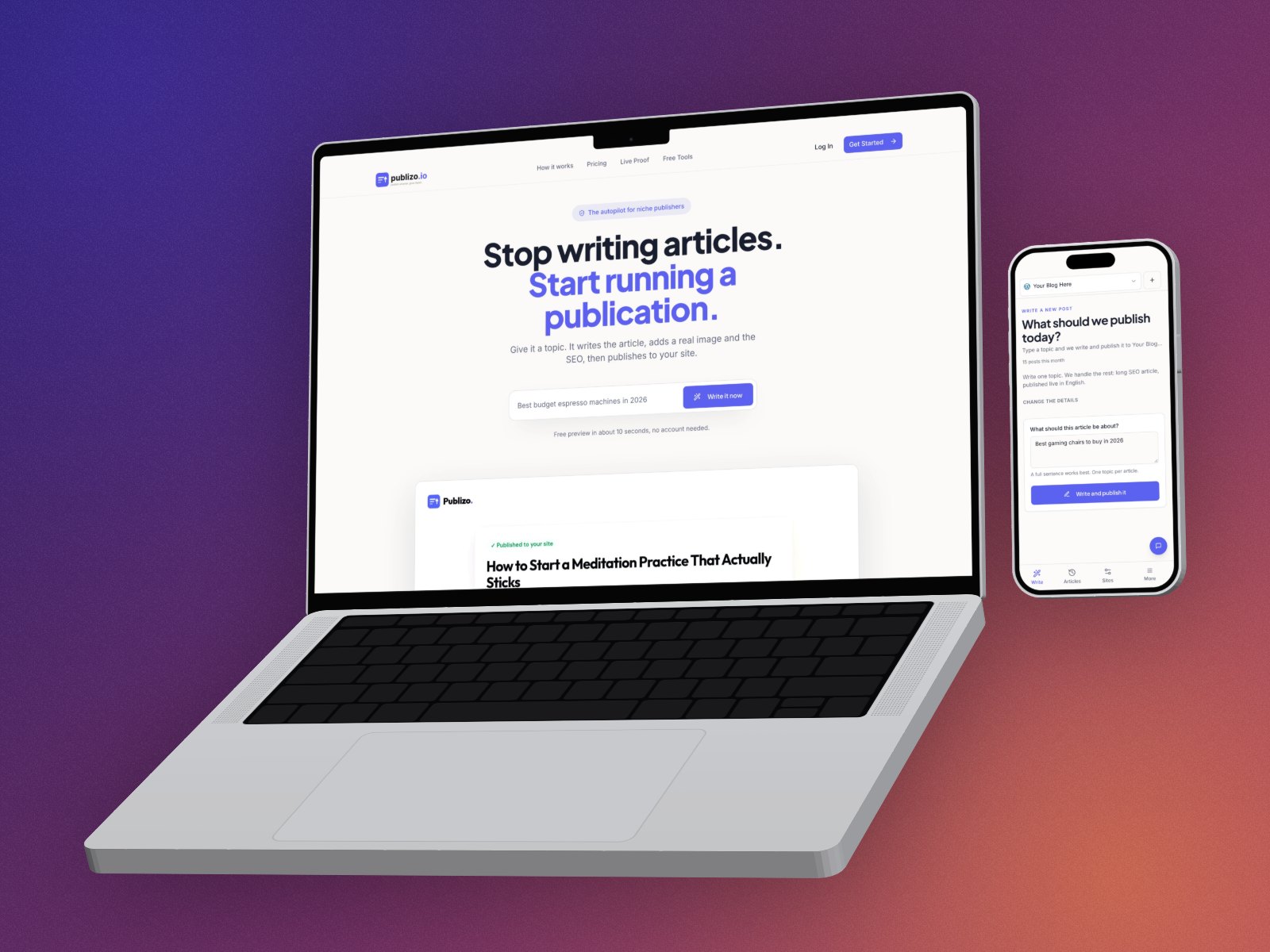
Start with a desktop screenshot, add the phone screenshot as a second image and pick MacBook: the phone screenshot goes into an iPhone next to it, both at their real size. It's the classic shot for a product with a web app and a mobile app. See laptop and phone mockups.
Sizes that fit where it's going
- App Store: the App Store Screenshot preset exports 1284×2778, Apple's 6.7" iPhone size.
- Social: X (1600×900), LinkedIn (1200×627), Instagram (1080×1080) and Dribbble (1600×1200) presets.
- Your site: a transparent PNG at 1×, or 2× and 4× with Pro, to place on any background.
Questions
Is this iPhone mockup generator free?
The flat iPhone frame, every angle and every effect are free, with 3 watermarked PNG exports a day and no account. The 3D iPhone is free to try in the editor; exporting it is part of Pro ($19 once). You can also try 3 Pro exports with just your email.
Which iPhone model is it?
A modern iPhone with a Dynamic Island and flat edges, modelled on the iPhone 15 Pro's proportions, in space black or silver.
Can I export a transparent PNG?
Yes. PNG exports keep a transparent background unless you pick one: transparent, dark, light, a green screen, 12 free gradients, or your brand color with Pro.
Can I make an animated iPhone mockup?
Yes, with Pro: export the mockup as a GIF or a video loop.
Does it work on my phone?
Yes. Perspecto runs in Safari and Chrome on iPhone, iPad and Android, as well as on desktop.