
Wrap an image around a cylinder
Updated November 2026 · by Daniel Petrevski, maker of Perspecto
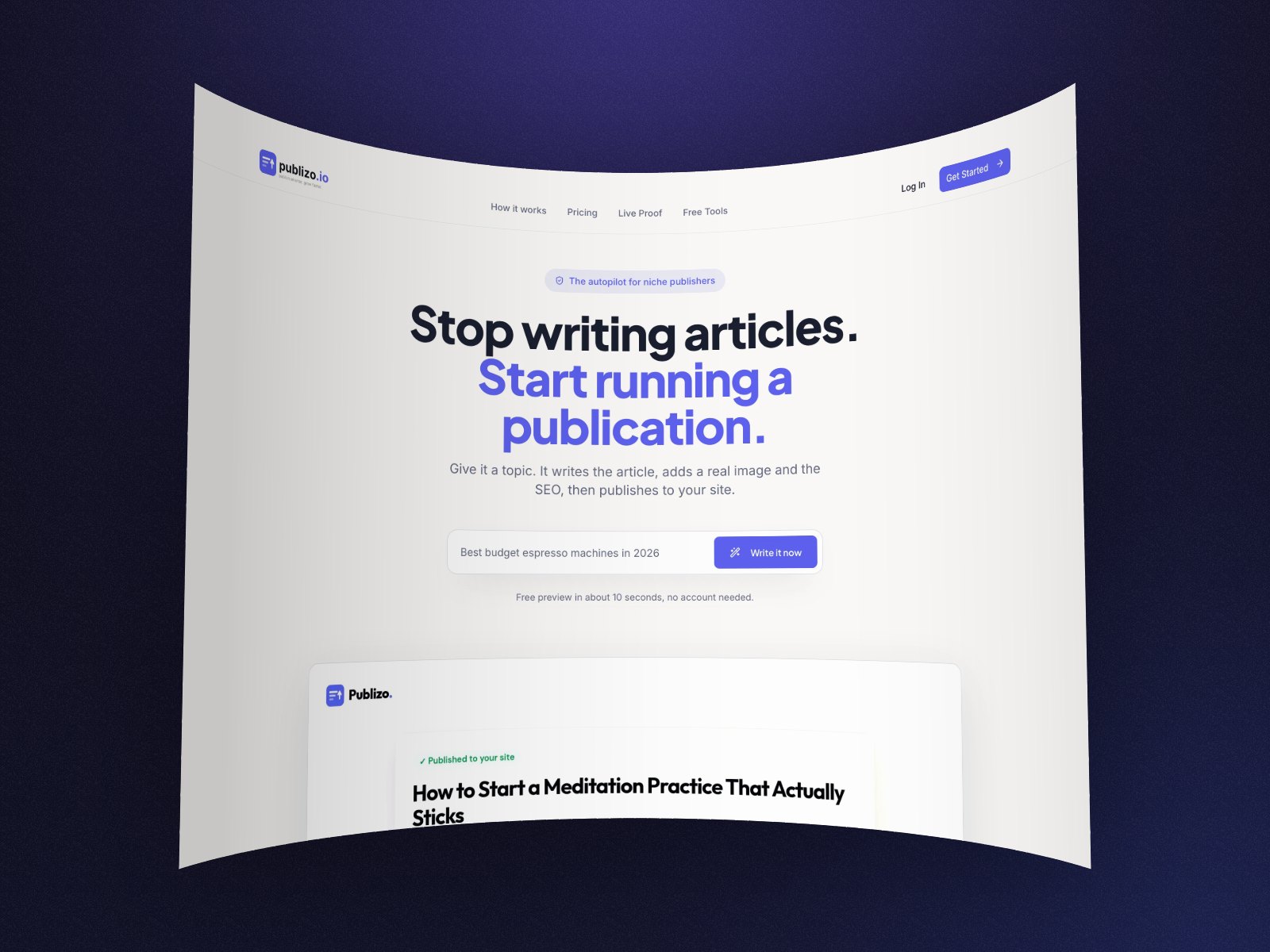
Upload a flat label and wrap it round a can, a cup or a jar, as far round as you like. Turn the can to show the back, tilt it to see the top, and export. Below 0 the image lines the inside instead, like a panorama.
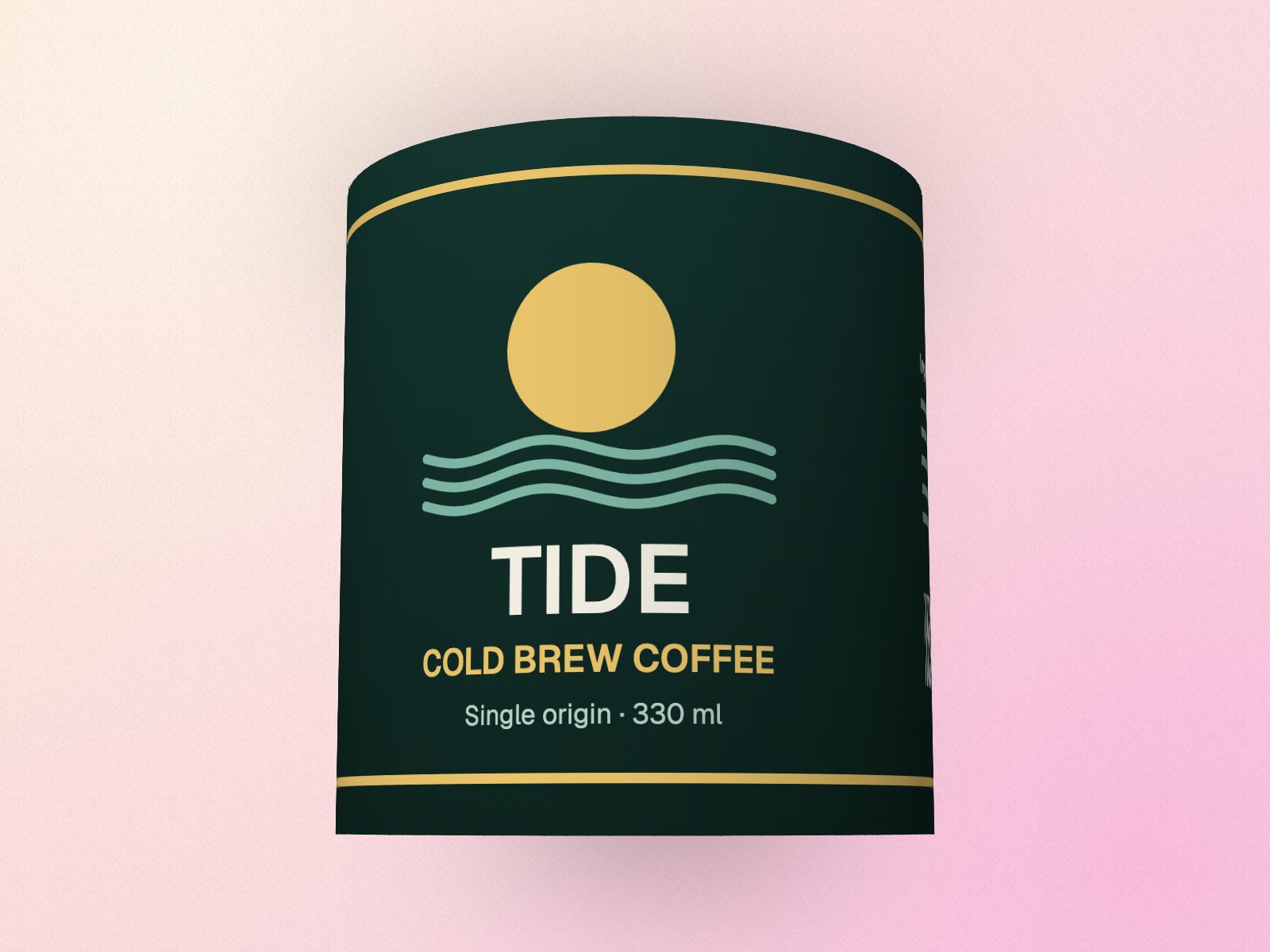
In short: Open perspecto.io, upload your flat label or image, turn on Cylinder wrap in Effects and drag Wrap (how far round it goes, up to 360°). Turn the Y angle to spin it. Export a PNG free.
How to wrap an image around a cylinder
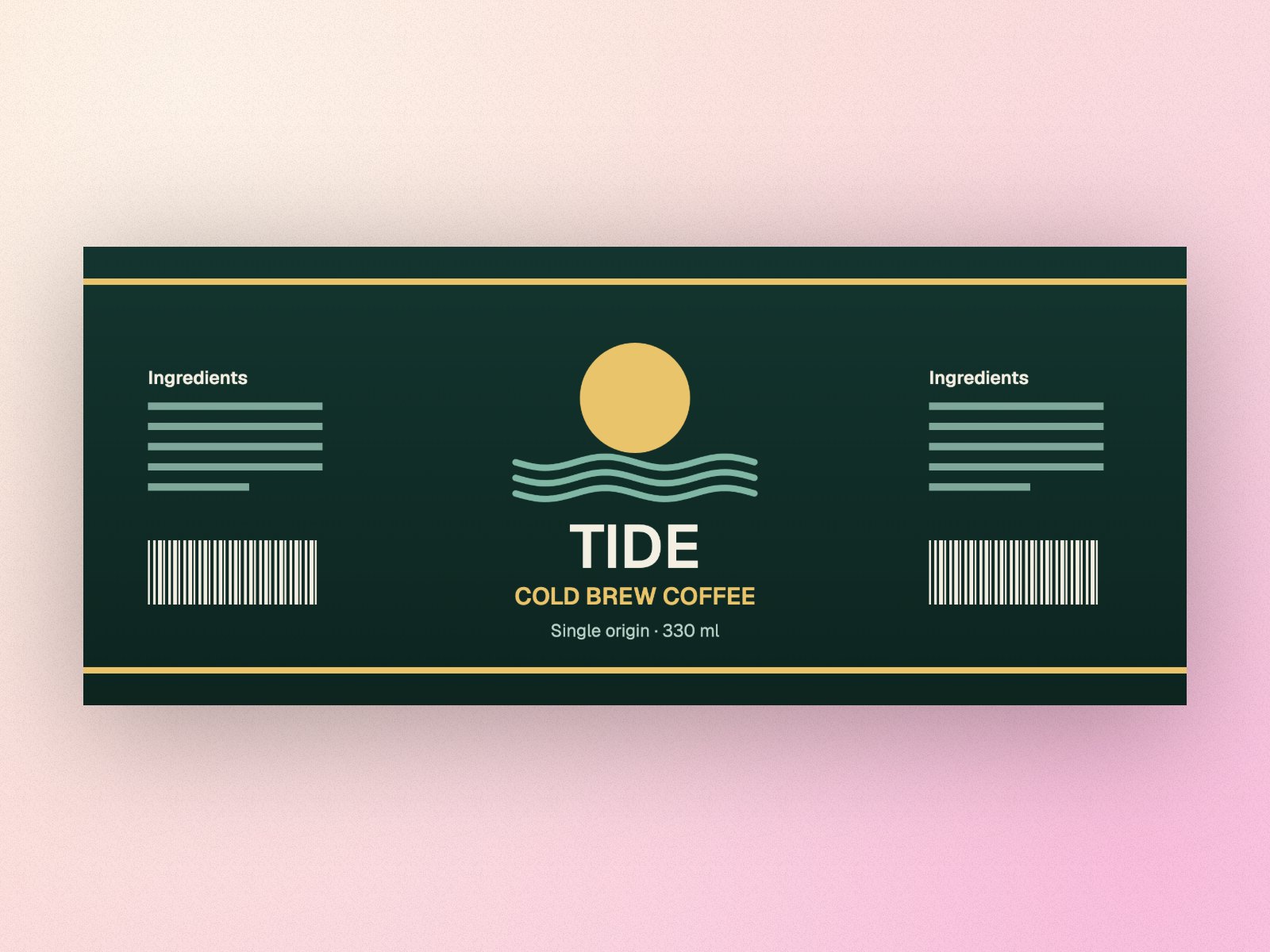
- Open Perspecto. Go to perspecto.io and upload your label as one flat image (PNG, JPG, WebP or SVG). A label that goes all the way round a can is about 2.4 times as wide as it is tall.
- Turn on Cylinder wrap. It's in the Effects tab, under Fold.
- Set Wrap. Wrap is how far round the cylinder the image reaches: 360° meets at the back, smaller values cover the front. Below 0 the image lines the inside of the curve instead.
- Turn and export. The Y angle spins the can, X tilts it to show the top. Export a PNG, or an MP4 or GIF that turns (Pro).
Wrapped, not stretched
Cylinder wrap keeps your label at its own size along the surface, the way paper wraps round a can: nothing stretches, so text stays even from edge to edge. The side turned from the light falls darker, and the light stays put while you spin the can, so it looks like a real object turning, not a picture sliding across it.
Seen from above or turned round, you see the inside of the label where a real one would show it. Text and logos with a transparent background show their back faintly, mirrored, where they pass behind.
The editor shows exactly what you'll export: the preview wraps the same cylinder the export draws.
Good to know
- Cylinder wrap works on flat images and typed text, not on the 3D devices.
- For a cup or a jar label that doesn't go all the way round, use a smaller Wrap, like 180° to 240°.
- A screenshot wrapped round the inside makes a curved gallery wall for a hero image.
Questions
How do I put a label on a can mockup?
Upload the flat label, turn on Cylinder wrap in Effects and set Wrap to 300° to 360°. Then turn it with the Y angle and tilt it with X.
Can I wrap text or a logo round a cylinder?
Yes. Choose Type text or upload a logo with a transparent background. It wraps the same way, and the part on the back shows through faintly.
Is it free?
Yes. Cylinder wrap and 3 PNG exports a day are free, with no watermark and no account. Pro ($19 once) adds 2× and 4× PNG, MP4 and GIF.