
Browser window mockup generator
Updated November 2026 · by Daniel Petrevski, maker of Perspecto
A browser bar on top of a screenshot tells people at a glance that it's a real website. Perspecto adds one and tilts the whole window in 3D, so a landing page reads as a product, not a flat picture.
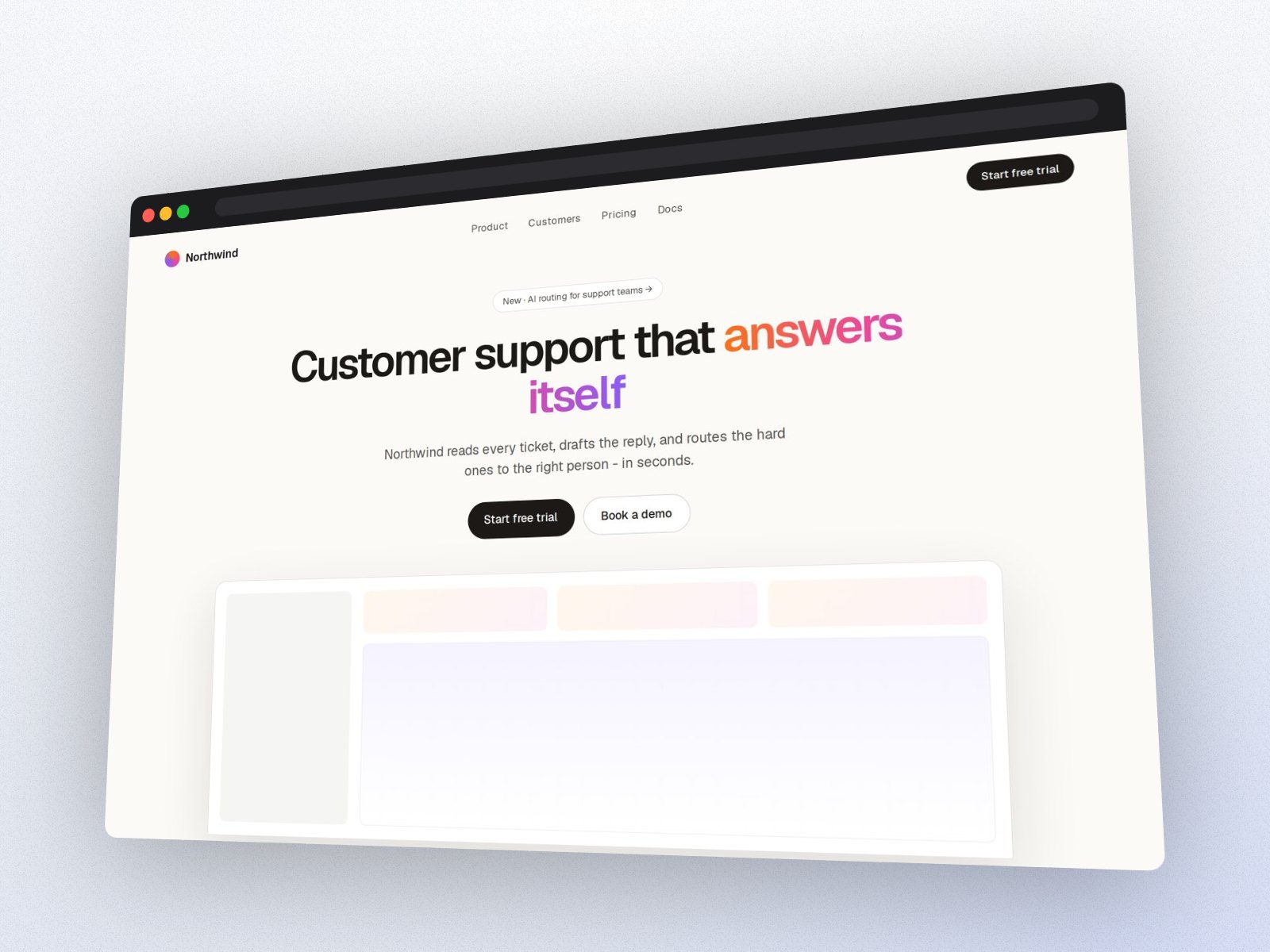
In short: Open perspecto.io, drop in a website screenshot, choose Browser on the Style tab, pick an angle and a background, and export a PNG. The browser frame is free, with 3 PNG exports a day and no account.
How to make a browser window mockup
- Open Perspecto. Go to perspecto.io and drop in your screenshot, choose a file, or paste it with Cmd/Ctrl+V. PNG, JPG, WebP and SVG all work. Nothing is uploaded.
- Choose Browser. On the Style tab, in Frame, choose Browser. A window bar appears on top of your screenshot.
- Round the corners. Sharp, Curved or Round, or any radius. The shadow and depth follow them.
- Set the angle. Hero or Floating for a landing page, Product Hunt for a gallery, or drag the canvas.
- Add a background. One of 12 free gradients, a plain color, or transparent for your own page.
- Export. Click Export for a PNG. Open the menu next to it for Animate (MP4, GIF or website code), HTML, SVG or a size preset (App Store, Product Hunt, X, LinkedIn, Dribbble, Instagram).
Open this exact look in Perspecto →
Why a browser frame
Without a frame, a website screenshot can look like any picture. The window bar says "this is a site" before anyone reads a word, and it gives a light page an edge on a light background. It's also the lightest frame: no device, nothing to distract from the page.
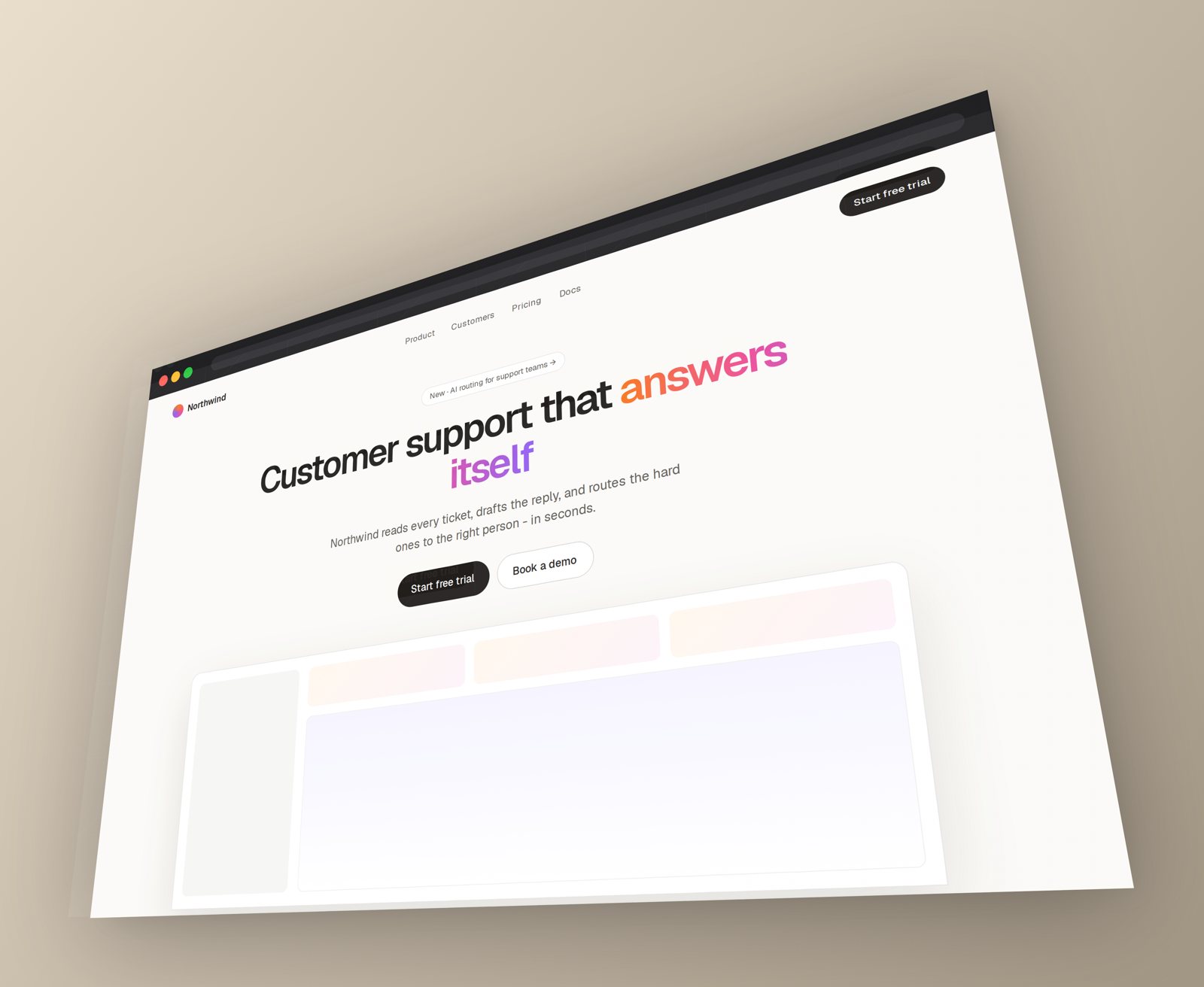
Everything else works with it
- Every angle, with shadow, Layer depth and Curved Screen.
- Animate, for an MP4 or GIF of the window turning, or website code (Pro).
Questions
Is the browser frame free?
Yes. The browser frame, every angle and effect and the 12 gradient backgrounds are free, with 3 PNG exports a day with no watermark. Pro ($19 once) adds 4× resolution and 3D devices.
Should I use a browser frame or a MacBook?
A browser frame is lighter and keeps the focus on the page. A MacBook says "desktop product" more strongly and suits hero images. Both are in the same Frame row, so try both.
Can I get the CSS for the tilt?
Yes. Copy CSS gives you the perspective and rotate values, free.