Curved monitor mockup for screenshots
Updated November 2026 · by Daniel Petrevski, maker of Perspecto
Wide dashboards and web apps look at home on an ultrawide. Perspecto puts your screenshot on a 3D curved monitor that bends the image with the screen, from any angle, and sizes the monitor to fit it.
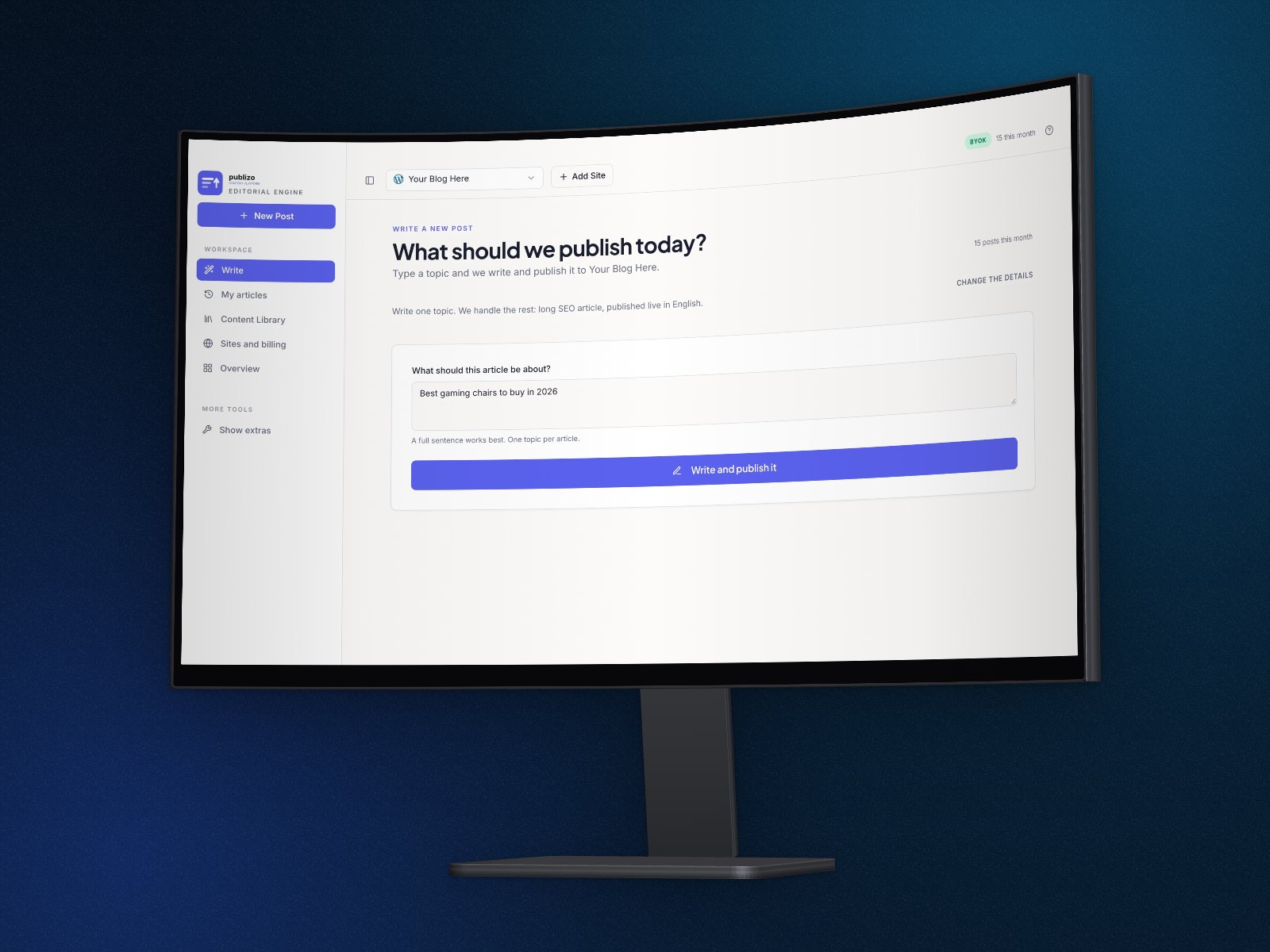
In short: Open perspecto.io, drop in a wide screenshot, choose Curved on the Style tab and set the Curve amount. Turn it to an angle and export a PNG. The curved monitor is free to try and part of Pro ($19 once) to export; the free Curved Screen effect curves a screenshot without a monitor.
How to make a curved monitor mockup
- Open Perspecto. Go to perspecto.io and drop in your screenshot, choose a file, or paste it with Cmd/Ctrl+V. PNG, JPG, WebP and SVG all work. Nothing is uploaded.
- Choose Curved. On the Style tab, in Frame, choose Curved. It's a 3D device on its stand.
- Set the curve. Curve amount sets how deep the screen bends. The screenshot bends with it.
- Set the angle. Click a template, or drag the canvas. Turn it far enough and you see the back of the screen.
- Export. Click Export for a PNG. Open the menu next to it for Animate (MP4, GIF or website code), HTML, SVG or a size preset (App Store, Product Hunt, X, LinkedIn, Dribbble, Instagram).
Open this exact look in Perspecto →
The monitor fits your screenshot
The curved monitor's width follows the image, from 16:9 to 32:9. A normal 16:10 dashboard gets a 16:9 screen; a very wide screenshot gets a true ultrawide. Fill covers the screen and Fit shows the whole image.
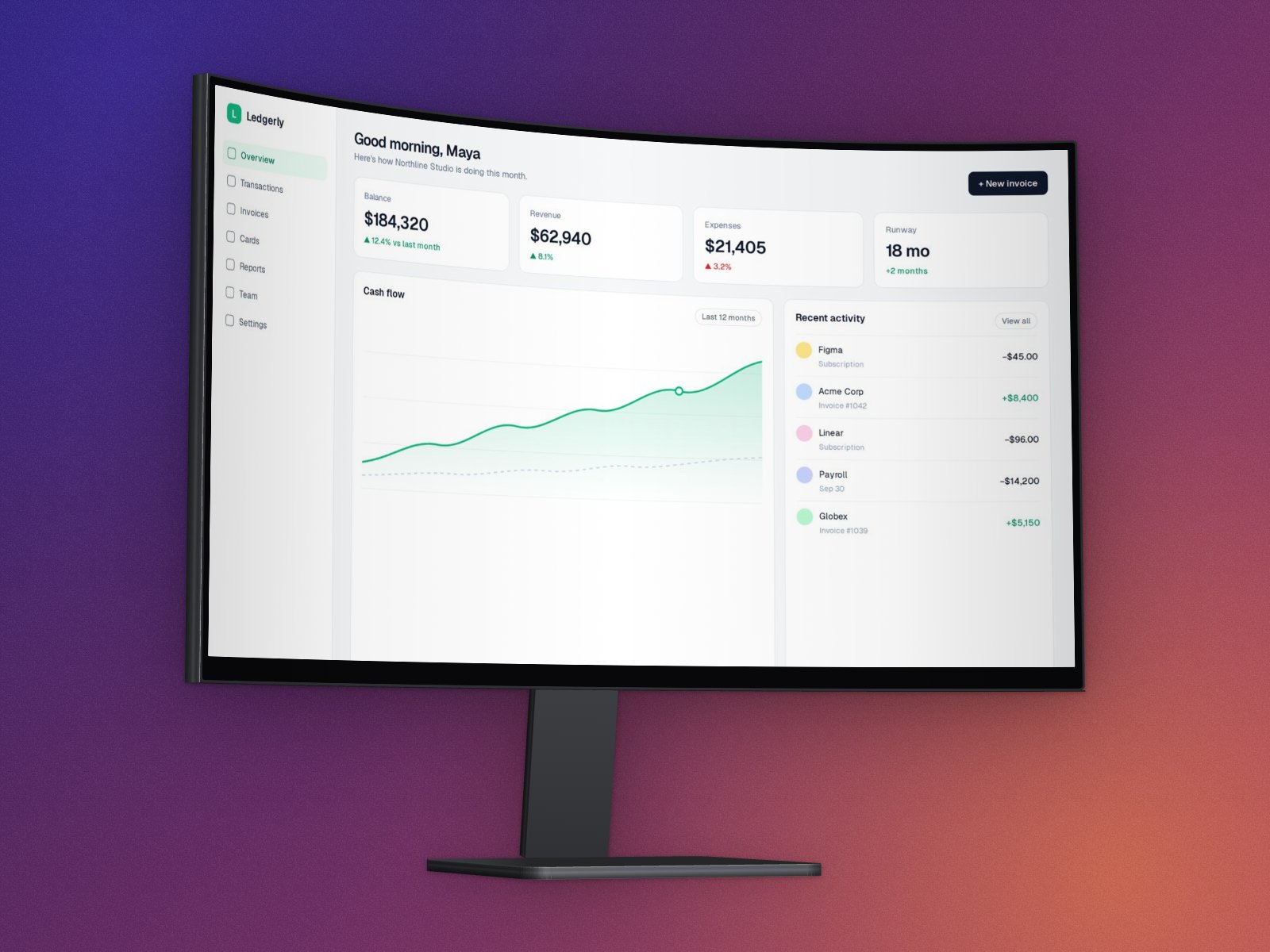
Curved without a monitor
To curve the screenshot on its own, with no stand or bezel, use the Curved Screen effect on the Effects tab. It's free, it works with every angle, and the shadow, depth and rounded corners follow the curve.
Good to know
- The curved monitor is the one 3D device that keeps a shape effect: it brings its own curve.
- It exports as PNG, MP4, GIF and HTML. Website code can't show it; Animate offers an MP4 instead.
Questions
Is the curved monitor free?
It's free to try in the editor, turned to any angle. Exporting it is part of Pro ($19 once), or of the free Pro trial. The Curved Screen effect, which curves a screenshot without a monitor, is free.
What screenshot works best?
A wide one: a dashboard, a web app or a website. The monitor gets wider for wider images, up to 32:9.
Can I animate it?
Yes. Animate turns it into an MP4 or GIF loop. The preview is free; exporting is Pro.