
Android mockup generator: Pixel and Galaxy
Updated November 2026 · by Daniel Petrevski, maker of Perspecto
Drop in an app screenshot and it goes into an Android phone: a Google Pixel with its camera bar, or a Samsung Galaxy with its column of lenses. A free flat frame that tilts with the image, or a 3D phone with real thickness, buttons and cameras that you can turn to any angle. Portrait or landscape, whatever the screenshot's shape.
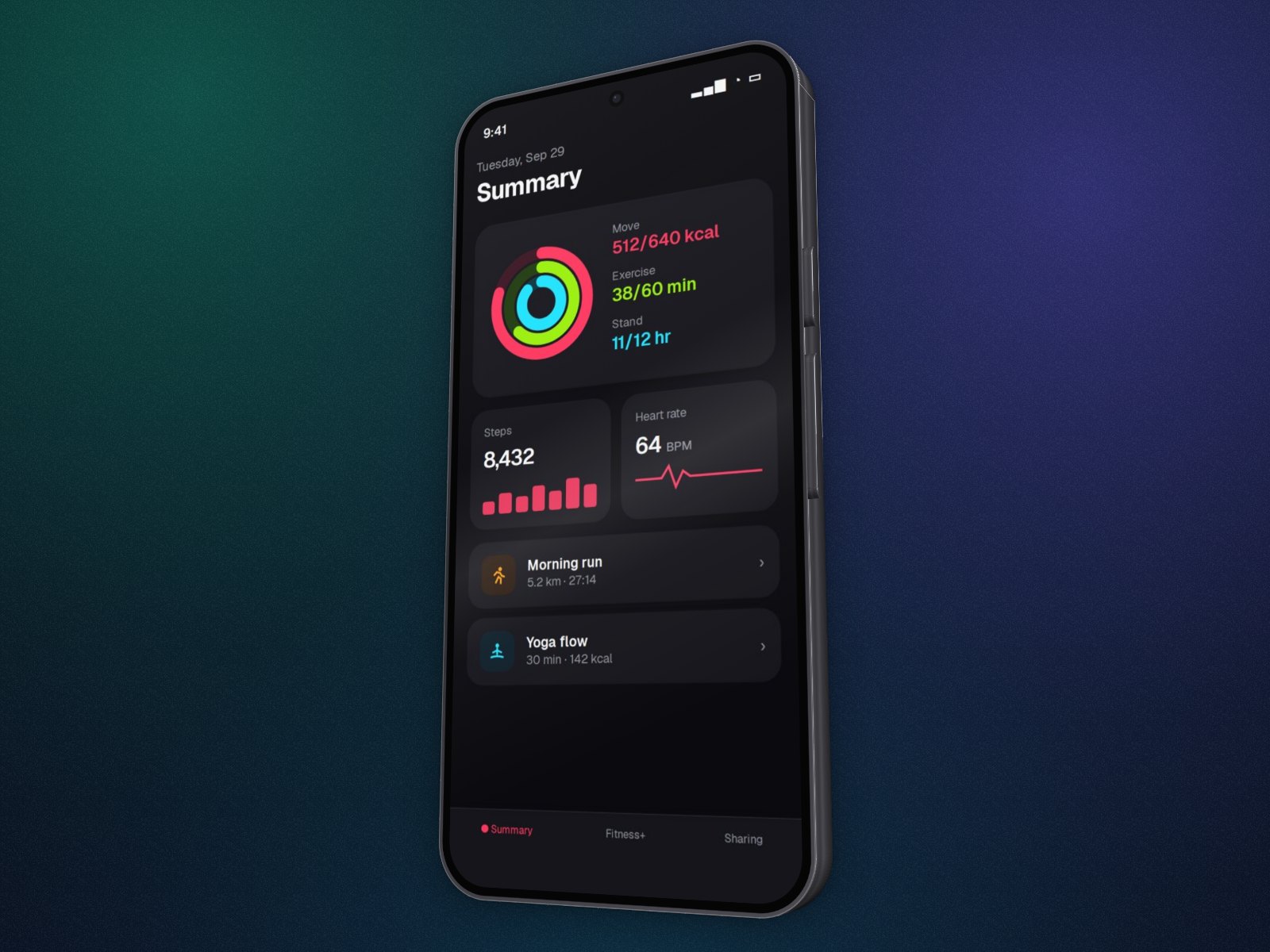
In short: Open perspecto.io, drop in your screenshot, choose Phone on the Style tab and pick Pixel or Galaxy. Choose 3D, set Rotate to Portrait or Landscape, turn it by dragging and export a PNG. The flat frames are free; 3D is free to try and Pro to export.
How to make an Android phone mockup
- Open Perspecto. Go to perspecto.io and drop in your screenshot, choose a file, or paste it with Cmd/Ctrl+V. PNG, JPG, WebP and SVG all work. Nothing is uploaded.
- Pick an Android phone. On the Style tab, choose Phone as the frame, then Pixel or Galaxy in the row under it.
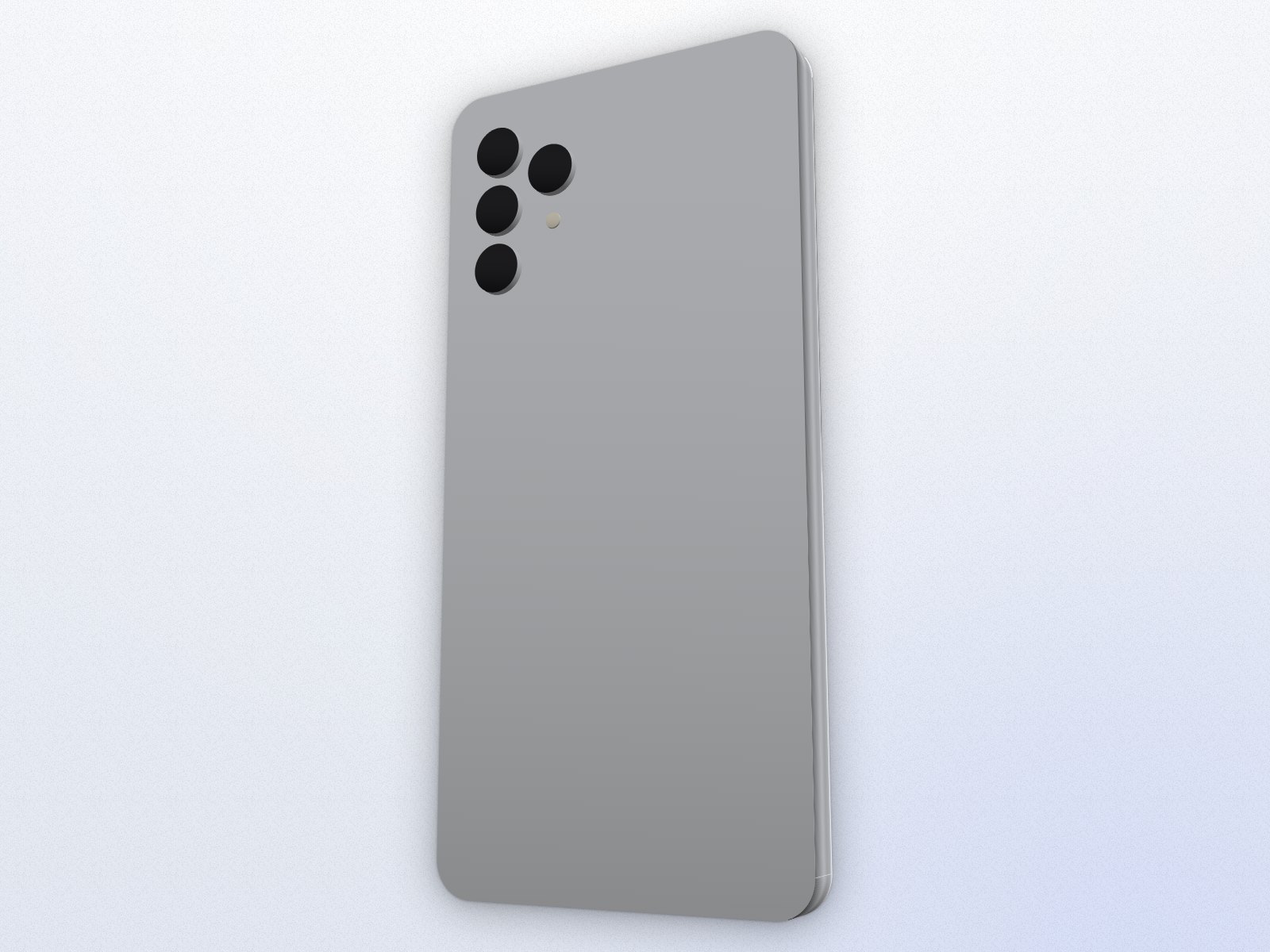
- Choose 3D. The phone gets real depth, side buttons and its own camera on the back, lit as it turns. Choose black or silver, and glare on the glass if you like.
- Portrait or landscape. Rotate is Auto to start: upright for a tall screenshot, on its side for a wide one. Pick Portrait or Landscape to turn it either way.
- Place the screenshot. Fill covers the screen: drag to choose which part shows, or zoom in. Fit shows the whole image.
- Export. Click Export for a PNG. Open the menu next to it for Animate (MP4, GIF or website code), HTML, SVG or a size preset (App Store, Product Hunt, X, LinkedIn, Dribbble, Instagram).
Two phones people recognise
- Google Pixel, modelled on the Pixel 9 Pro: rounded corners, a punch-hole camera at the top, and the camera bar across the back.
- Samsung Galaxy, modelled on the Galaxy S25 Ultra: squarer corners, thin bezels, and its big camera lenses down one side of the back.
Both come in black or silver, at their real proportions, next to the iPhone under the same Phone tile.
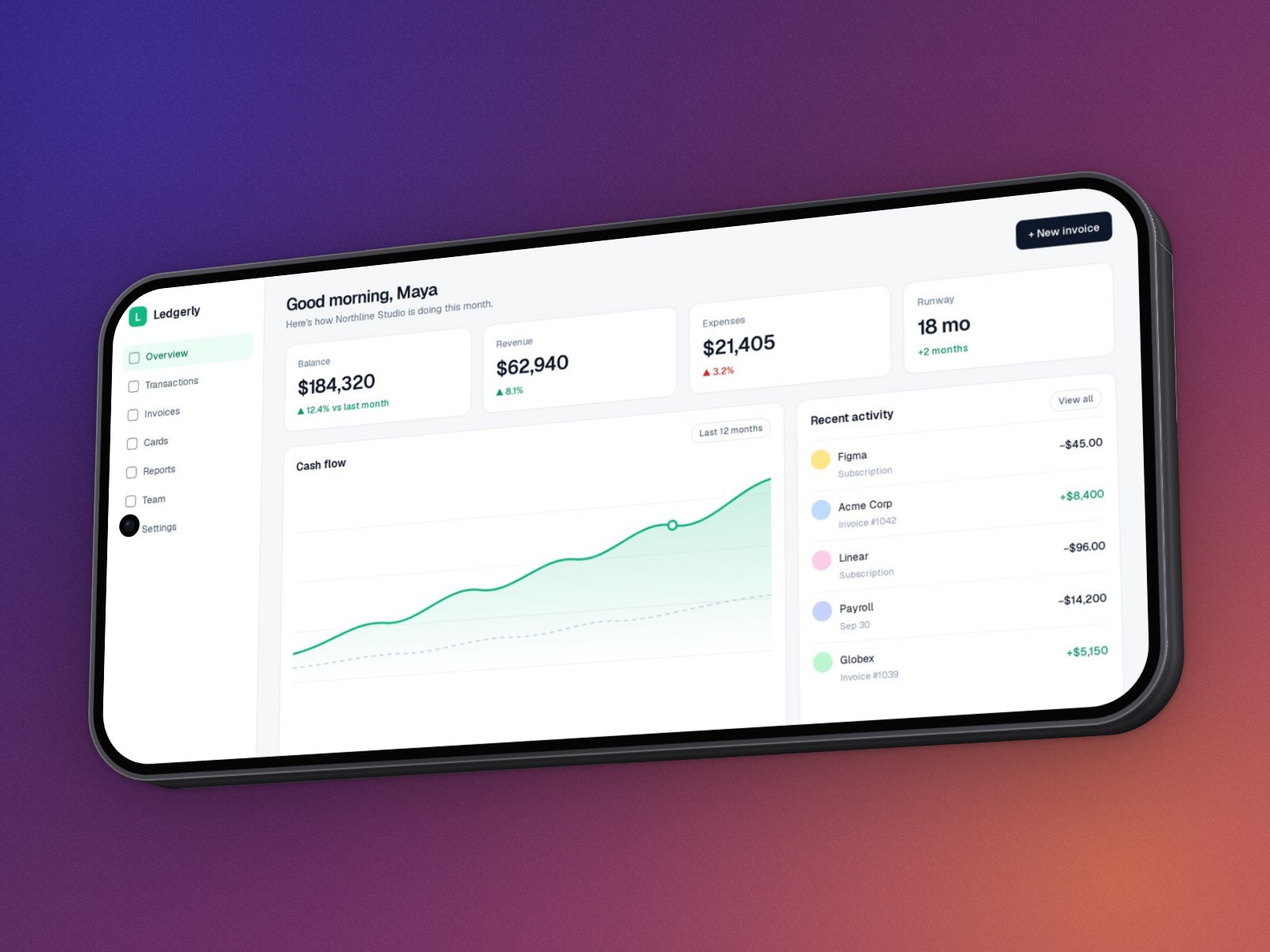
Portrait or landscape, any screenshot
A phone usually stands upright for a tall screenshot and lies on its side for a wide one. Set Rotate to Portrait or Landscape to choose: a landscape game or video screenshot on a phone on its side, or a desktop page on an upright phone, with Fill choosing the part that shows.
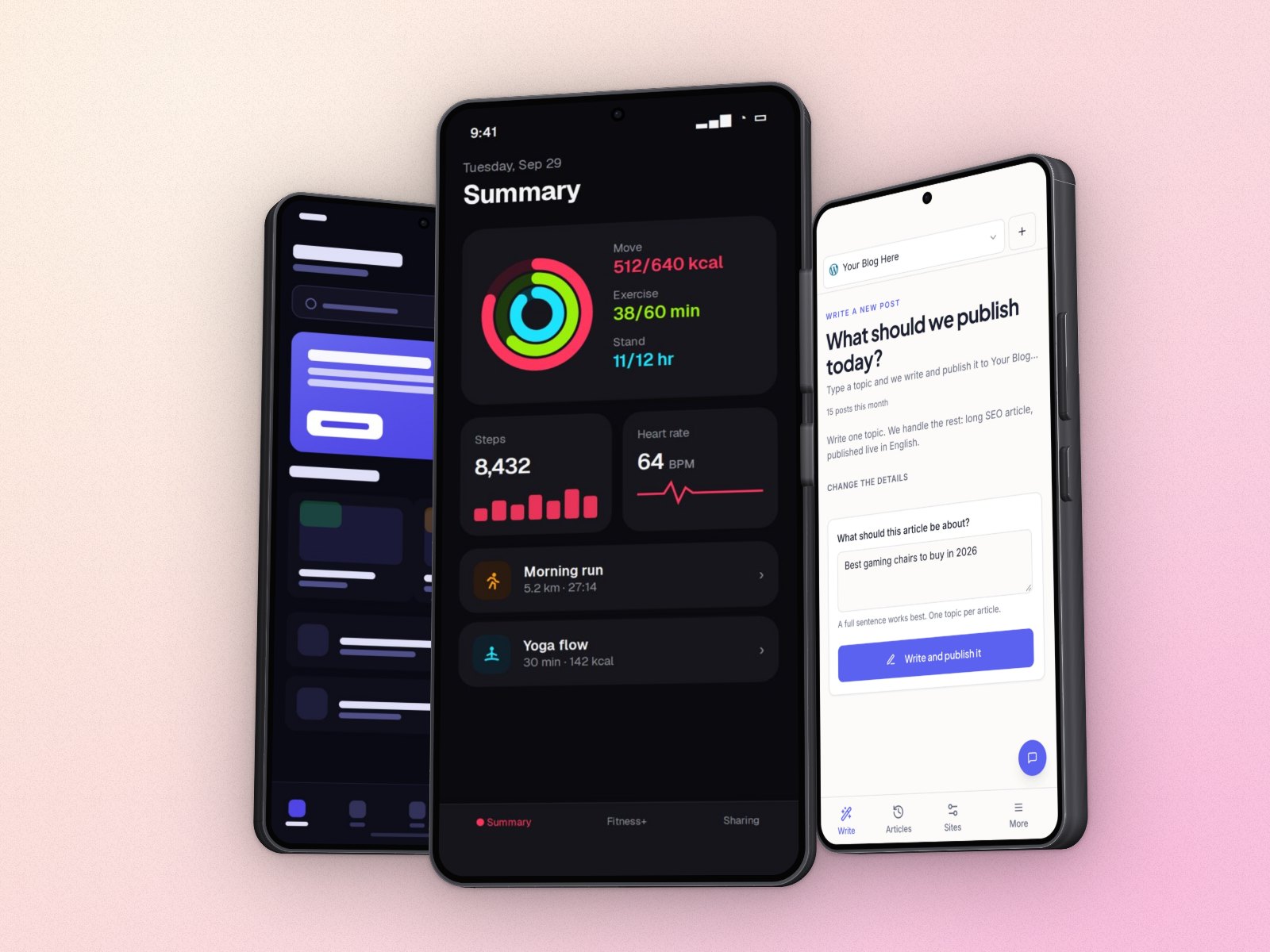
Several screens at once
Add up to four more screenshots and pick Fan, Stack or Float: each screenshot gets its own 3D Pixel or Galaxy, spaced by their real thickness so they never cut into each other. See multi-screen mockups.
Good to know
- Your screenshots stay in your browser. Nothing is uploaded.
- There are no Android tablets yet; the Tablet tile is the iPad.
- For Google Play, use a phone screenshot at its real size; the Instagram and X presets fit social posts.
Questions
Is this Android mockup generator free?
The flat Pixel and Galaxy frames, every angle and every effect are free, with 3 PNG exports a day with no watermark and no account. The 3D phones are free to try in the editor; exporting them is part of Pro ($19 once).
Which Android phones are there?
A Google Pixel (Pixel 9 Pro proportions) and a Samsung Galaxy (Galaxy S25 Ultra proportions), each in black or silver.
Can I show an Android phone in landscape?
Yes. Set Rotate to Landscape and the phone lies on its side, whatever the screenshot's shape; Fill chooses the part that shows.
Are there Android tablets?
Not yet. The tablet is an iPad.
Can I put an Android phone next to a laptop?
Yes. Start with a desktop screenshot, add the phone screenshot as a second image, and choose the second device under it.