
Mockups with a floor reflection
Updated November 2026 · by Daniel Petrevski, maker of Perspecto
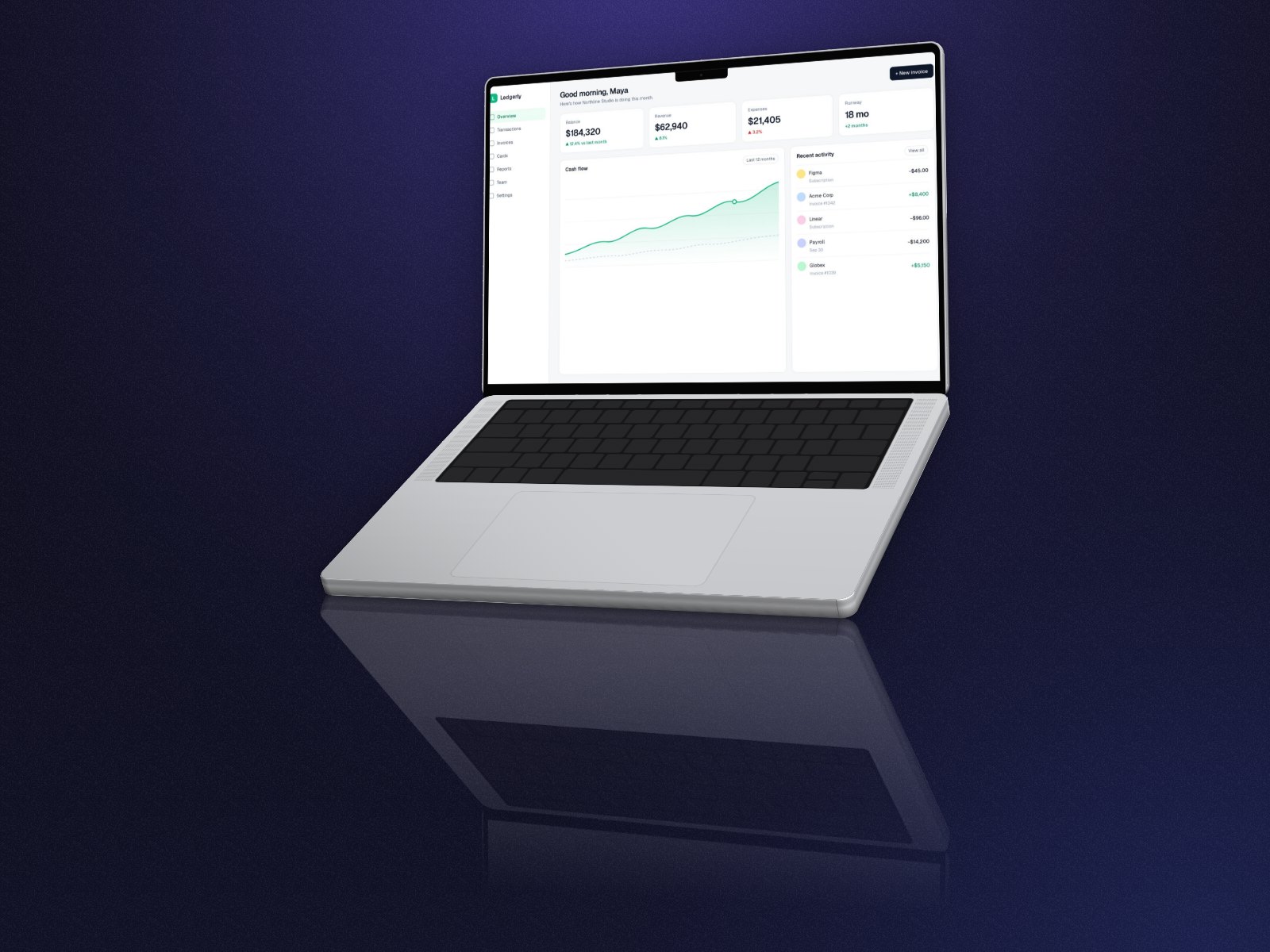
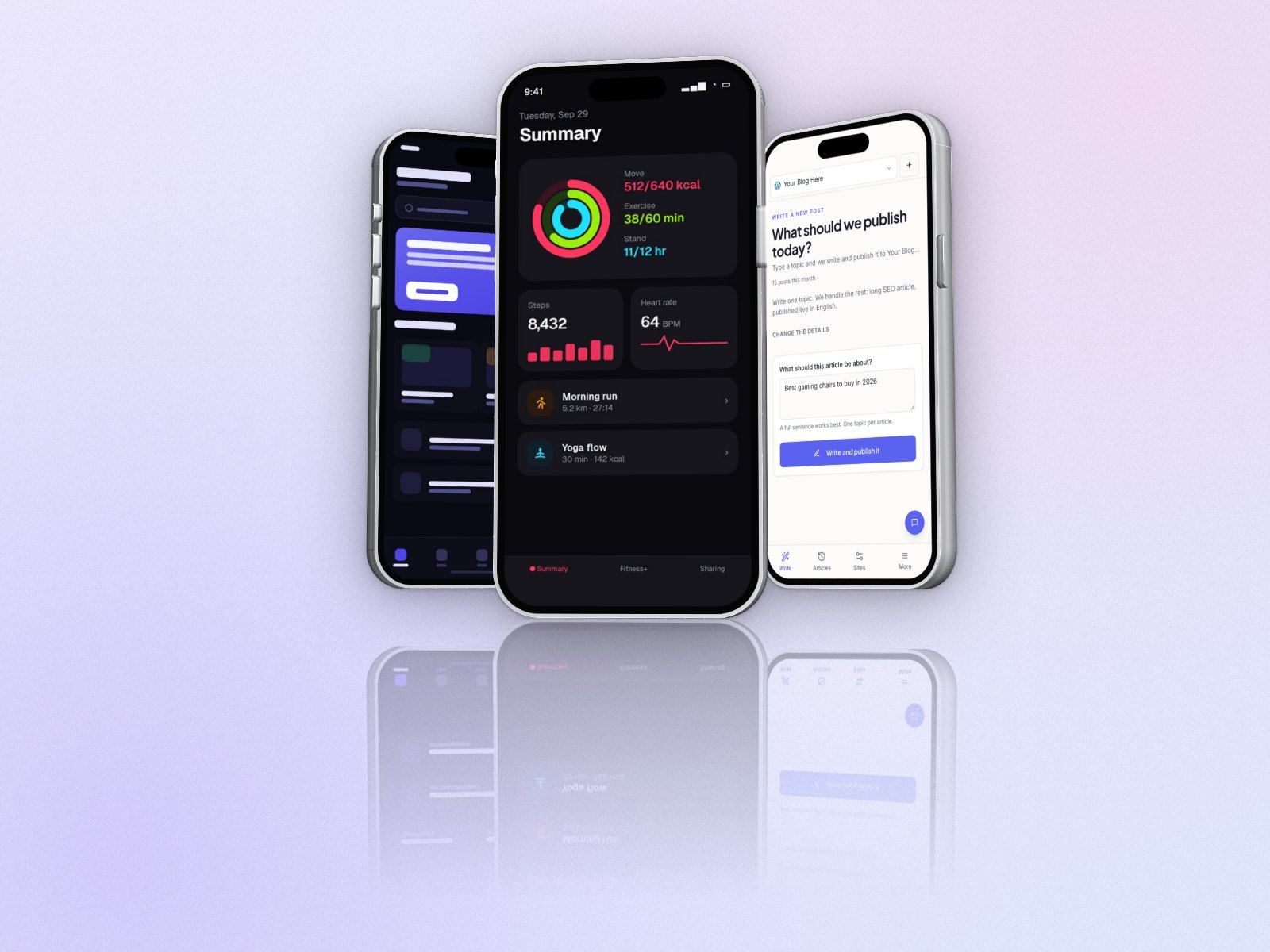
Stand your mockup on a glossy floor. The reflection meets its bottom edge however you turn it and fades out below, under a screenshot, a 3D MacBook or iPhone, or a whole scene of them.
In short: Open perspecto.io, upload your screenshot, and drag Reflection in the Effects tab. It works with any angle, background, device or scene. Export a PNG free.
How to add a reflection to a mockup
- Open Perspecto. Go to perspecto.io and drop in your screenshot, choose a file, or paste it with Cmd/Ctrl+V. PNG, JPG, WebP and SVG all work. Nothing is uploaded.
- Drag Reflection. It's in the Effects tab, under Shadow. 0 is off; higher values make the reflection stronger.
- Set the scene. Pick a background, a device frame or a scene: the reflection follows all of them, and the frame grows to fit it.
- Export. PNG, vector SVG and HTML (Pro) and animated MP4 and GIF (Pro) all draw the reflection as the editor shows it.

On a floor, not just flipped
The floor lies under the mockup's lowest point and tilts with the camera, so a mockup standing on it meets its reflection all along its bottom edge, and a spun one touches it at its lowest corner, as a real object would. The reflection fades out with distance from the floor.
It works on 3D devices too, and on scenes: in a Fan of iPhones each phone is reflected where it stands, and with depth of field the reflection of a blurred phone is blurred as well.
Good to know
- Reflection is free, like every effect: 3 PNG exports a day with no watermark.
- A transparent background keeps the reflection see-through, ready to place on your own page.
- Website code (Animate) can't show a reflection; MP4 and GIF can.
Questions
How do I add a reflection to a mockup?
Upload your screenshot to perspecto.io and drag Reflection in the Effects tab. It works with any angle, background, device or scene.
Does the reflection work with 3D devices?
Yes. A 3D MacBook, iPhone or iMac stands on the floor and is reflected with it; in a scene each device gets its own reflection.
Is it free?
Yes. Reflection and 3 PNG exports a day are free, with no watermark and no account. Pro ($19 once) adds 2× and 4× PNG, 3D device exports, MP4 and GIF.