
A page curl effect for any image
Updated November 2026 · by Daniel Petrevski, maker of Perspecto
Peel back the corner of a screenshot, a flyer or a poster, like a page being turned. The corner rolls up towards you and lies back over the page, with the paper showing behind it, and the whole page turns in 3D.
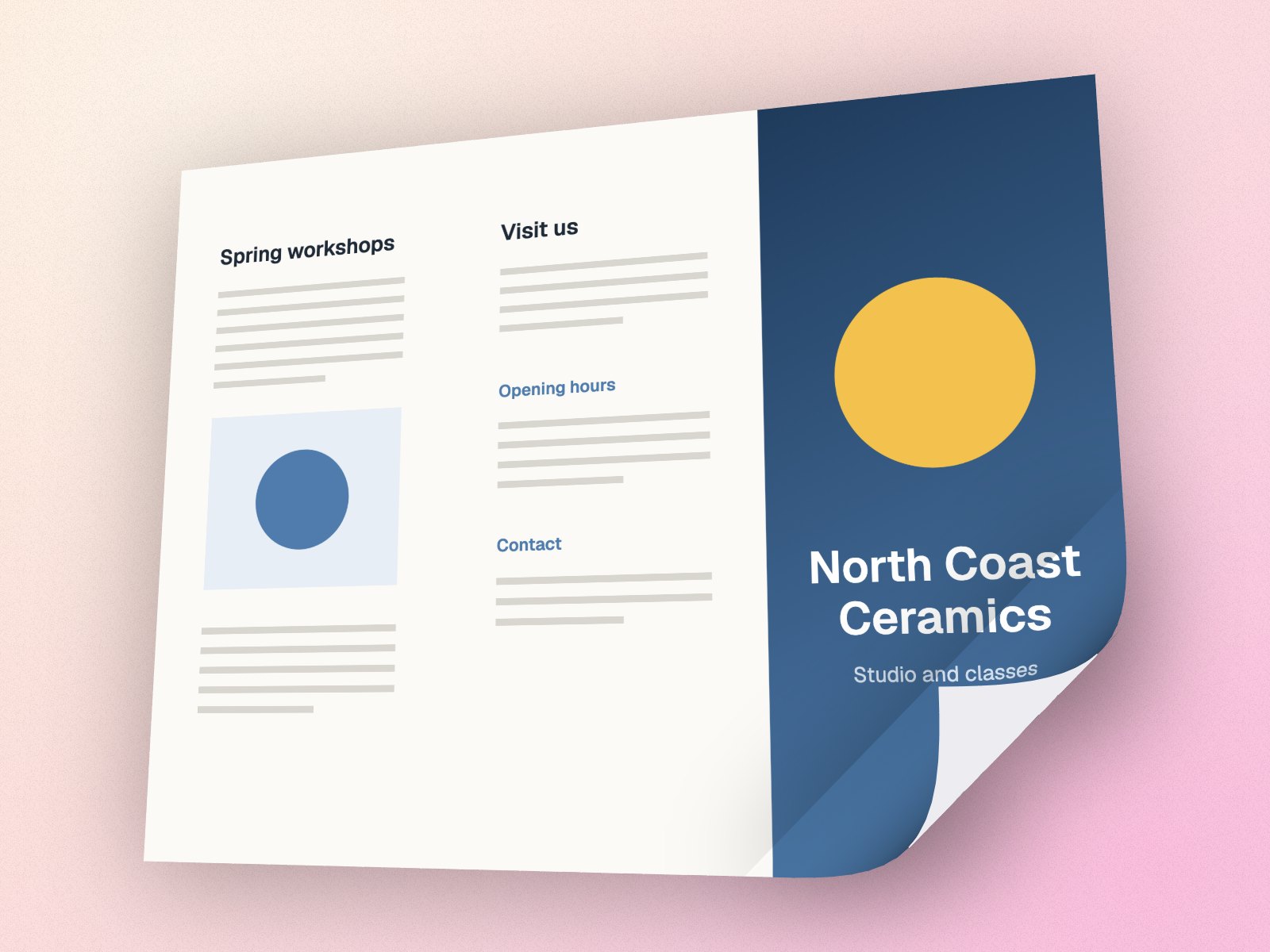
In short: Open perspecto.io, upload your image, turn on Page curl in Effects and drag Curl (how much of the page lifts). Turn the angle to show it off, then export a PNG free.
How to add a page curl to an image
- Open Perspecto. Go to perspecto.io and drop in your screenshot, choose a file, or paste it with Cmd/Ctrl+V. PNG, JPG, WebP and SVG all work. Nothing is uploaded.
- Turn on Page curl. It's in the Effects tab, with the other shapes.
- Pick a corner and set Curl. Pick the corner that peels (bottom right to start), then drag Curl: how much of the page peels back, from a small lift to most of the corner rolled over.
- Turn and export. Drag the canvas or use the Angle tab, add a background, then export a PNG, or an MP4 or GIF that moves (Pro).
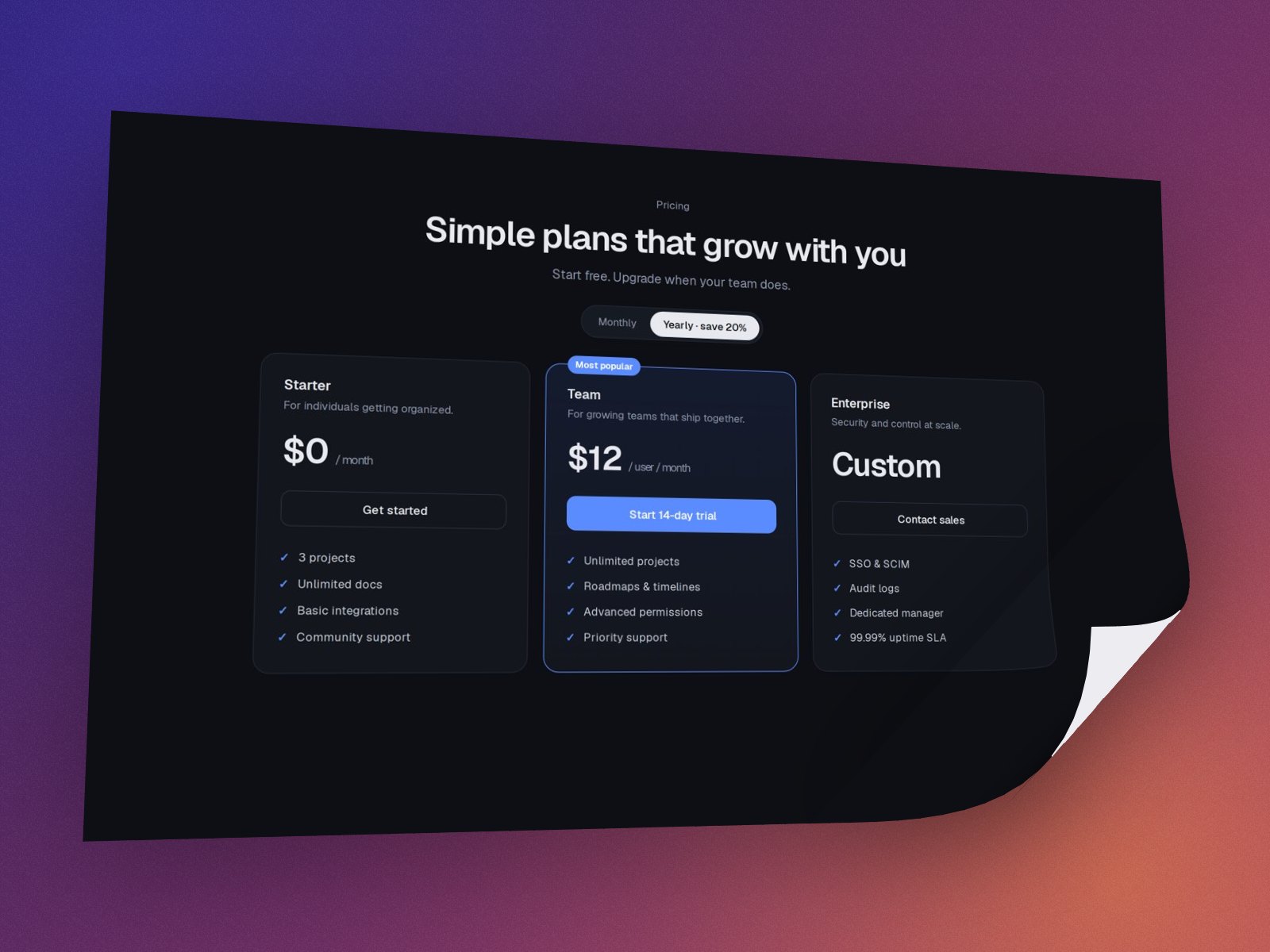
A real curl, not a sticker
The page rolls round a cylinder lying along a diagonal line, the way paper lifts when you turn it: nothing stretches, so text on the page keeps its shape as it curves. The rolled part turns from the light and falls darker; past half a turn the paper lies flat again over the page, its back the colour of paper.
Behind the corner is whatever is behind the page: your background, or nothing at all in a see-through PNG. The lifted paper casts a soft shadow there, so the corner reads as lifted off the surface, not cut away. Turn the page and the curl turns with it, in real 3D.
The editor shows exactly what you'll export: it draws the curl with the export's own code.
Good to know
- Page curl works on flat images and typed text, not on the 3D devices.
- Any of the four corners can peel: pick it under Page curl.
- Vector SVG can't show a corner turned over, so a page curl exports as PNG (or MP4 and GIF).
Questions
How do I make a page curl effect?
Upload your image to perspecto.io, turn on Page curl in the Effects tab and drag Curl. Then turn it in 3D and export a PNG.
Can I use a page curl on a screenshot?
Yes, on any image: screenshots, flyers, posters, photos, logos. It's drawn the same way on each.
Is it free?
Yes. Page curl and 3 PNG exports a day are free, with no watermark and no account. Pro ($19 once) adds 2× and 4× PNG, MP4 and GIF.